



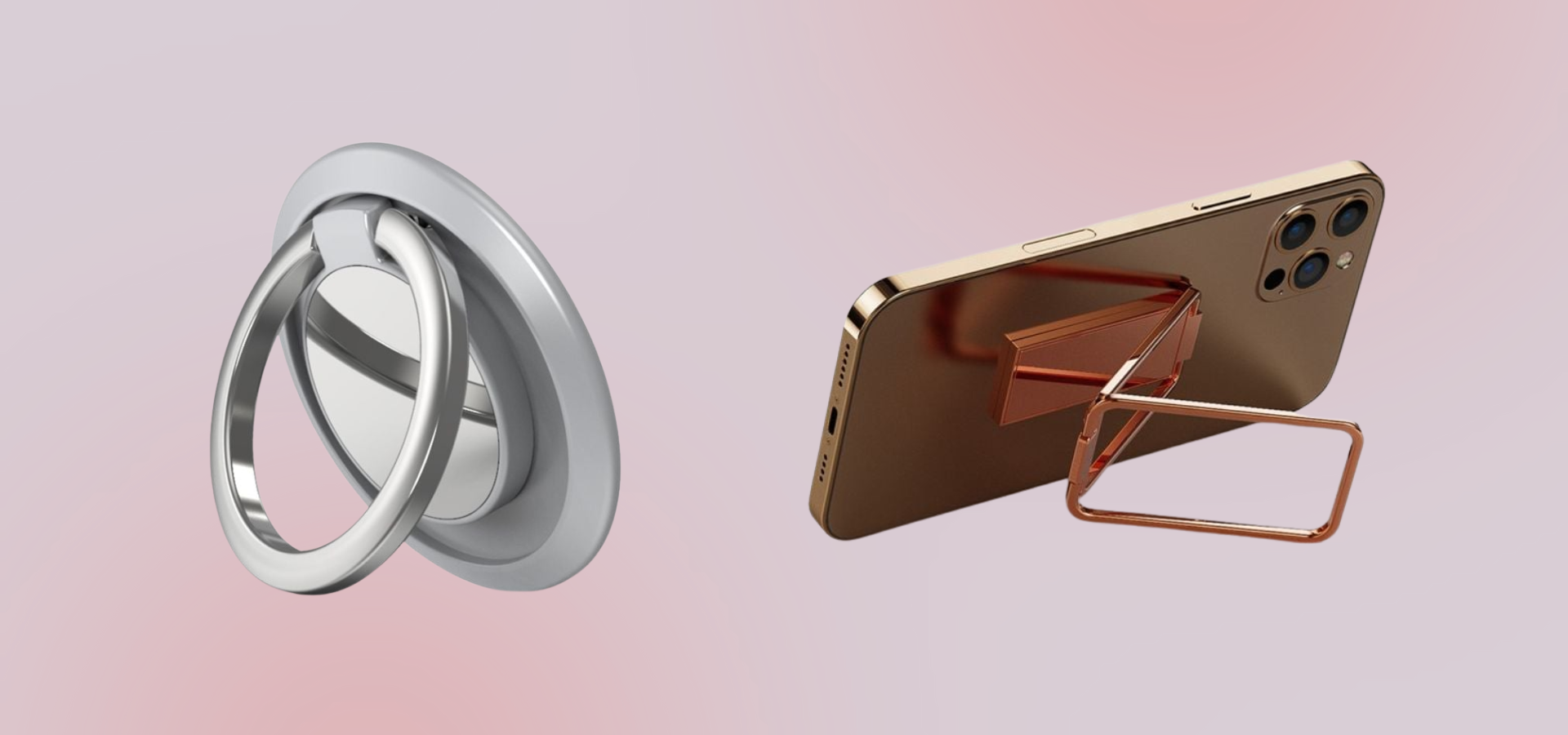


iPhone 18 Pro Tempered Glass Film Silk Printing Full Glue Secondary Hardening Full Screen Protector - Black
Choose your option


iPhone 18 Pro Magnetic Case with 360° Rotating Ring Kickstand Heat Dissipation Honeycomb Bump Resistant Flexible Cover Compatible with Magsafe - Orange
Choose your option


iPhone 18 Pro Magnetic Case with 360° Rotating Ring Kickstand Heat Dissipation Honeycomb Bump Resistant Flexible Cover Compatible with Magsafe - White
Choose your option


iPhone 18 Pro Screen Protector Electroplated Large Arc Edge High Aluminum-Silicon Tempered Glass Film
Choose your option


iPhone 18 Pro Magnetic Case with 360° Rotating Ring Kickstand Heat Dissipation Honeycomb Bump Resistant Flexible Cover Compatible with Magsafe - Black
Choose your option


iPhone 18 Pro Magnetic Case with 360° Rotating Ring Kickstand Heat Dissipation Honeycomb Bump Resistant Flexible Cover Compatible with Magsafe - Blue
Choose your option


iPhone 18 Pro Privacy Screen Protector Tempered Glass Anti Peep Film Full Coverage - Black
Choose your option


iPhone 18 Pro Max Magnetic Case with 360° Rotating Ring Kickstand Heat Dissipation Honeycomb Bump Resistant Flexible Cover Compatible with Magsafe - Blue
Choose your option


iPhone 18 Pro Max Anti-Peep Screen Protector Tempered Glass Film - Black
Choose your option


iPhone 18 Pro Max Magnetic Case with 360° Rotating Ring Kickstand Heat Dissipation Honeycomb Bump Resistant Flexible Cover Compatible with Magsafe - Orange
Choose your option


iPhone 18 Pro Max Magnetic Case with 360° Rotating Ring Kickstand Heat Dissipation Honeycomb Bump Resistant Flexible Cover Compatible with Magsafe - White
Choose your option


iPhone 18 Pro Max Privacy Screen Protector Tempered Glass Anti Peep Film Full Coverage - Black
Choose your option


iPhone 18 Pro Max Magnetic Case with 360° Rotating Ring Kickstand Heat Dissipation Honeycomb Bump Resistant Flexible Cover Compatible with Magsafe - Black
Choose your option


iPhone 18 Pro Max Screen Protector Electroplated Large Arc Edge High Aluminum-Silicon Tempered Glass Film
Choose your option


iPhone 18 Pro Max Clear Phone Magnetic Case Flexible and Acrylic Back Cover - Clear
Choose your option


iPhone 18 Pro Max Tempered Glass Film Silk Printing Full Glue Secondary Hardening Full Screen Protector - Black
Choose your option

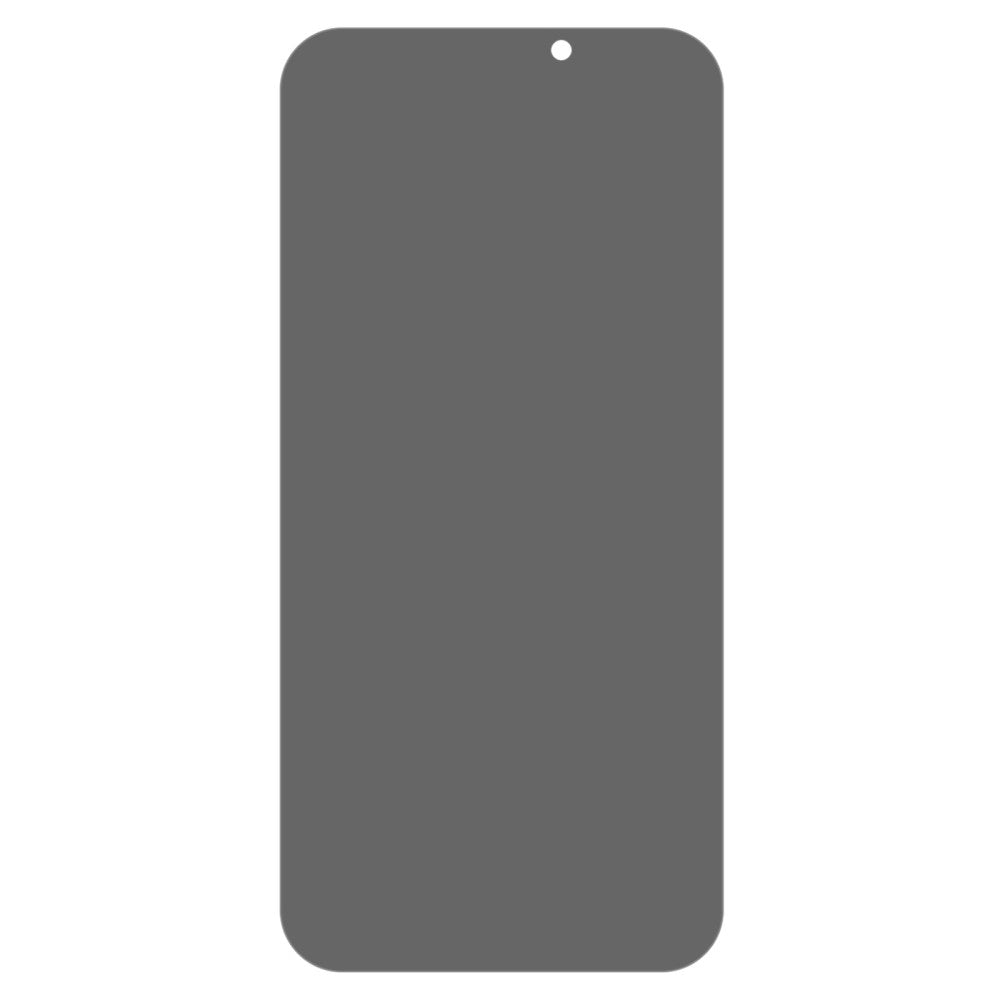
iPhone 17 Anti-Spy Tempered Glass Screen Protector Full Covering Scratch-Resistant Film
Choose your option


Choose your option


Touch sensitive tempered glass for iPhone 17
Choose your option


Wallet-style genuine leather iPhone 17 flipcase - Blue
Choose your option


Wallet-style genuine leather iPhone 17 flipcase - Red
Choose your option


iPhone 17 Screen Protector Matte PET Self Healing Scratch Resistant Anti Spy Soft Film
Choose your option


Choose your option


iPhone 17 genuine leather case with magnetic closure - Brown
Choose your option


iPhone 17 phone case with make-up mirror and slick design - Rose Gold
Choose your option


iPhone 17 Wallet Case Floral Butterfly Imprinted Leather Phone Cover Stand - Green
Choose your option


Choose your option


iPhone 17 Case 3D Rhinestone Decor Butterfly Flower Leather Phone Cover with Wrist Strap - Rose Gold
Choose your option
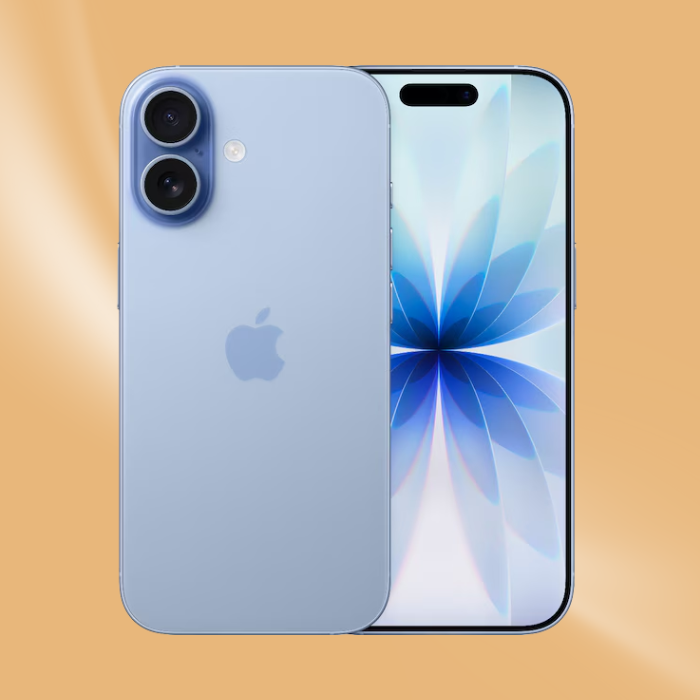
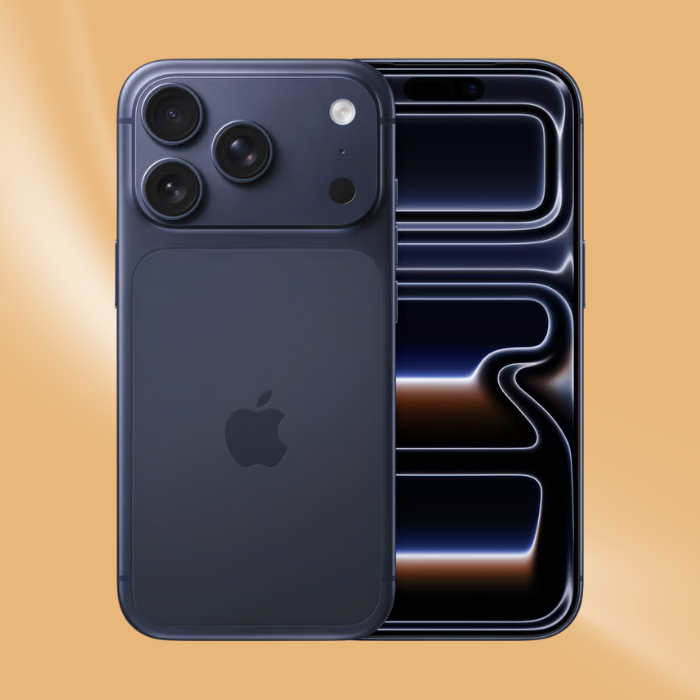
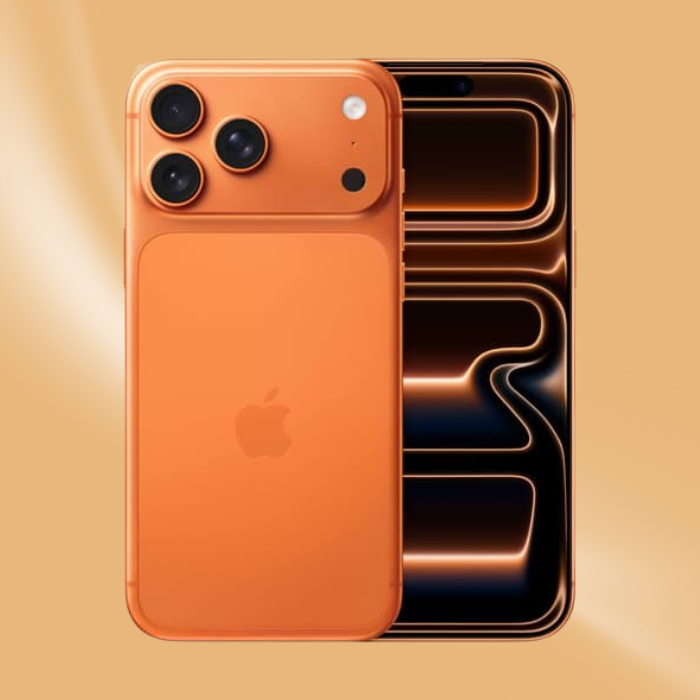
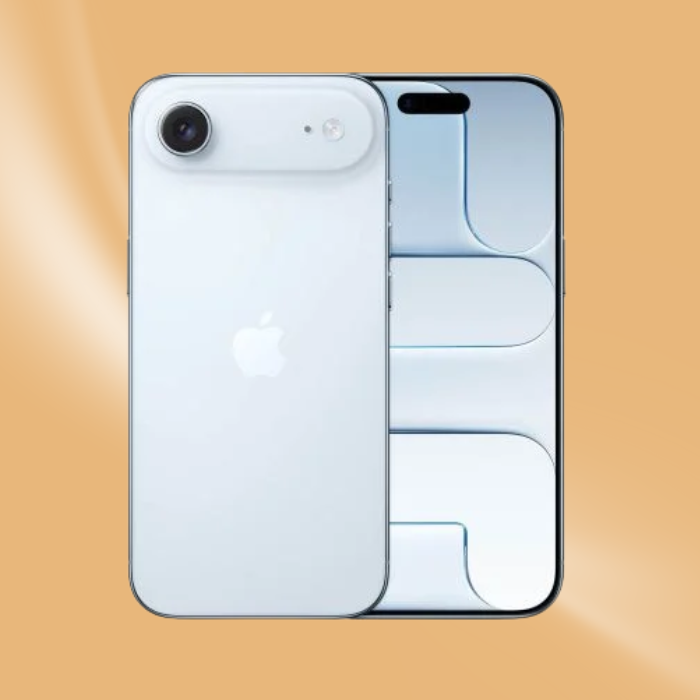
Shop phone cases by phone brand











Featured Collections


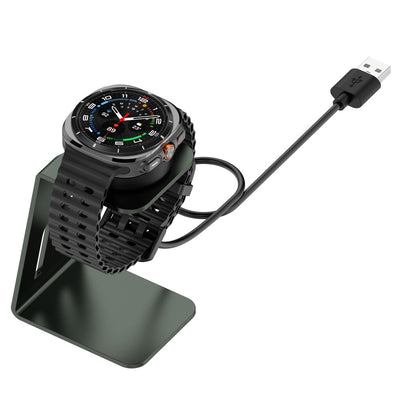

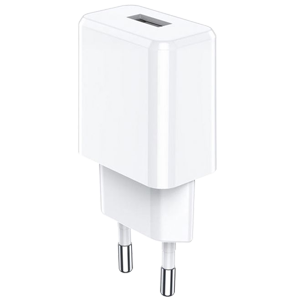
Check out our large selections of chargers.


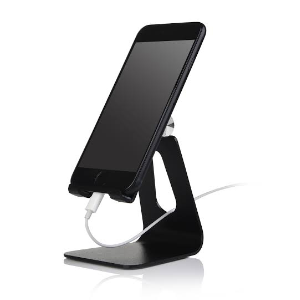
Need a holder or stand for your phone or tablet?

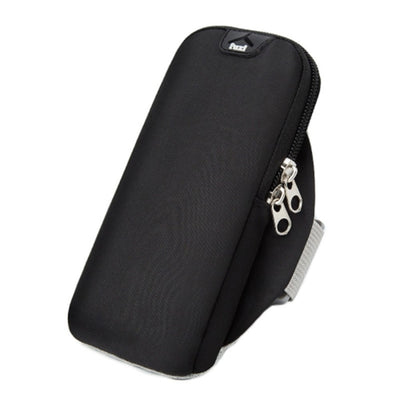


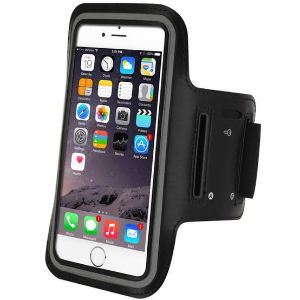
Take your phone out running with an armband.
Samsung Galaxy S25 accessories
Shop cases, wallet cases and screen protectors for Samsung Galaxy S25
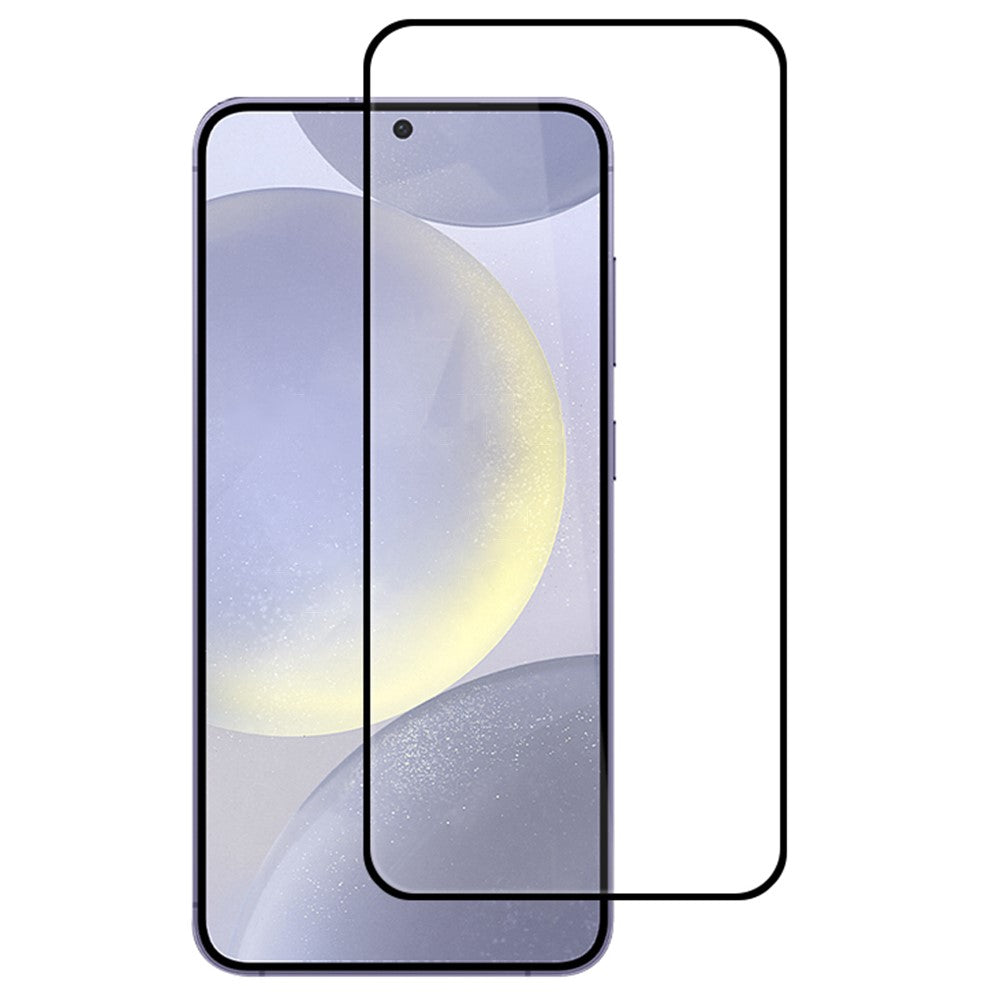
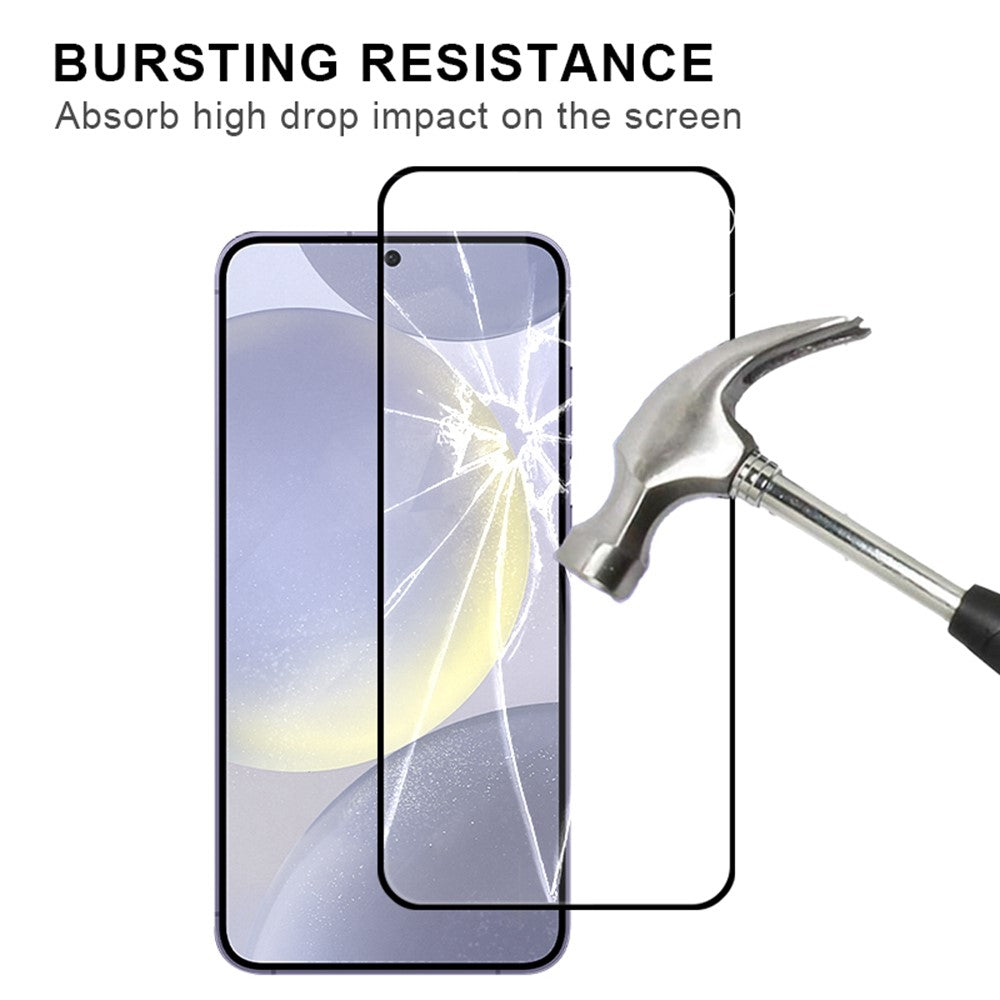
Touch sensitive tempered glass for Samsung Galaxy S25
Choose your option


Samsung Galaxy S25 / S24 Anti Spy Tempered Glass 360° Privacy Protection 0.25 Arc Screen Protector
Choose your option


Touch sensitive tempered glass for Samsung Galaxy S25
Choose your option
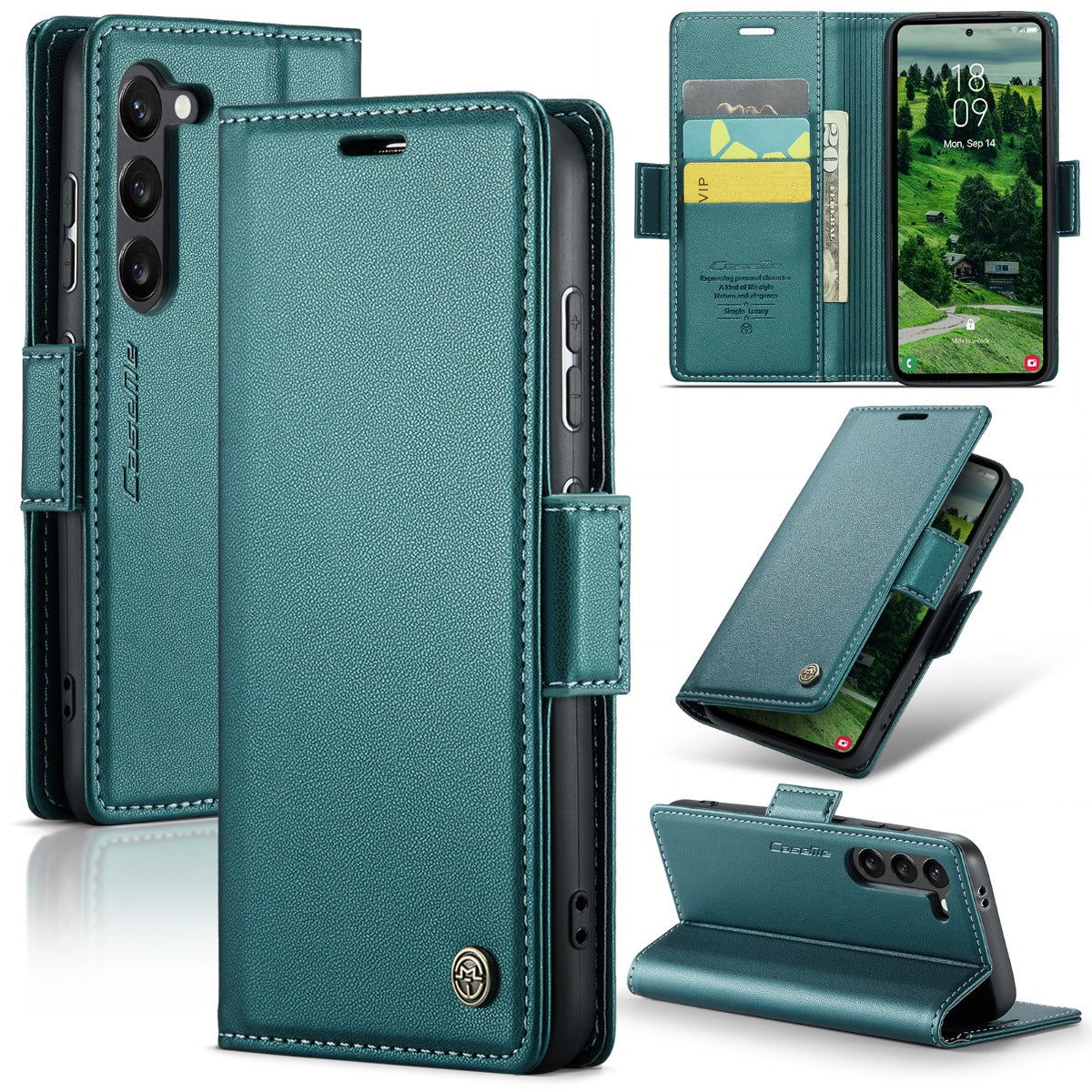
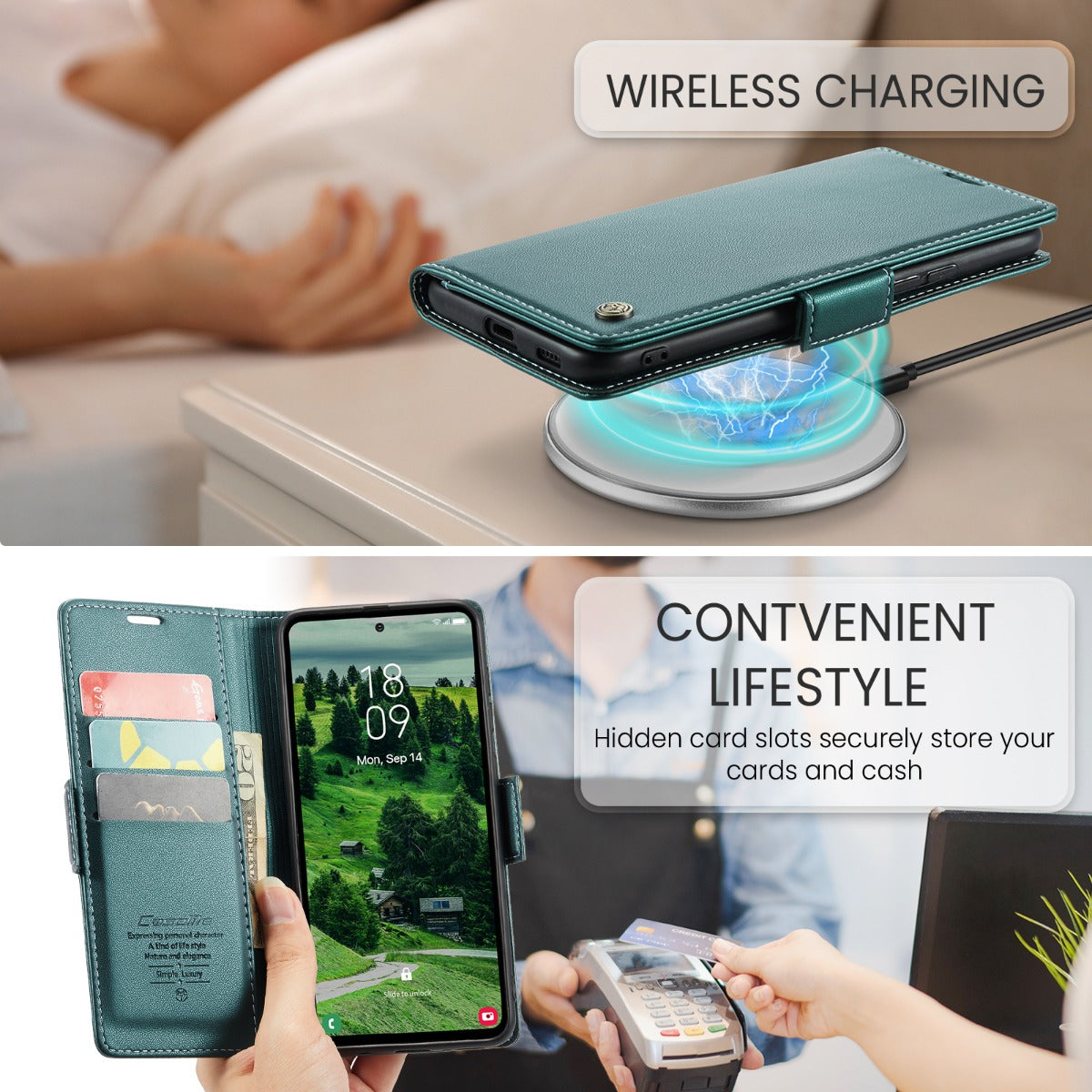
Choose your option


Choose your option
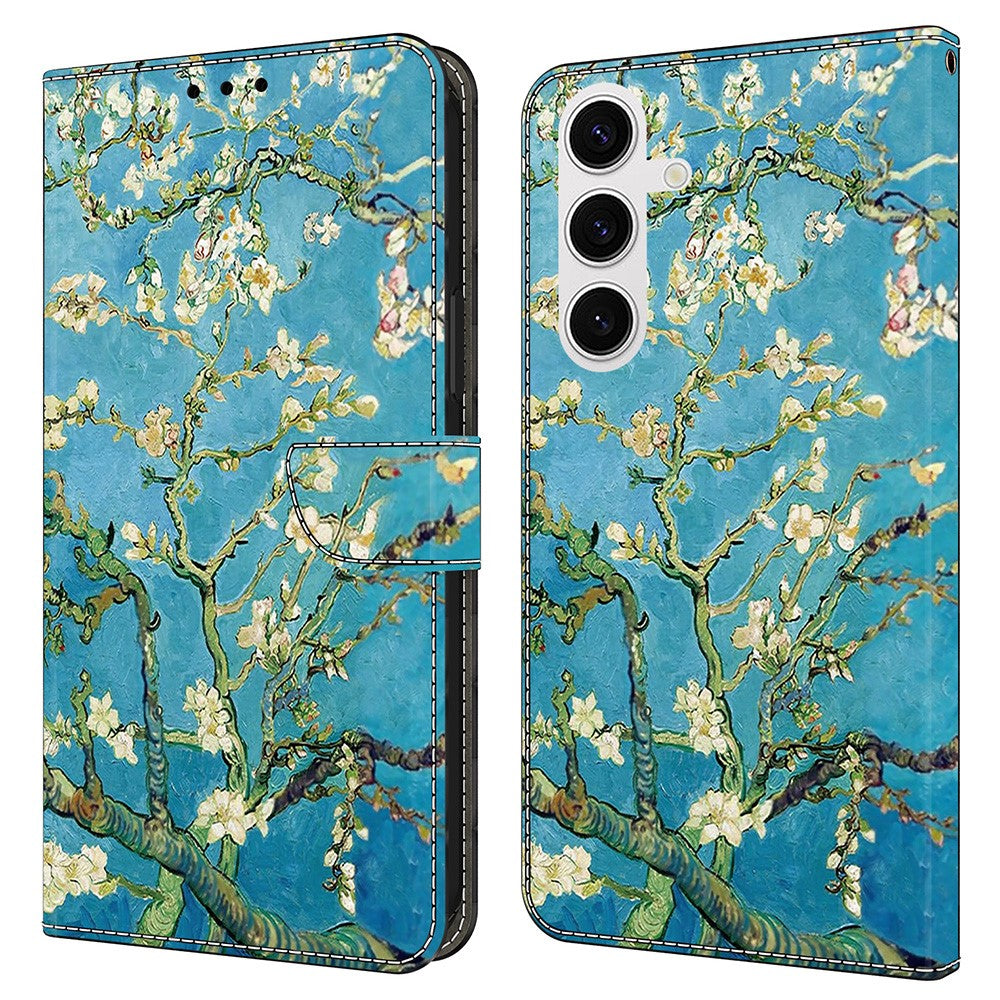

Wonderland Samsung Galaxy S25 flip case - Apricot Blossom
Choose your option


Samsung Galaxy S25 genuine leather case with credit card slots - Black
Choose your option
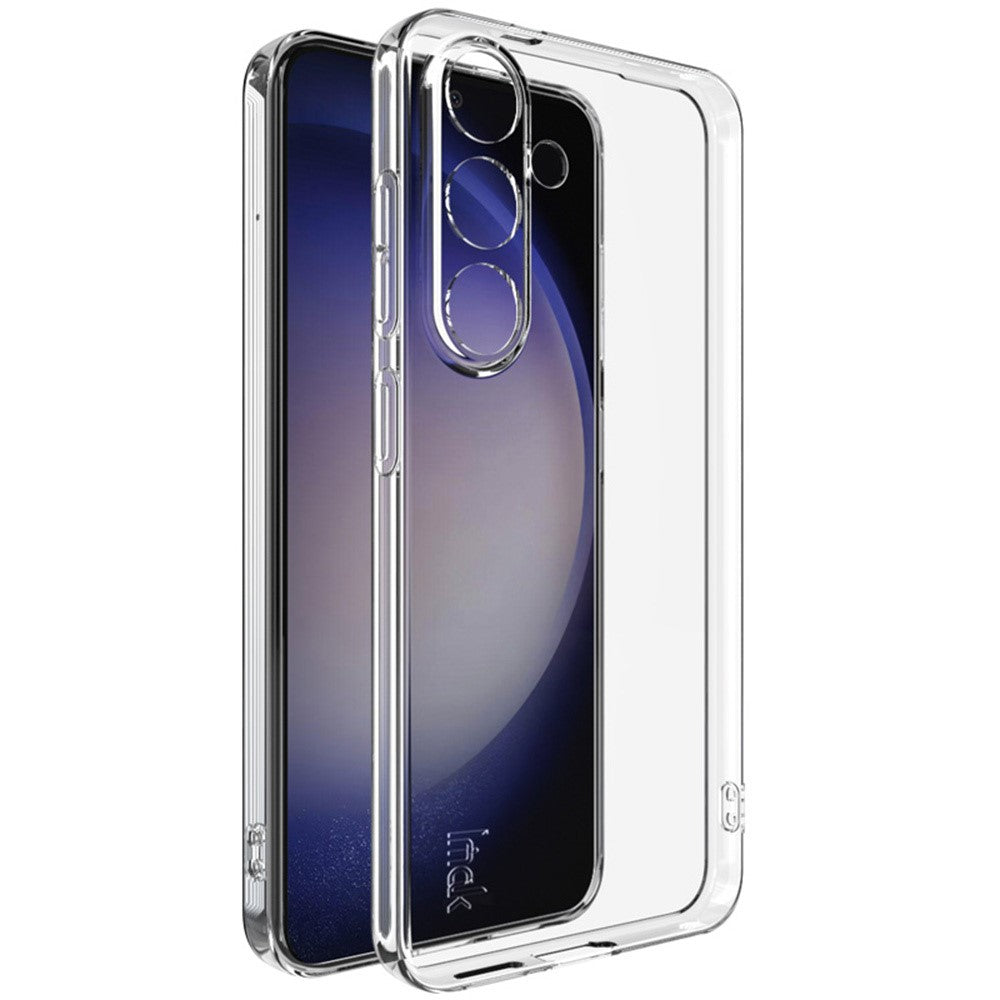
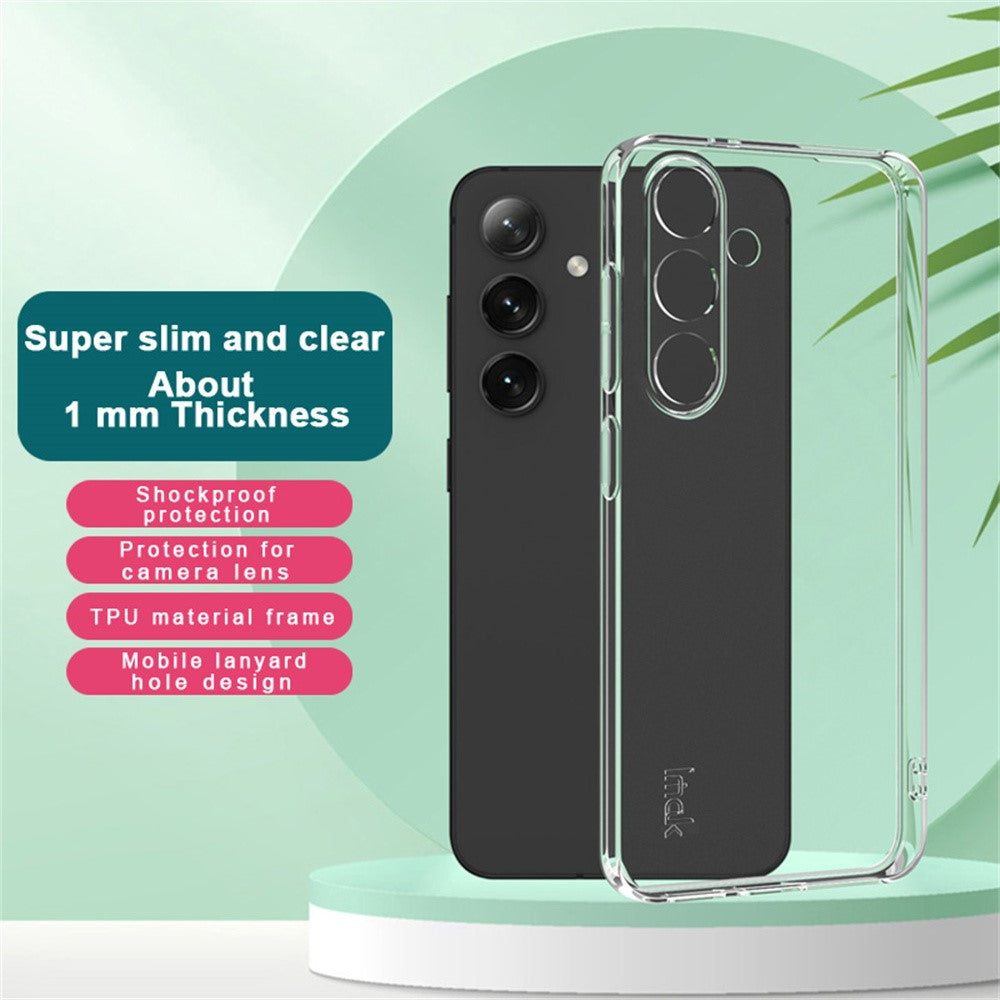
Choose your option
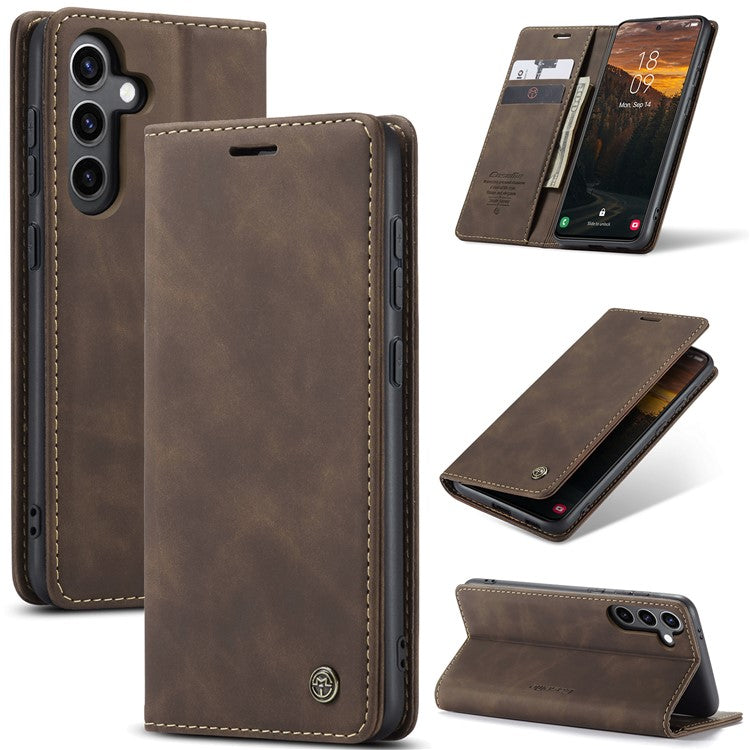
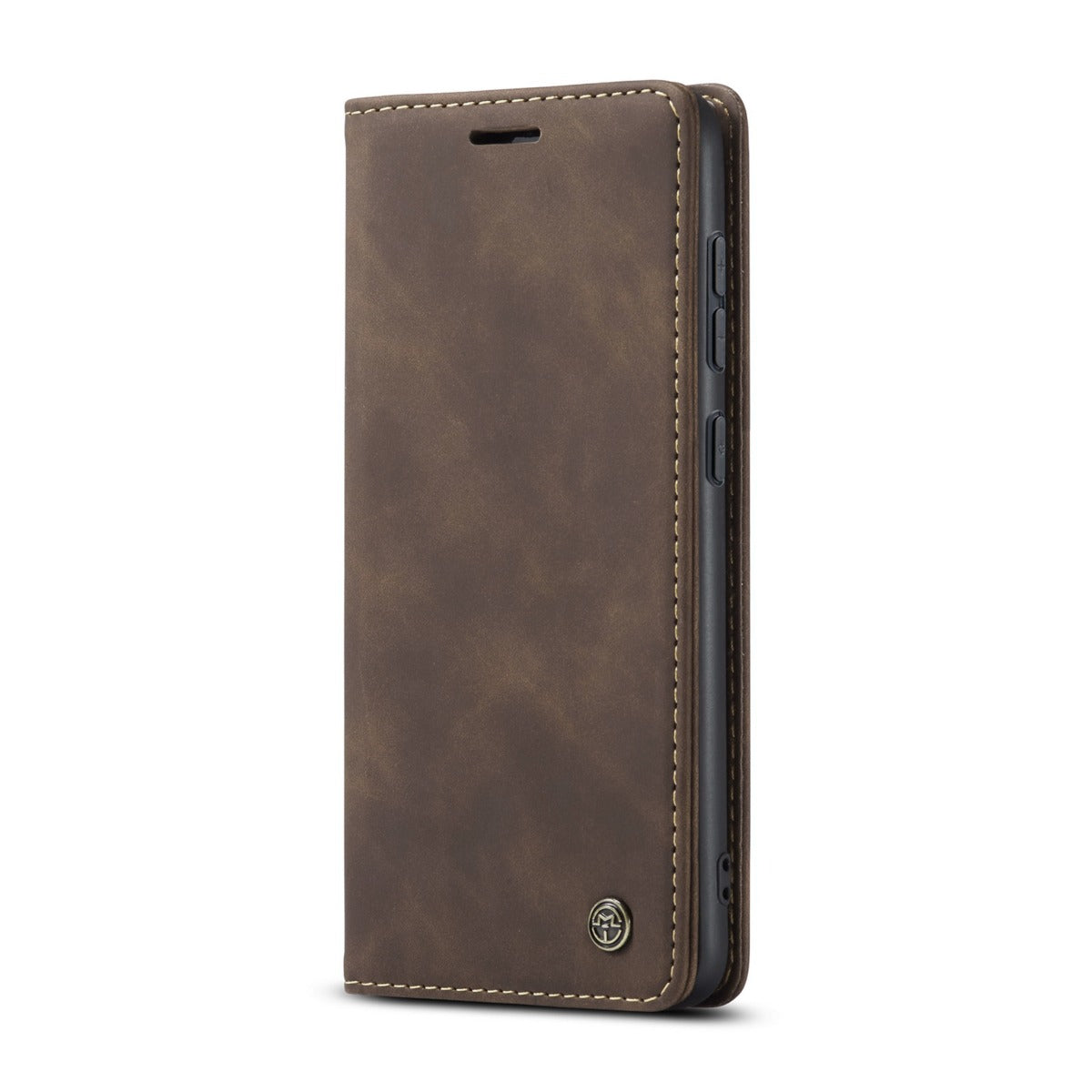
Choose your option


AMORUS Samsung Galaxy S25 Case with Sliding Card Holder Flexible Phone Cover - Navy Blue
Choose your option
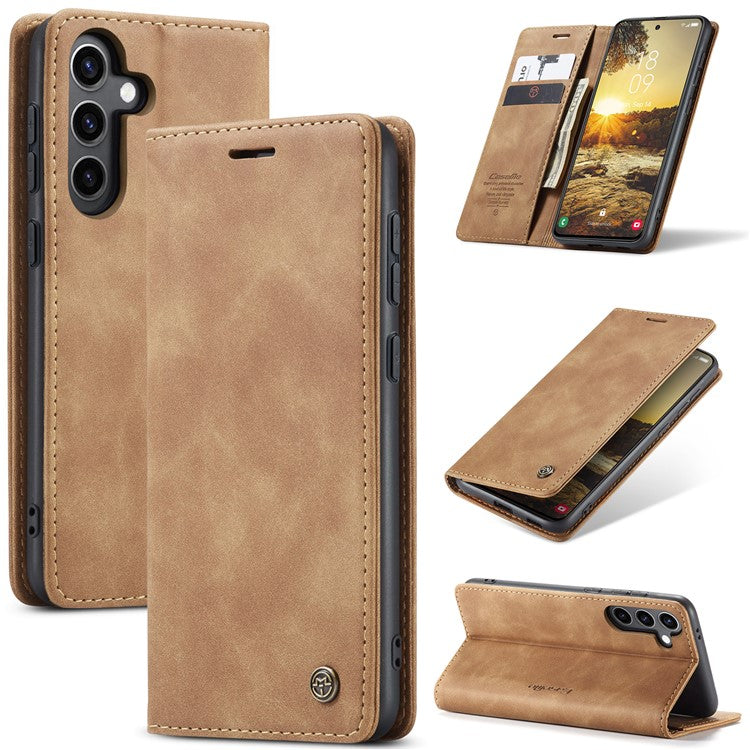
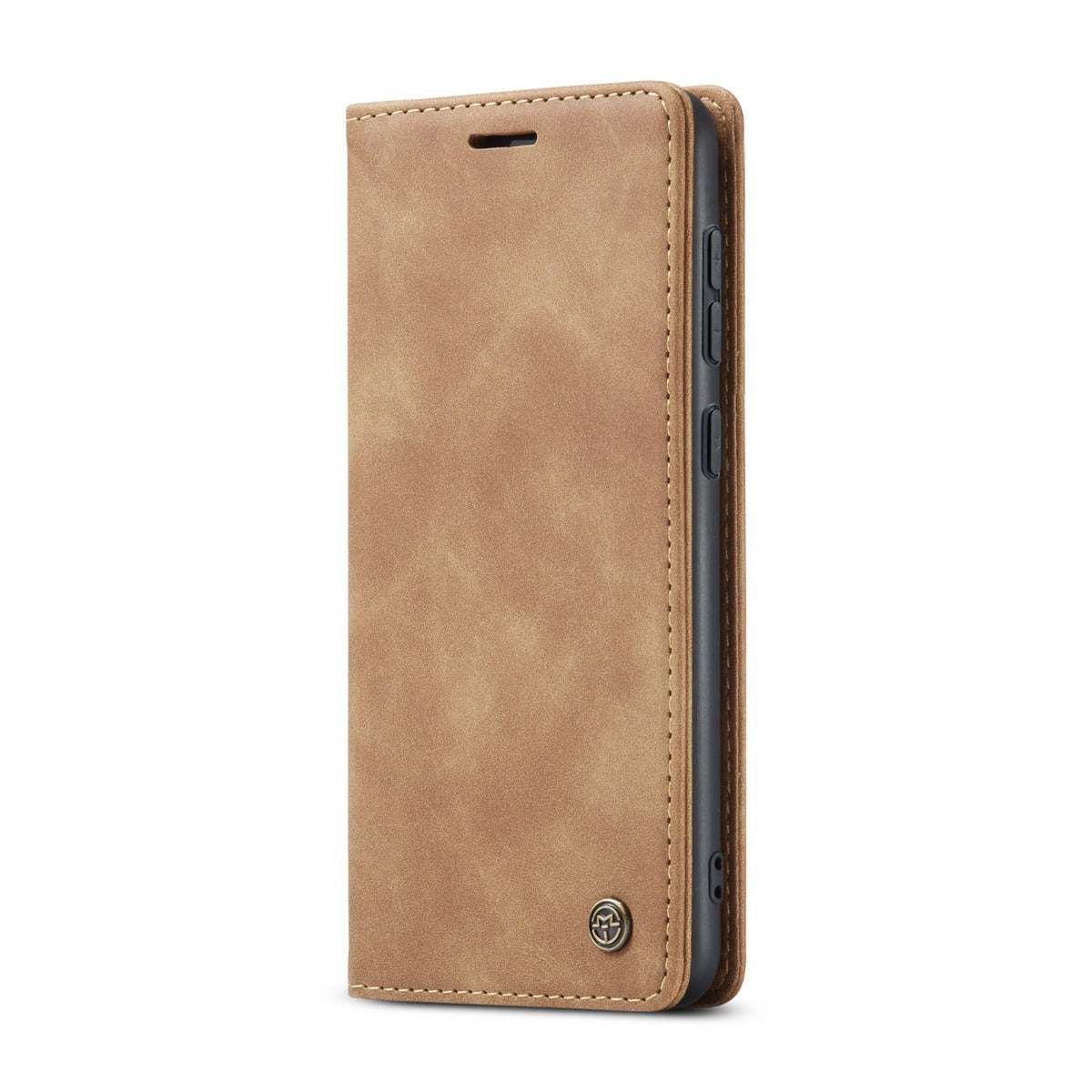
Choose your option
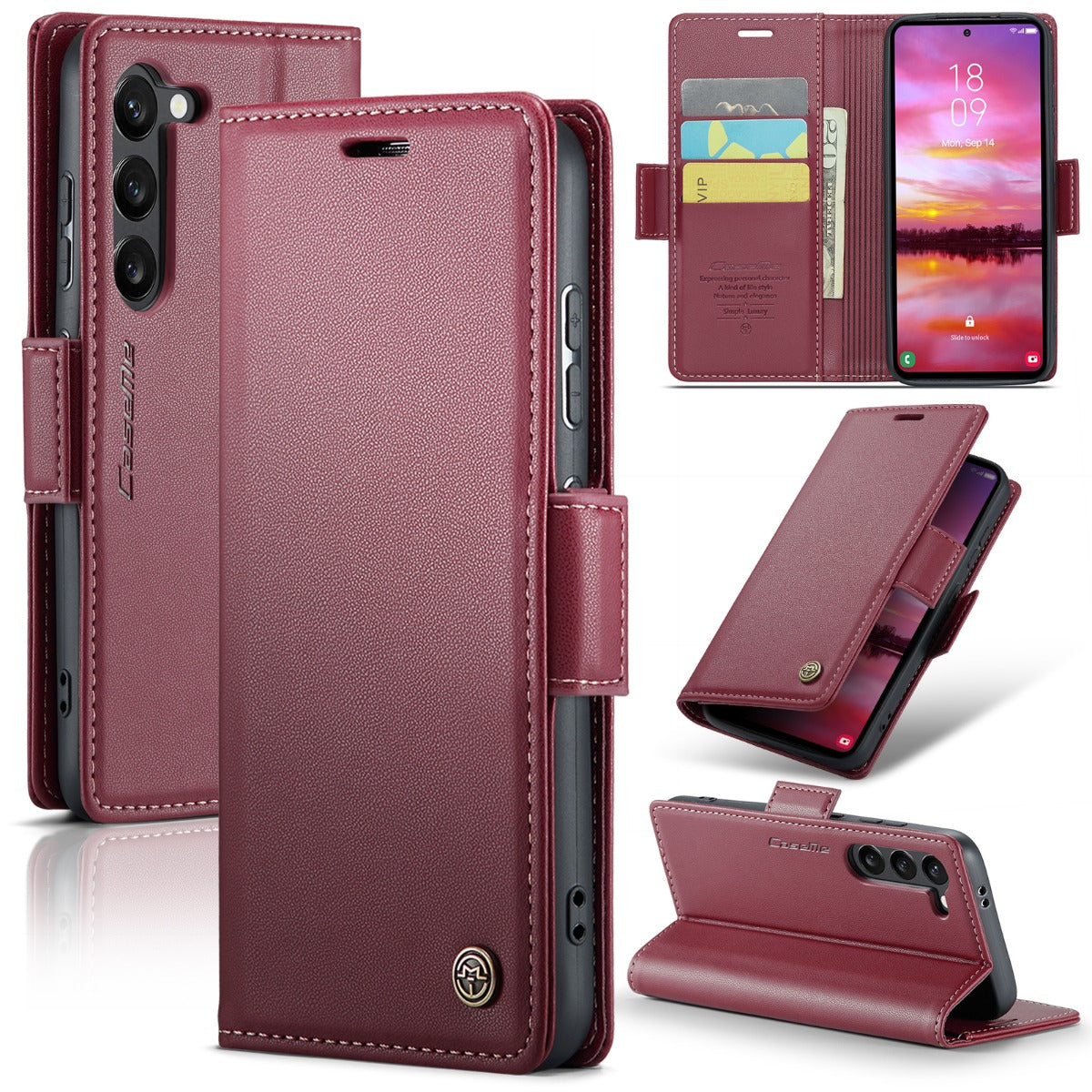
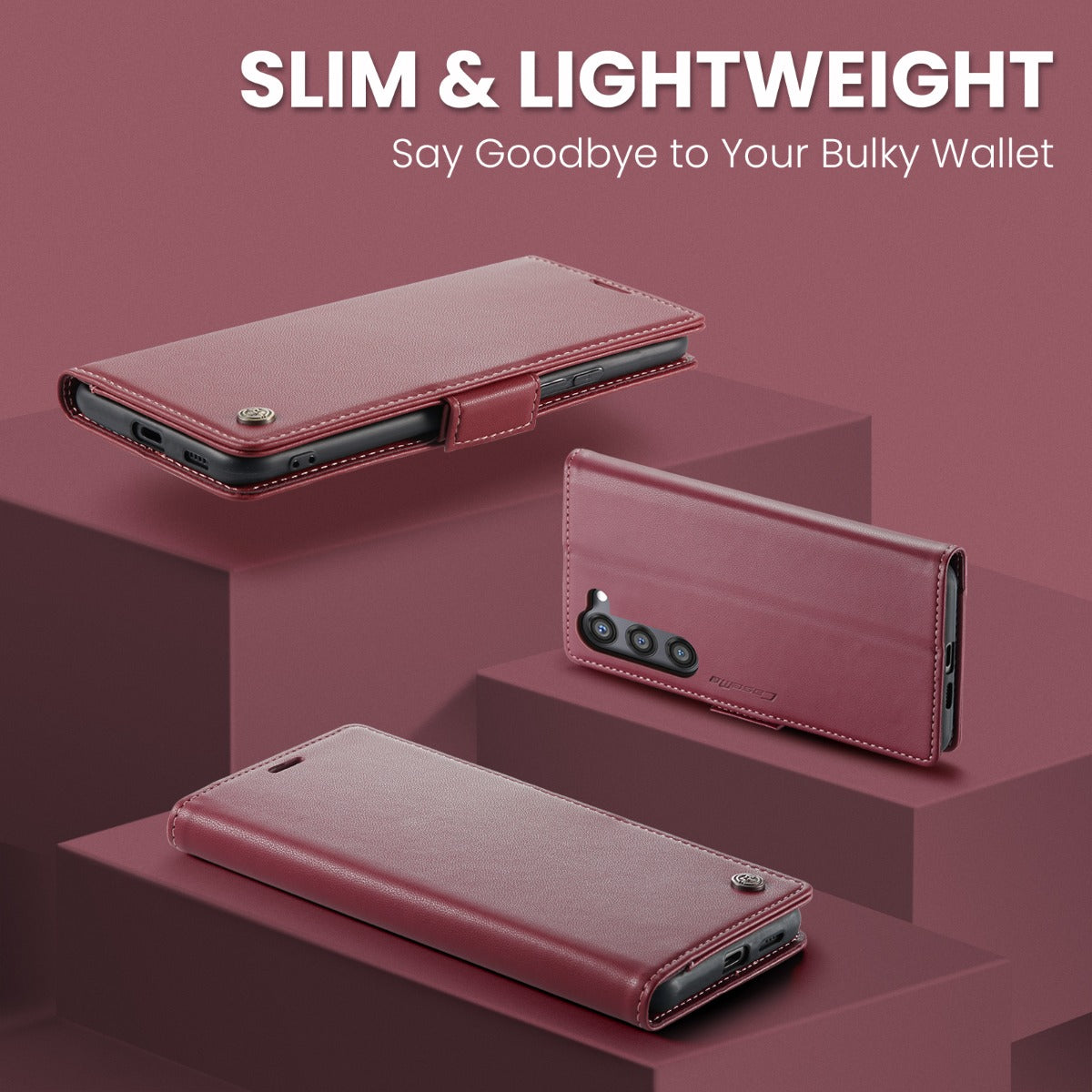
Choose your option


2-pack Samsung Galaxy S25+ / S24+ Anti Spy High Aluminium Silicon Glass Screen Protector (Fingerprint Unlock)
Choose your option


Wonderland Samsung Galaxy S25 Plus flip case - Black Cat
Choose your option
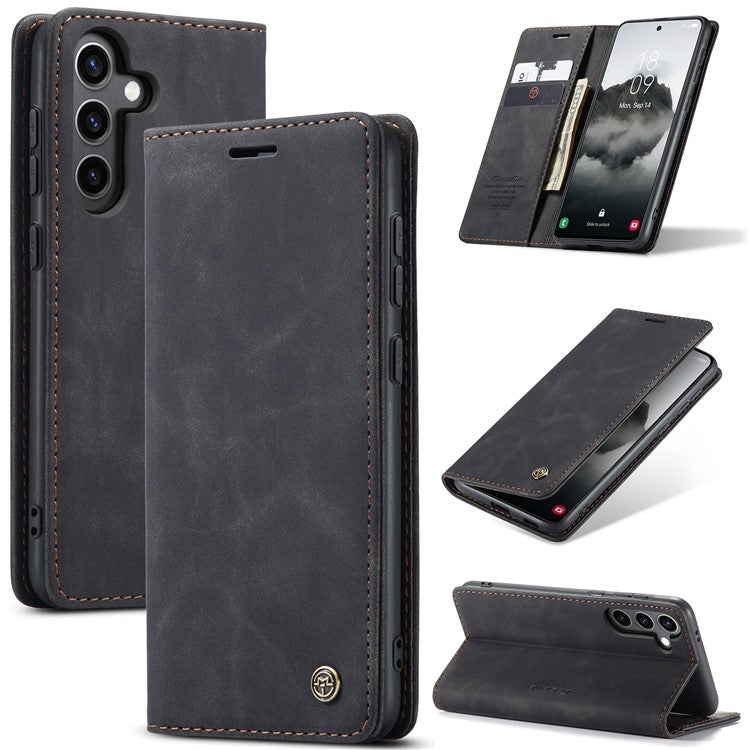
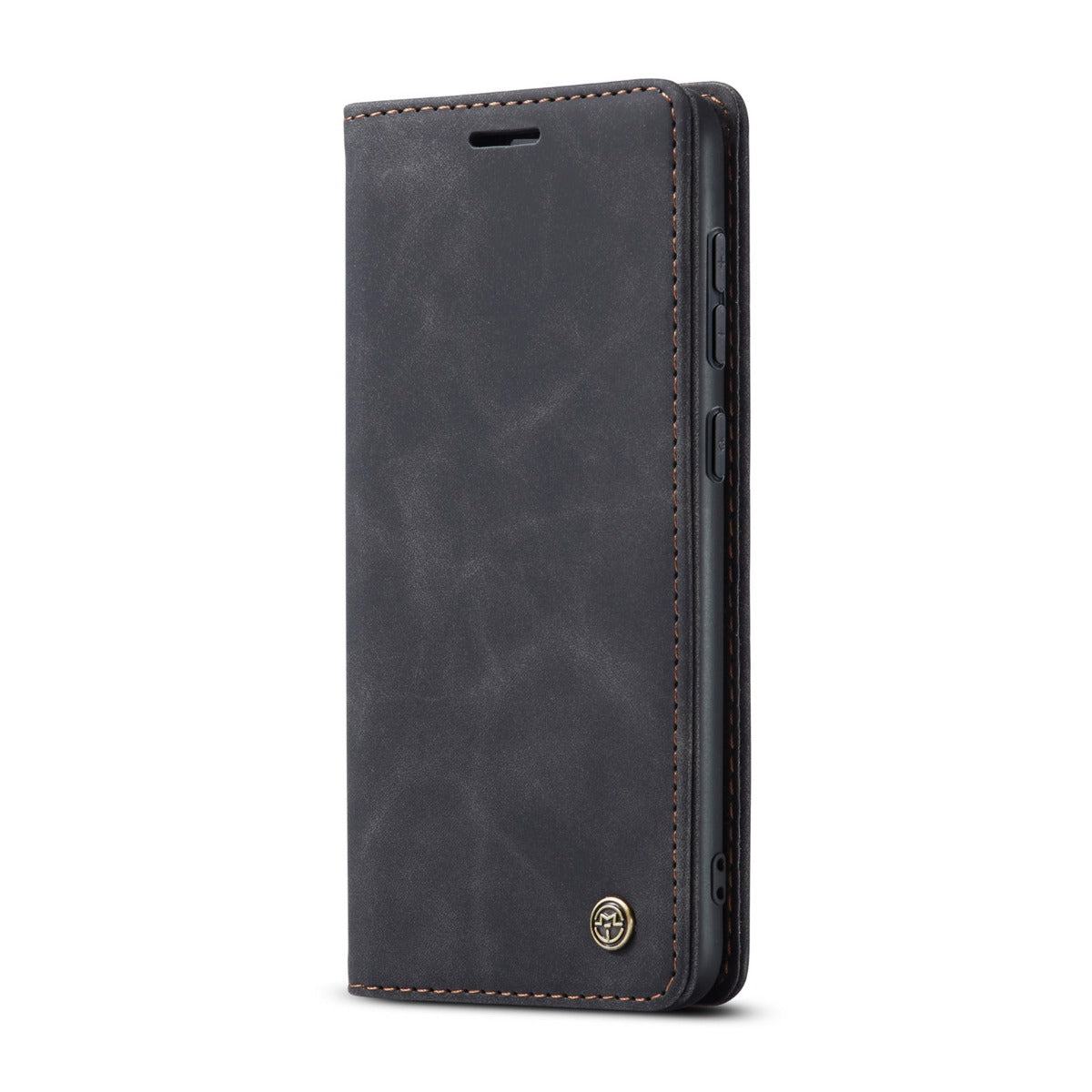
CaseMe Samsung Galaxy S25 Plus vintage case - Black
Choose your option


Bofink Vintage Samsung Galaxy S25 Plus leather case - Black
Choose your option
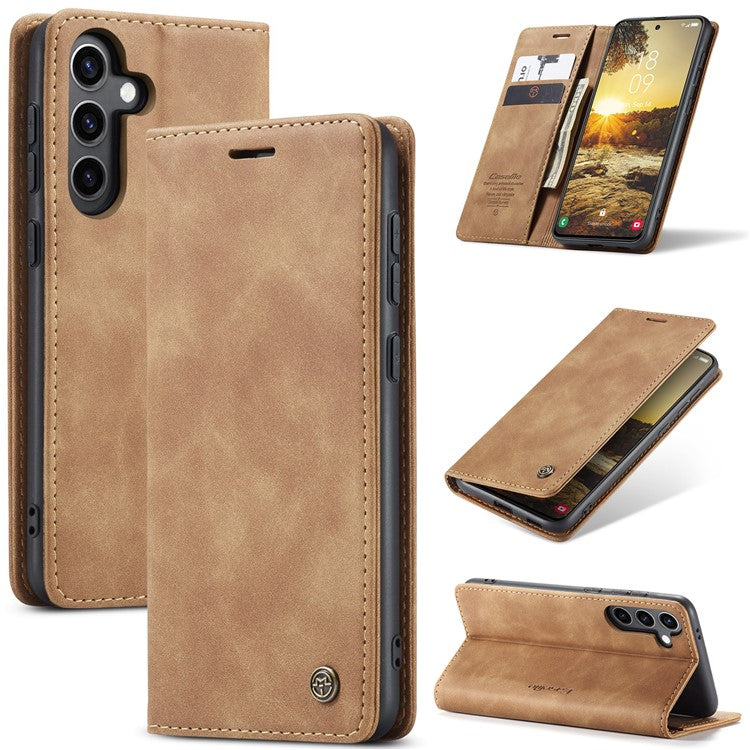
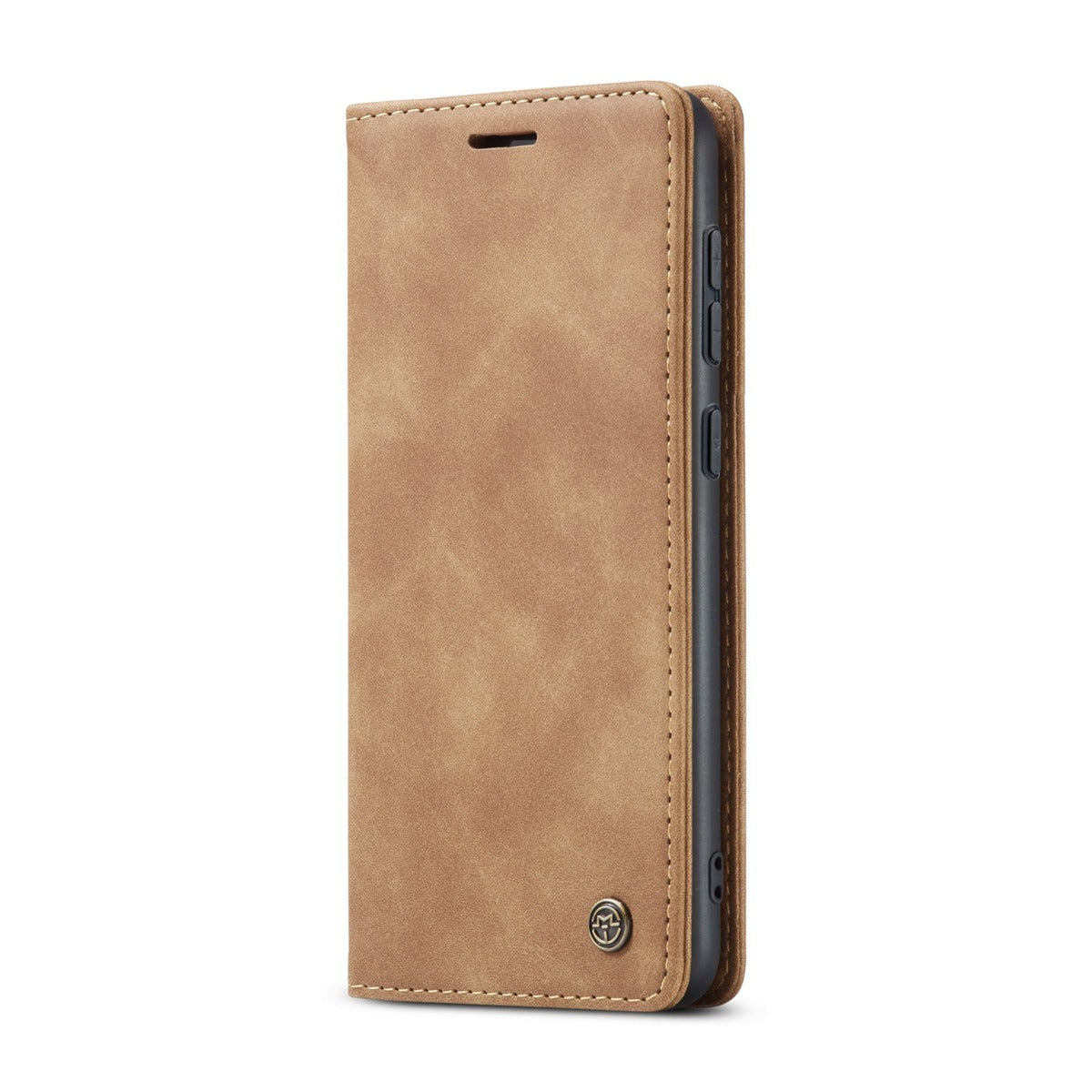
CaseMe Samsung Galaxy S25 Plus vintage case - Brown
Choose your option


CaseMe Samsung Galaxy S25 Plus smooth case - Blue
Choose your option
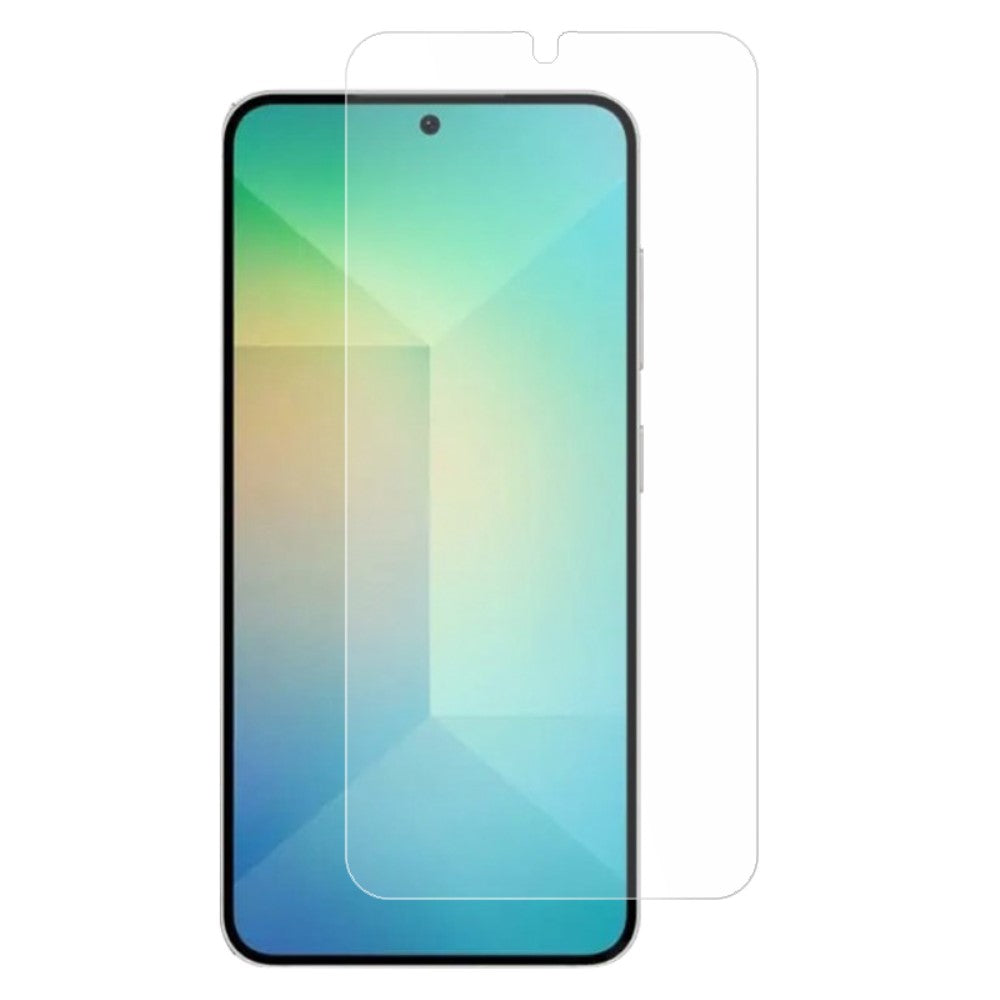
Touch sensitive tempered glass for Samsung Galaxy S25 Plus
Choose your option


Ultra slim transparent Samsung Galaxy S25 Plus case
Choose your option


Choose your option


Samsung Galaxy S25 Plus vegan leather purse-case - White
Choose your option


AMORUS Samsung Galaxy S25+ Case with Sliding Card Holder PC Flexible Phone Back Cover - Green
Choose your option


AMORUS Samsung Galaxy S25+ Case with Sliding Card Holder PC Flexible Phone Back Cover - Army Green
Choose your option


Samsung Galaxy S25 Ultra Case Anti-Spy Double-Sided Tempered Glass Magnetic Phone Cover - Silver
Choose your option
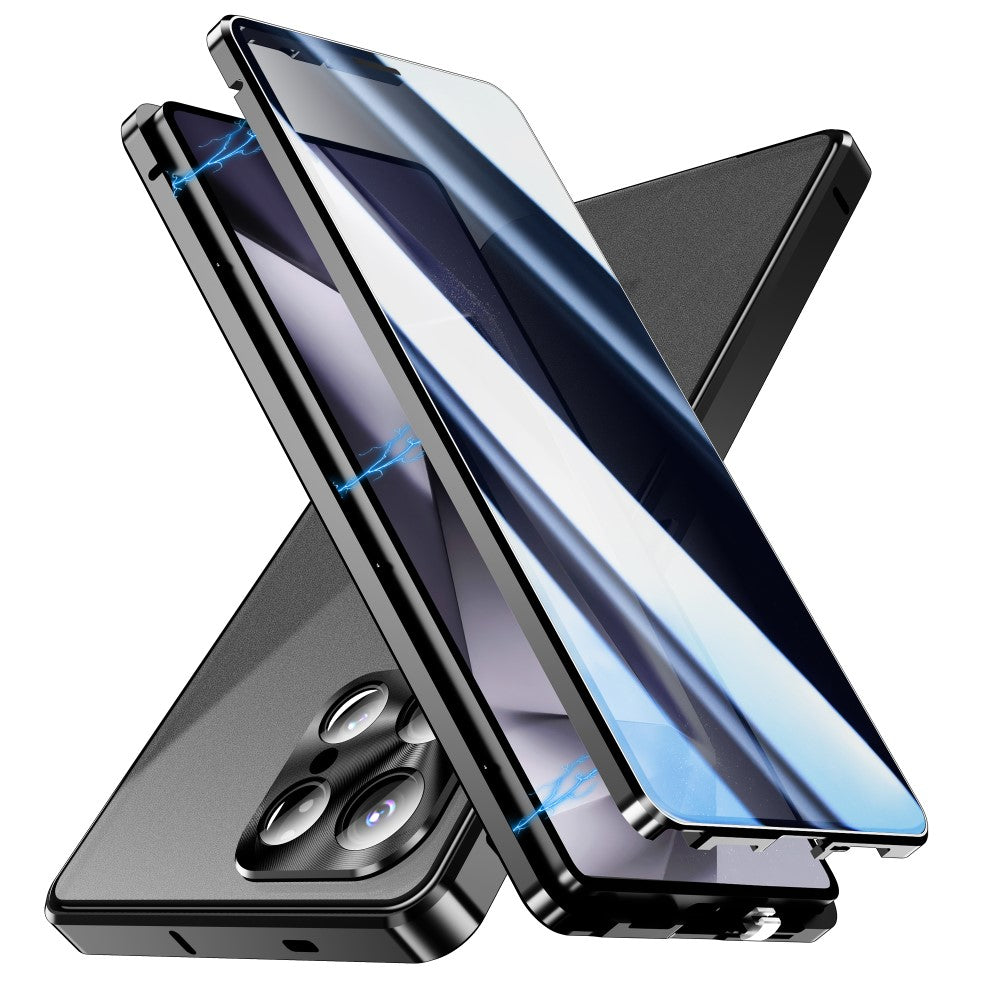
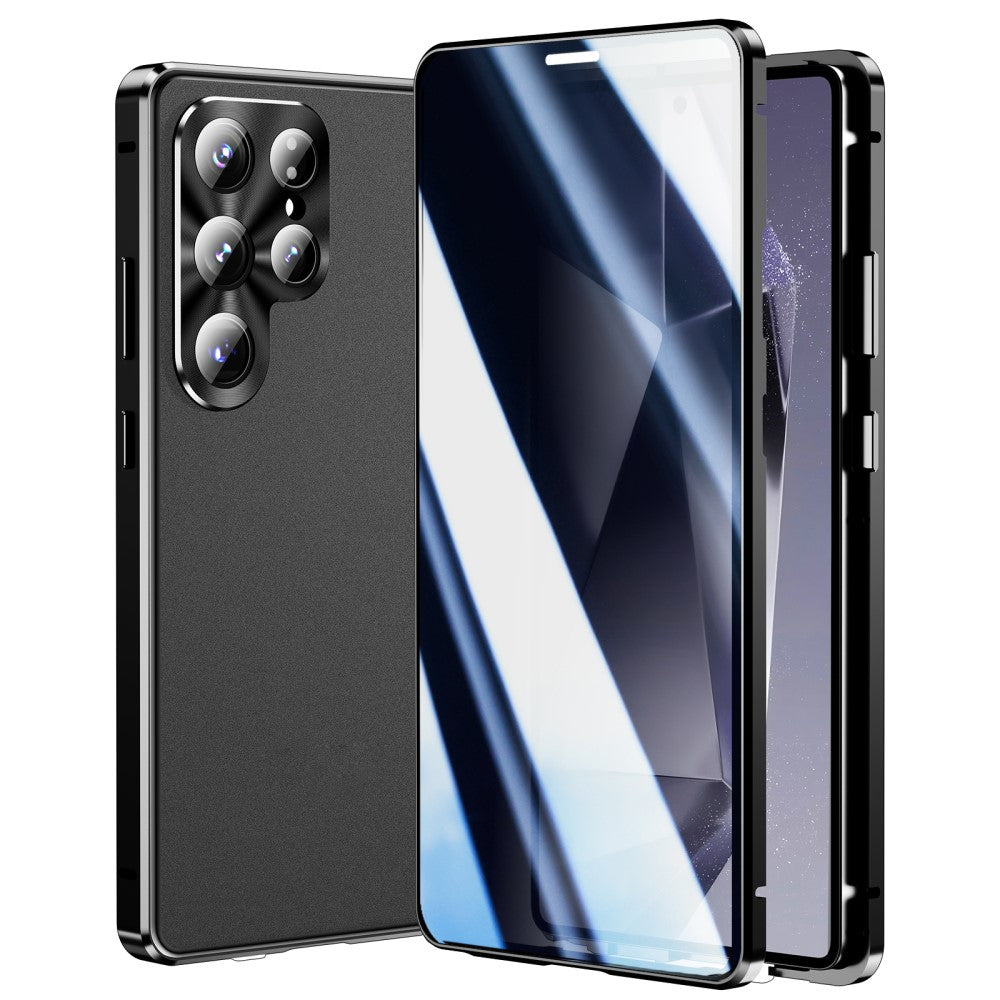
Samsung Galaxy S25 Ultra Case Anti-Spy Double-Sided Tempered Glass Magnetic Phone Cover - Black
Choose your option
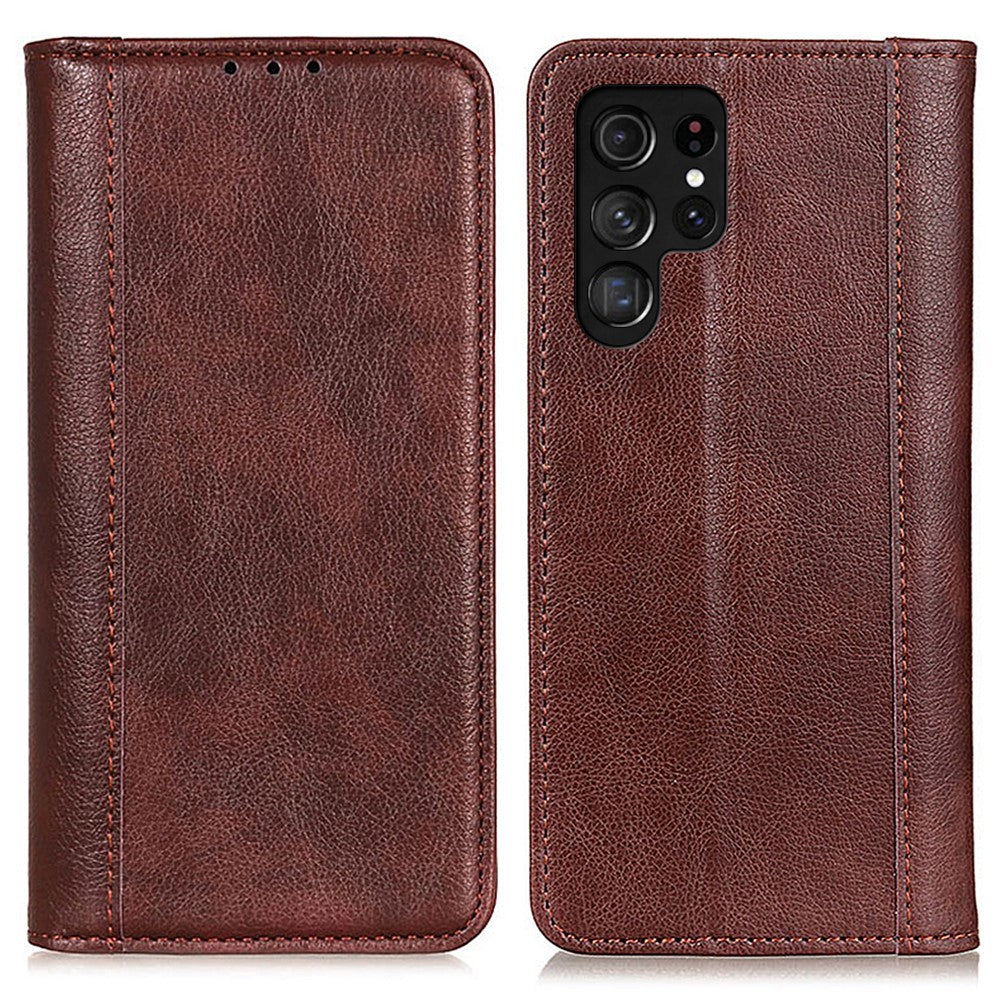
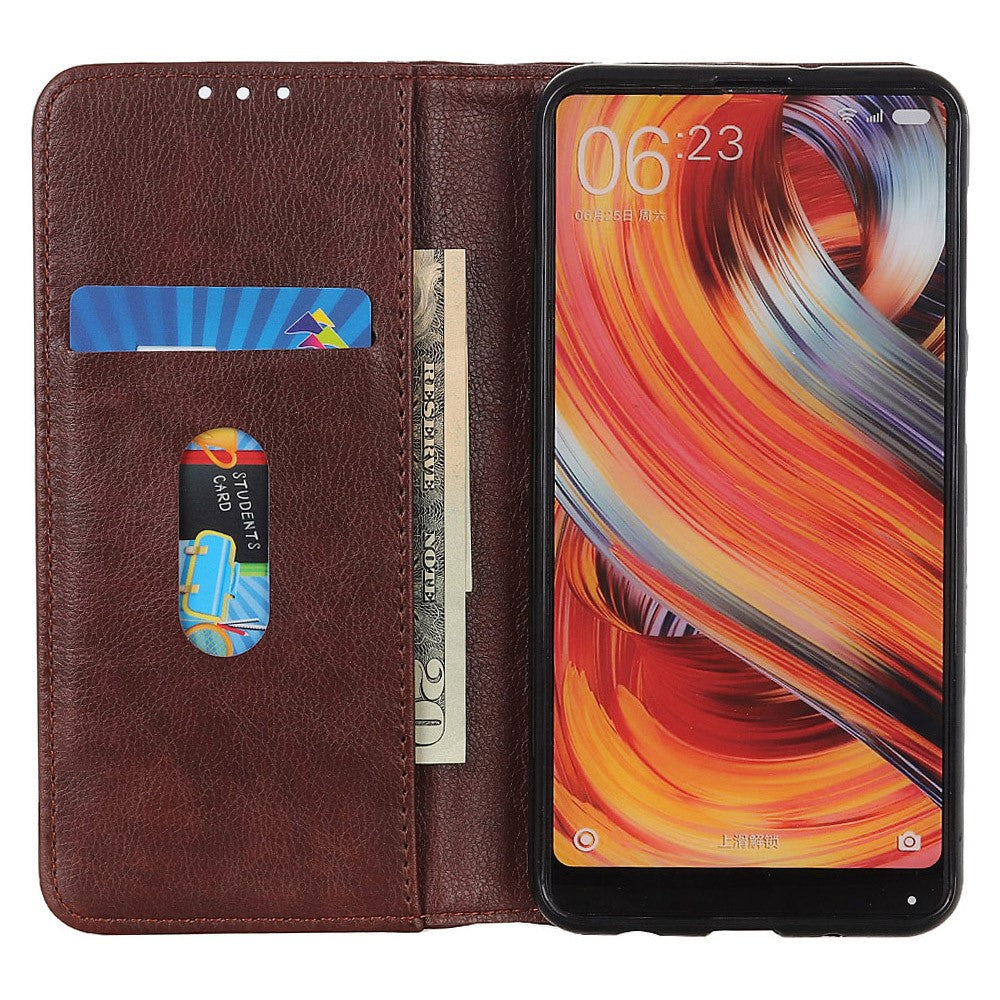
Samsung Galaxy S25 Ultra genuine leather case with magnetic closure - Brown
Choose your option
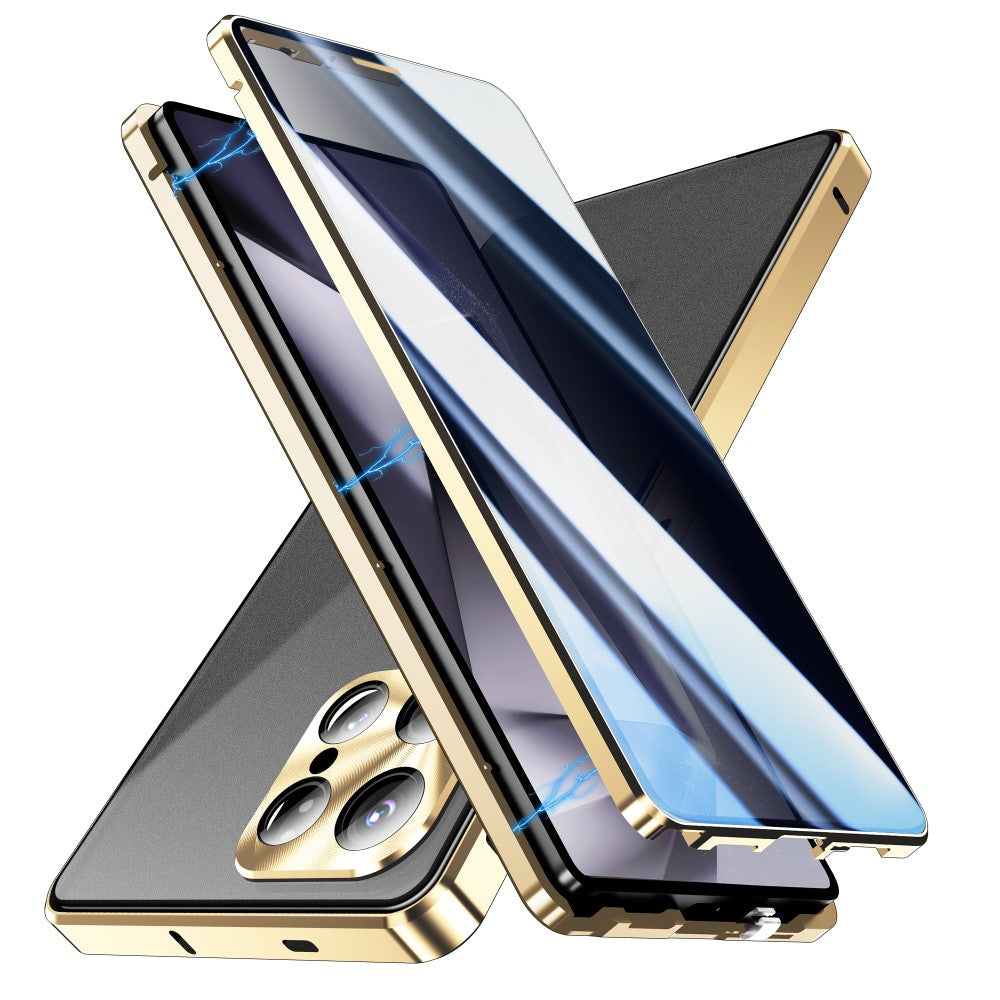
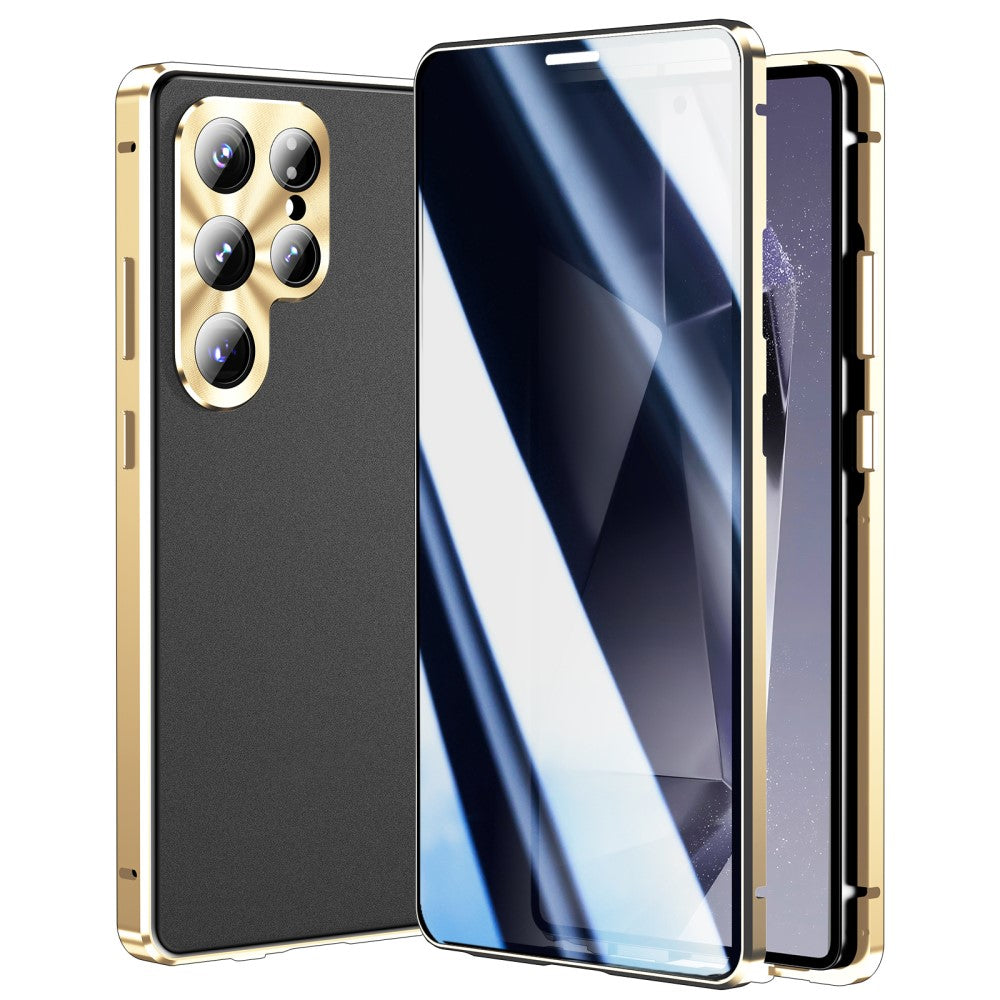
Samsung Galaxy S25 Ultra Case Anti-Spy Double-Sided Tempered Glass Magnetic Phone Cover - Gold
Choose your option
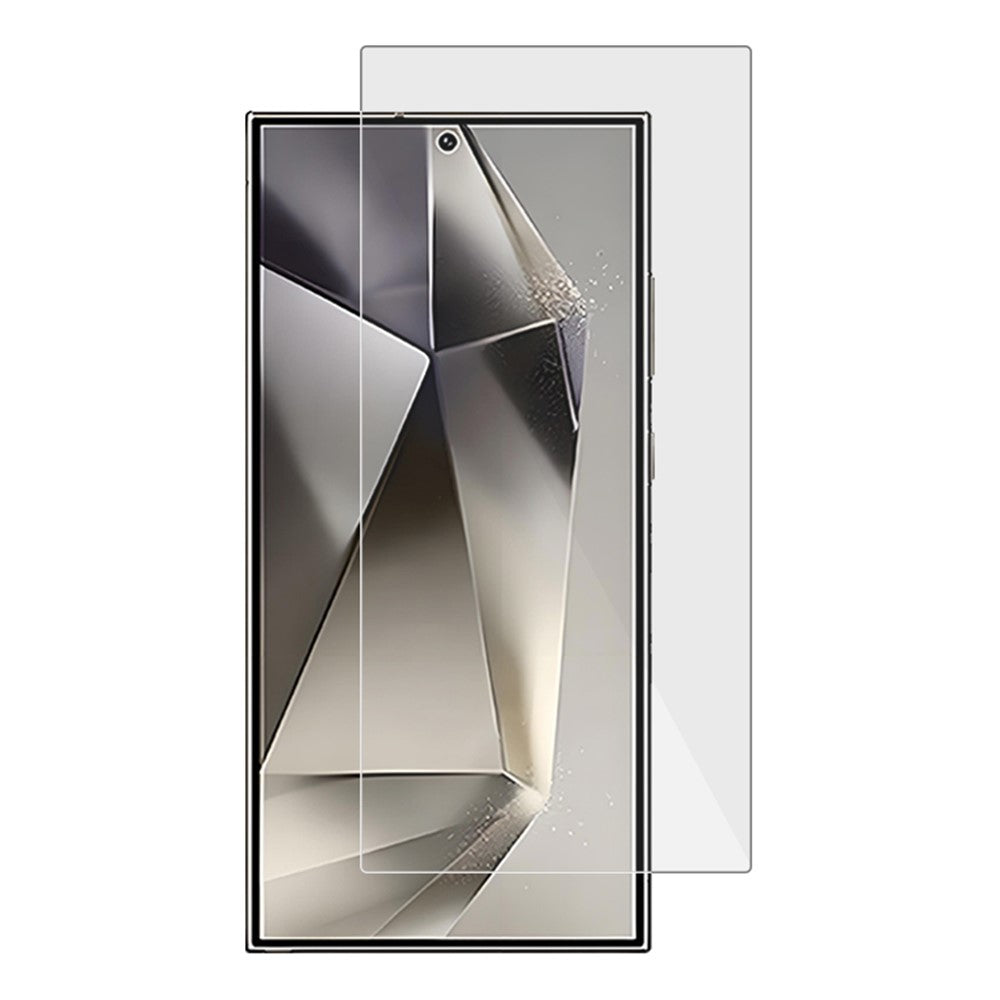
AMORUS extra strong glass Samsung Galaxy S25 Ultra screen protector
Choose your option


Samsung Galaxy S25 Ultra Case Double Sides Tempered Glass and Metal Magnetic Phone Cover with Buckle - Silver
Choose your option


CaseMe Samsung Galaxy S25 Ultra smooth case - Blue
Choose your option


Samsung Galaxy S25 Ultra Anti Spy Tempered Glass 360° Privacy Protection 0.25 Arc Screen Protector
Choose your option
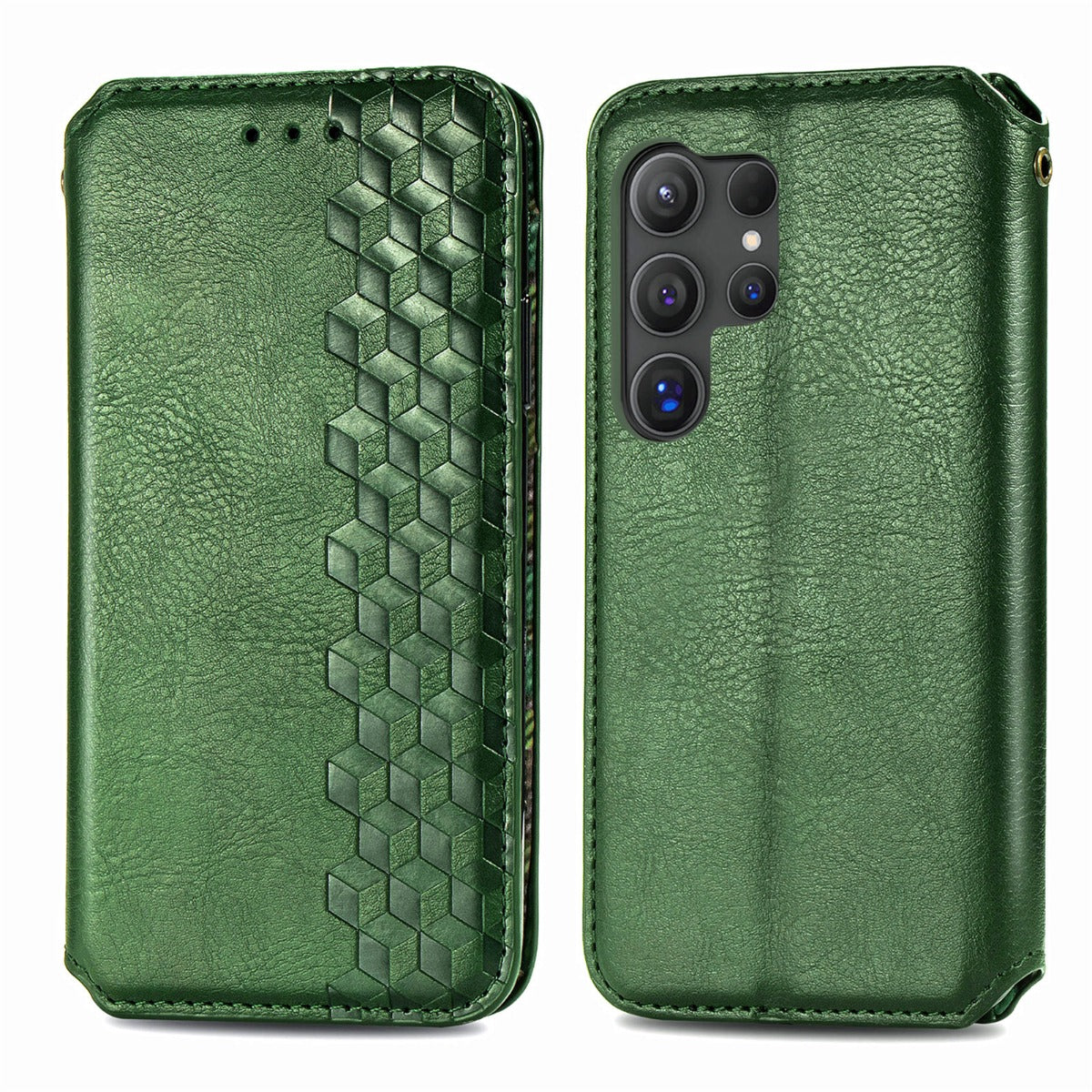
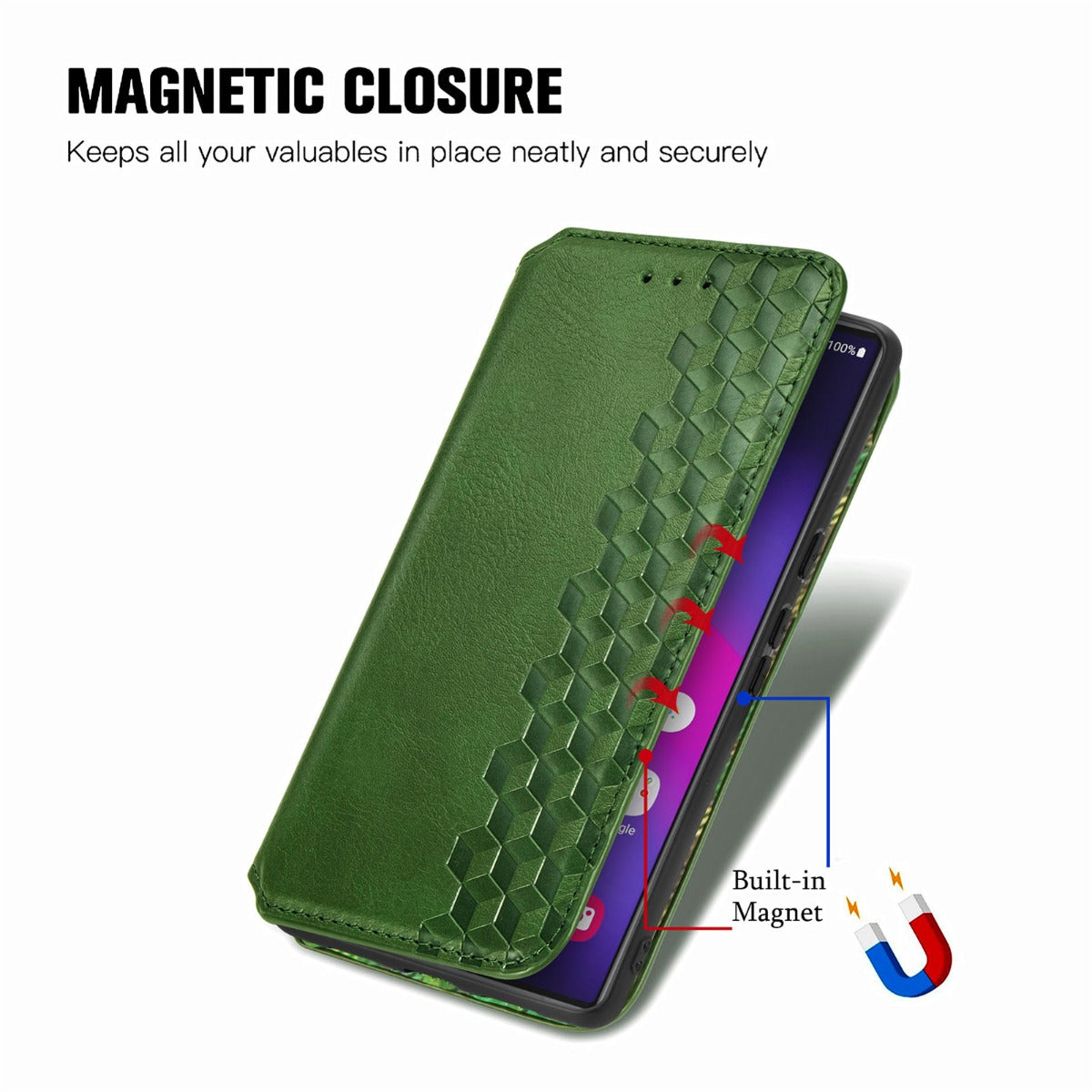
Samsung Galaxy S25 Ultra leather case with a stylish rhombus imprint - Green
Choose your option
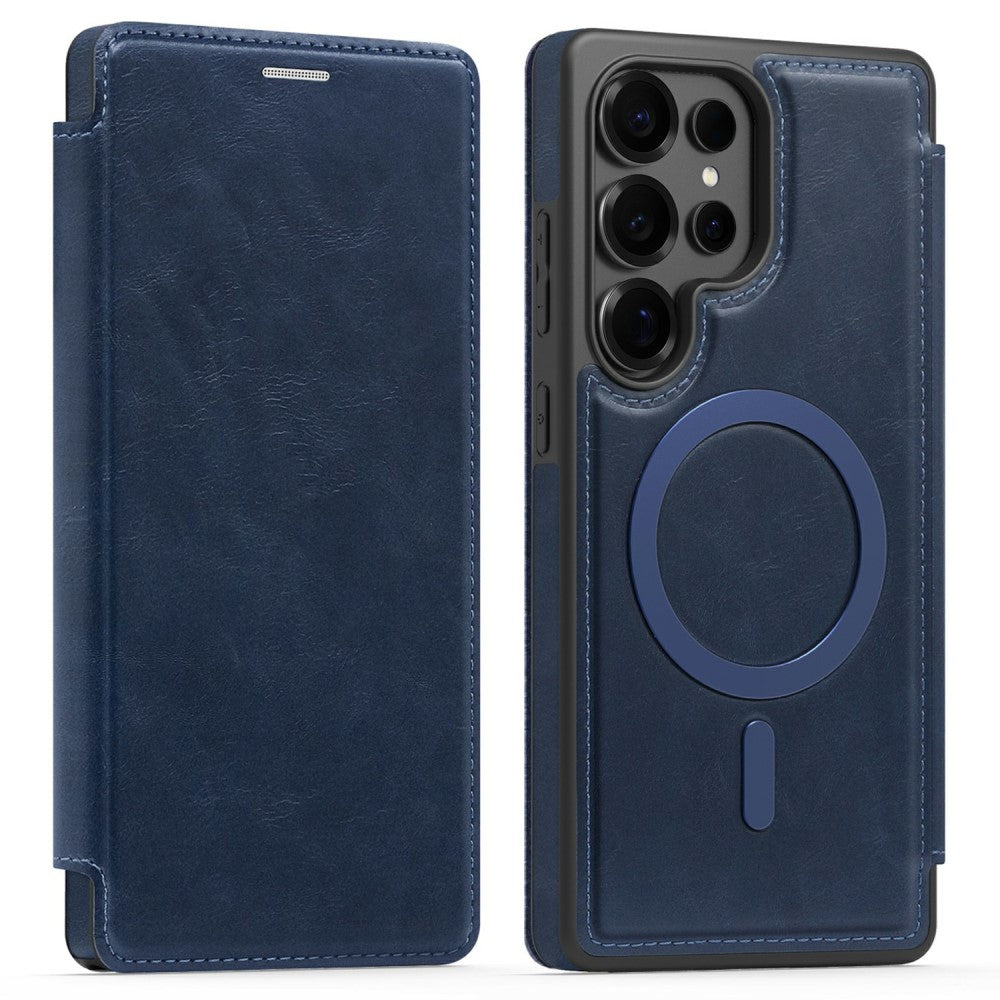
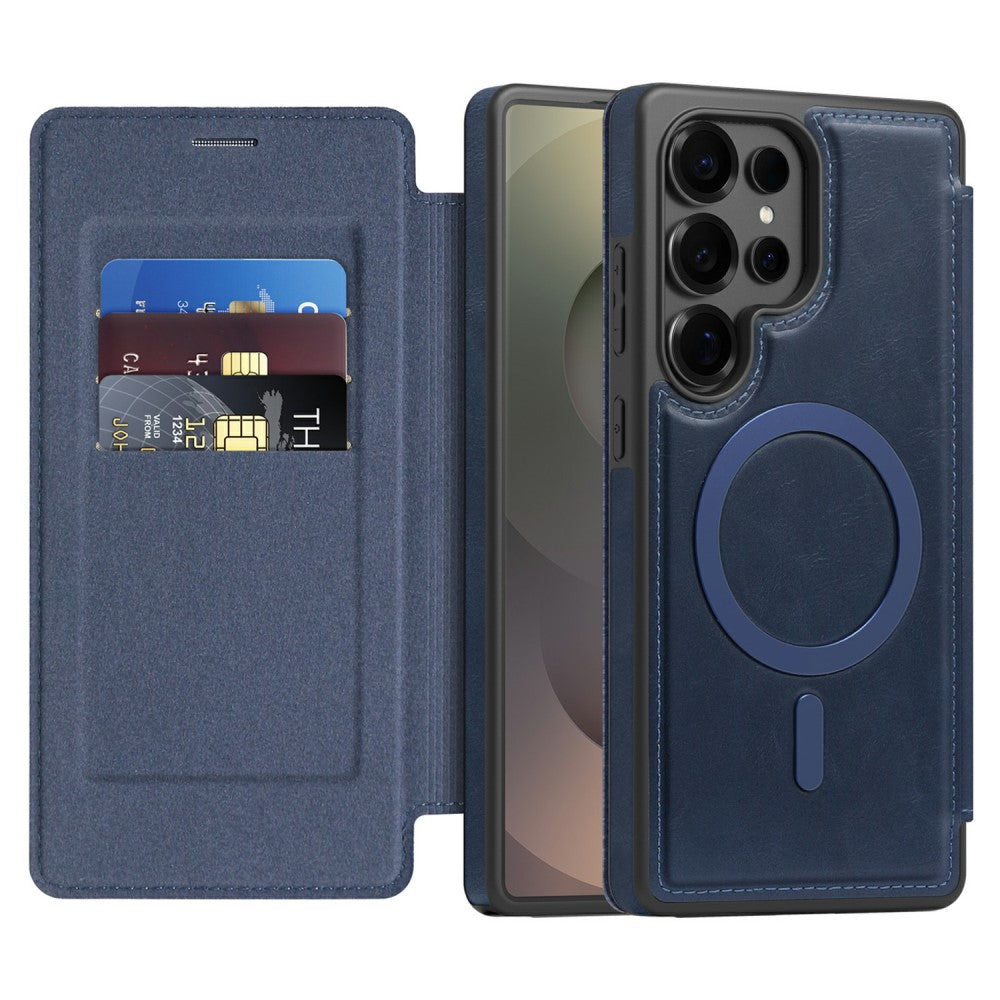
Samsung Galaxy S25 Ultra Leather Case Compatible with MagSafe RFID Blocking Card Holder Phone Cover - Sapphire
Choose your option
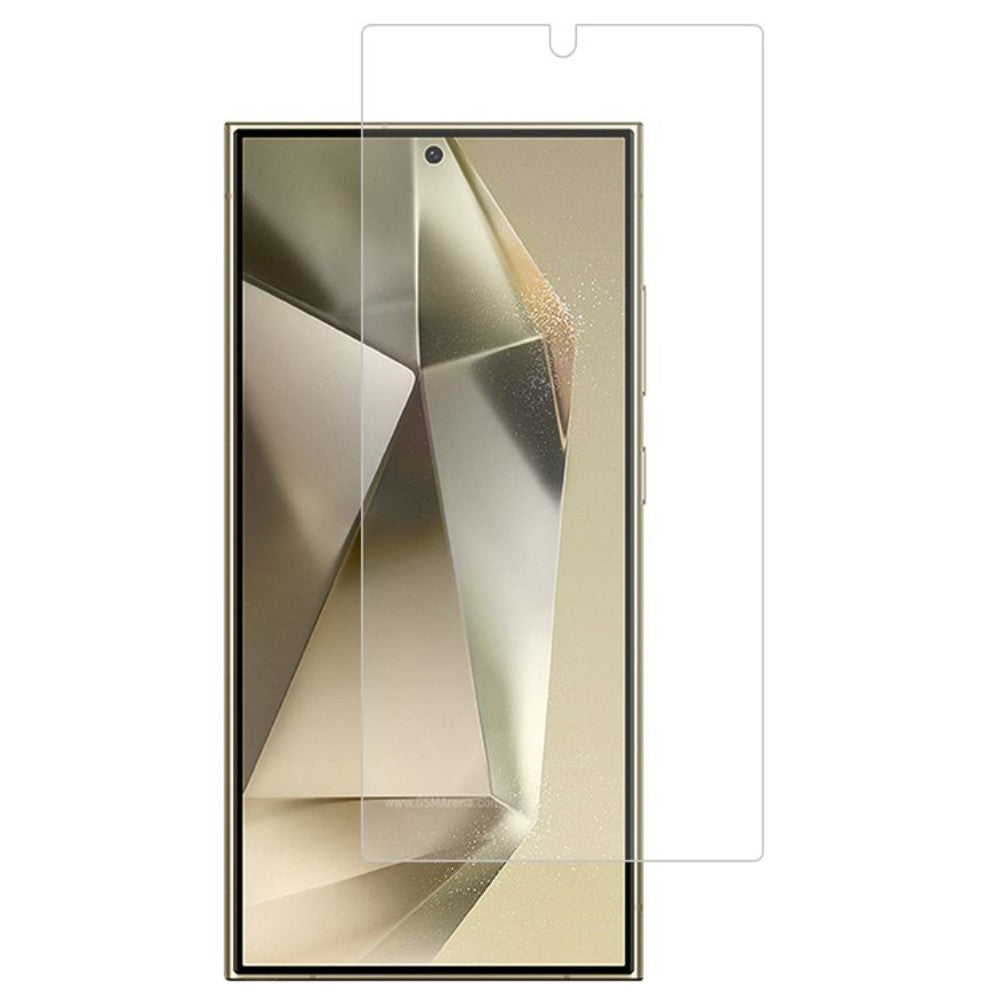
Touch sensitive tempered glass for Samsung Galaxy S25 Ultra
Choose your option
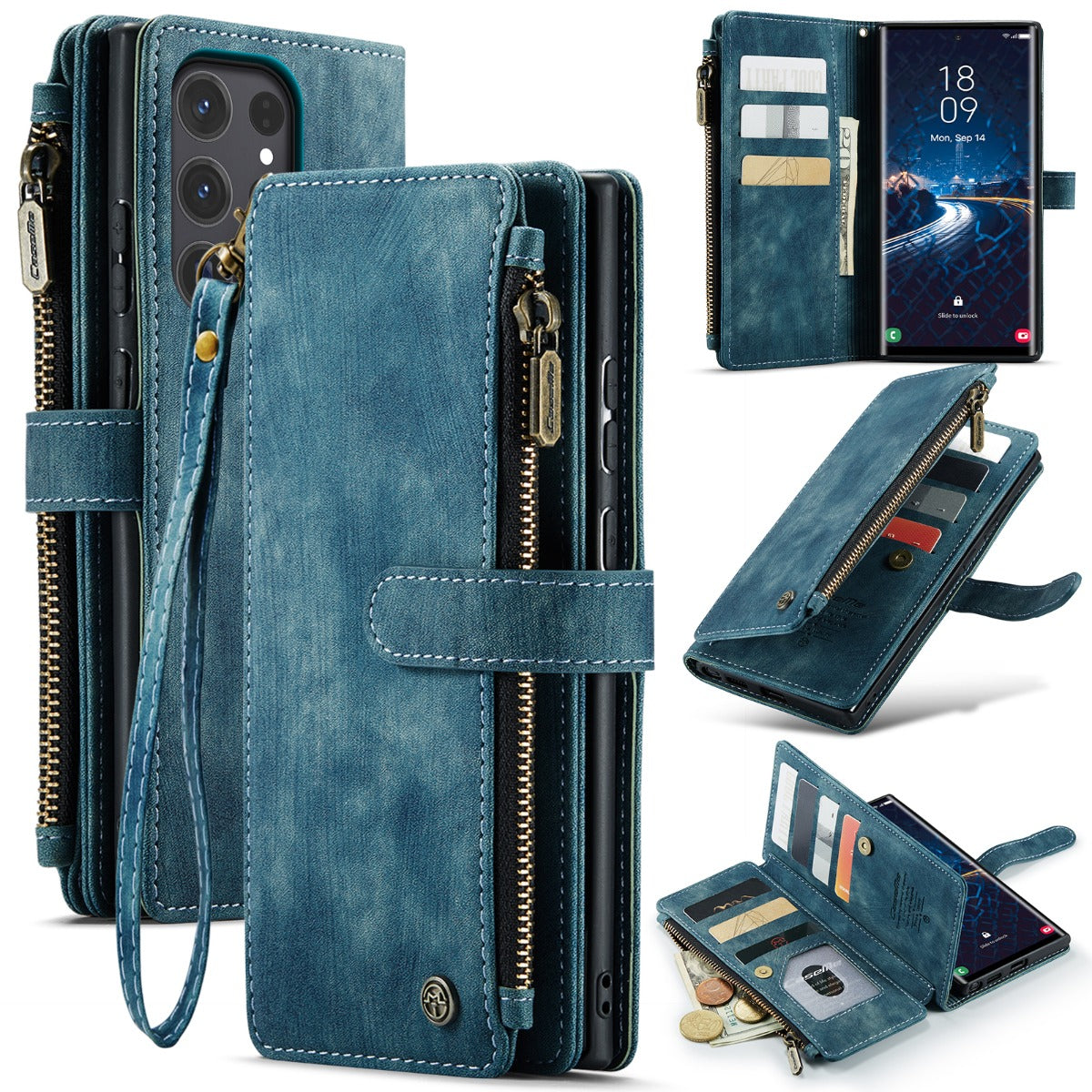
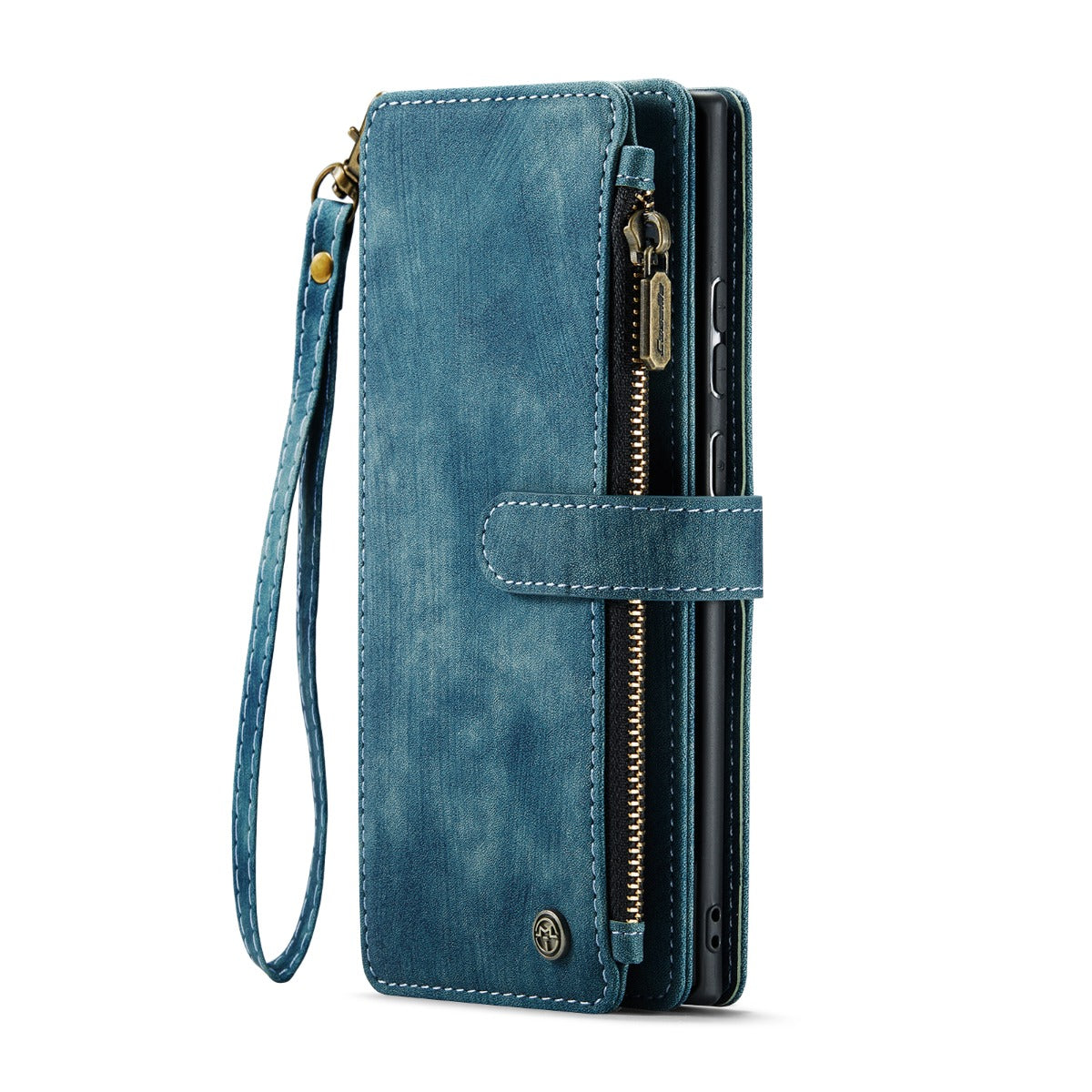
CaseMe zipper-wallet Samsung Galaxy S25 Ultra phone case - Blue
Choose your option


Samsung Galaxy S25 Edge genuine leather case with magnetic closure - Black
Choose your option
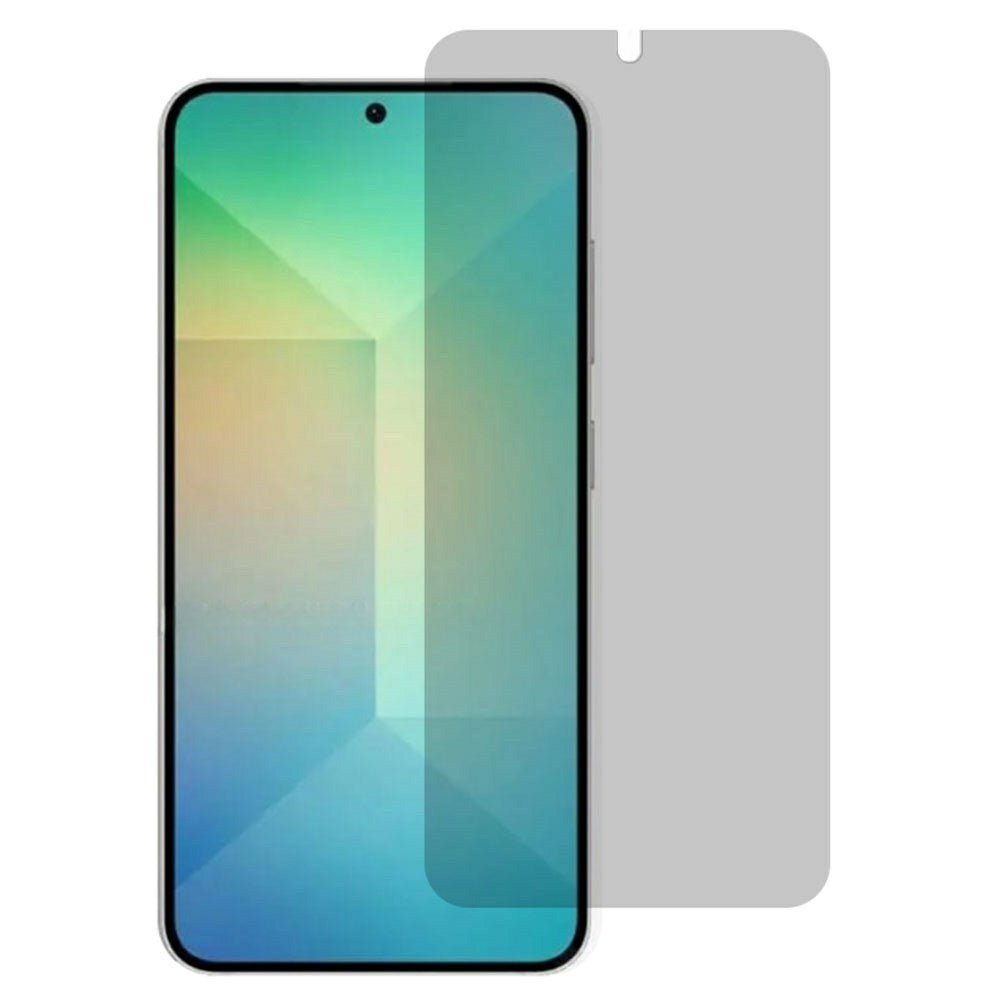
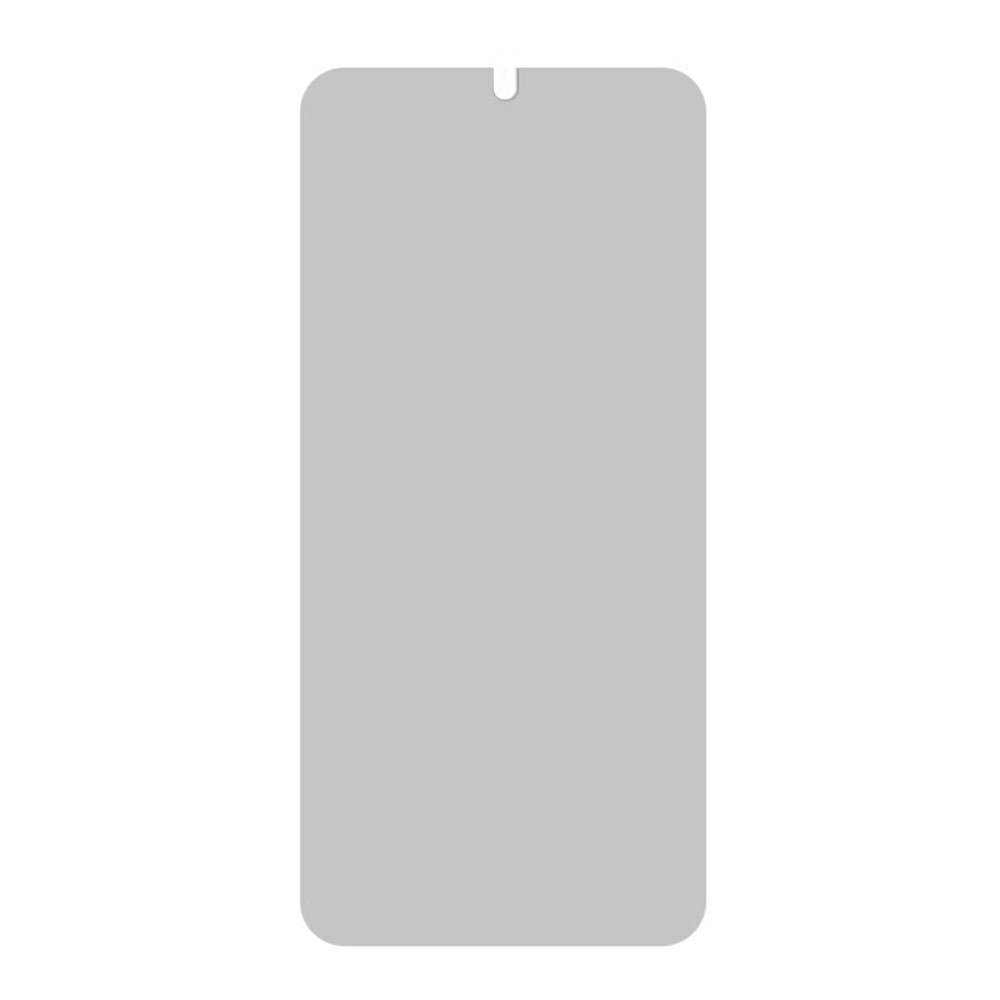
Samsung Galaxy S25 Edge Tempered Glass 180 Degree Anti-Peep Film Screen Protector Support Fingerprint Unlock
Choose your option


Samsung Galaxy S25 Edge genuine leather case with magnetic closure - Brown
Choose your option
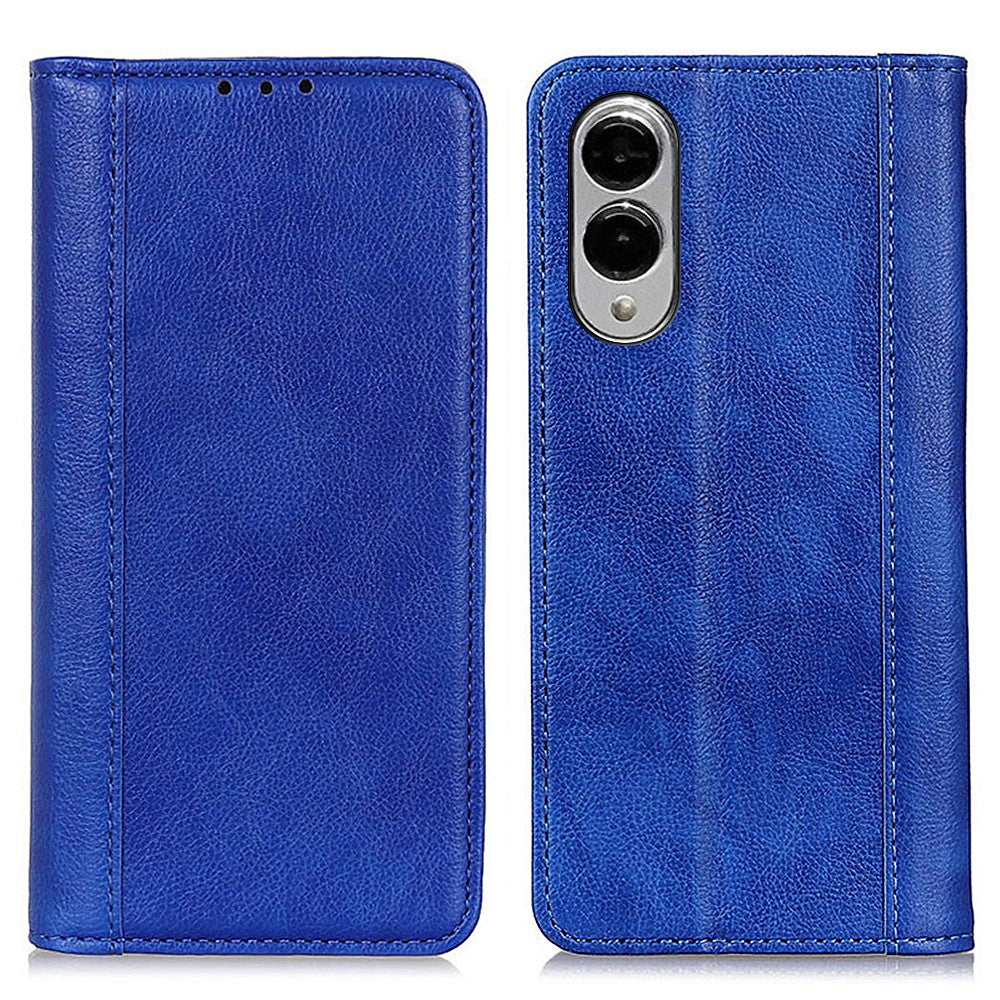
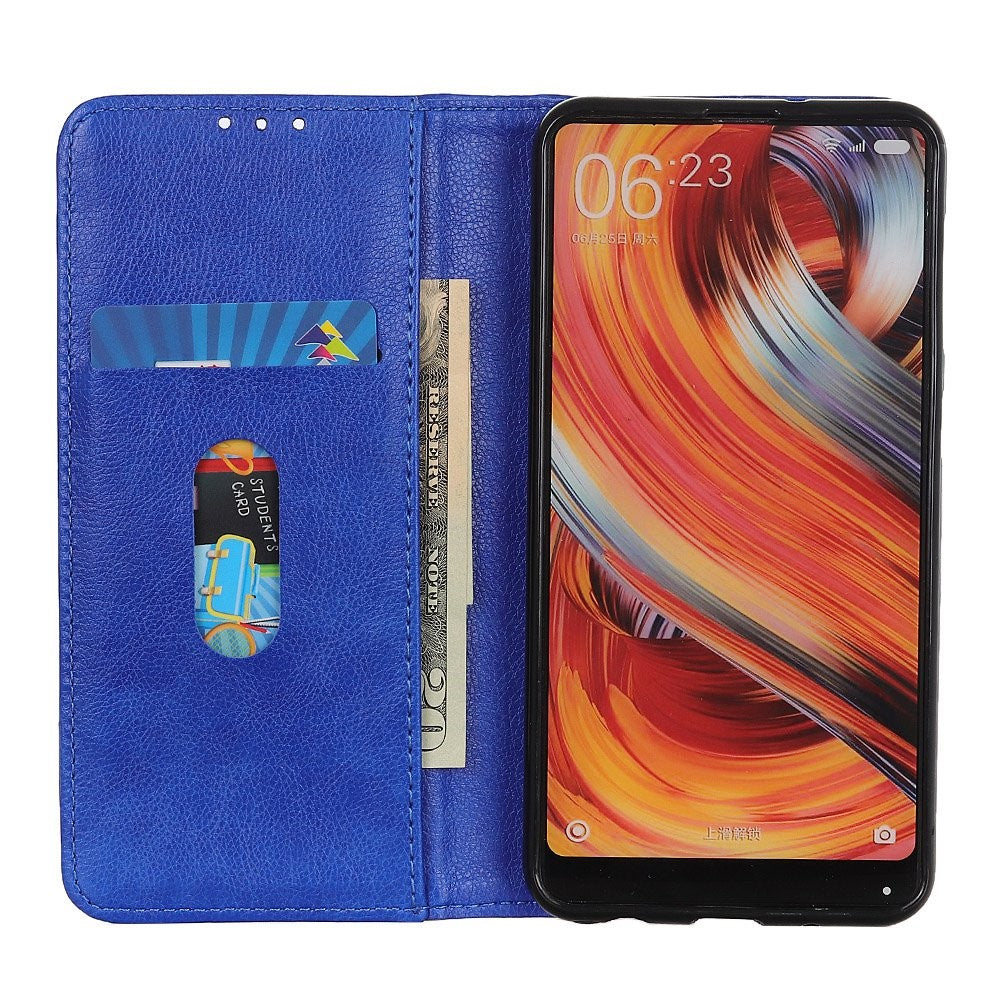
Samsung Galaxy S25 Edge genuine leather case with magnetic closure - Blue
Choose your option
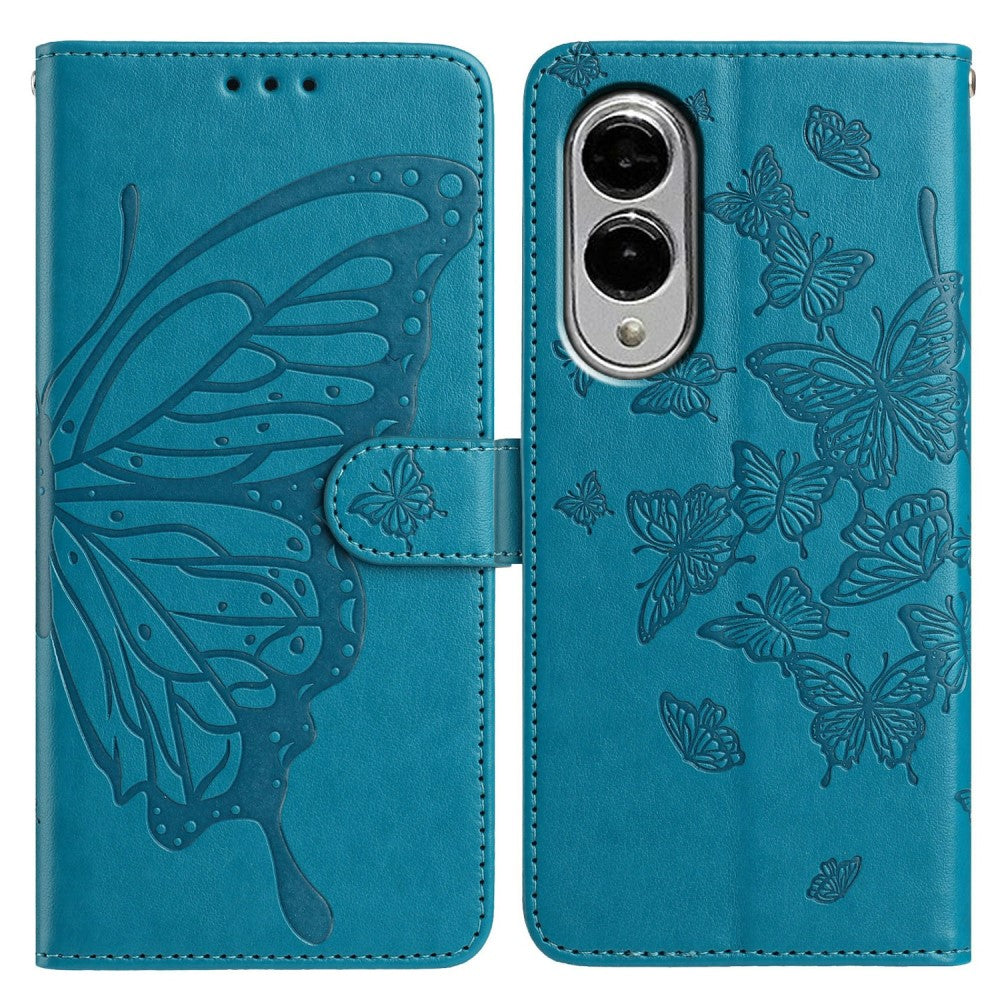
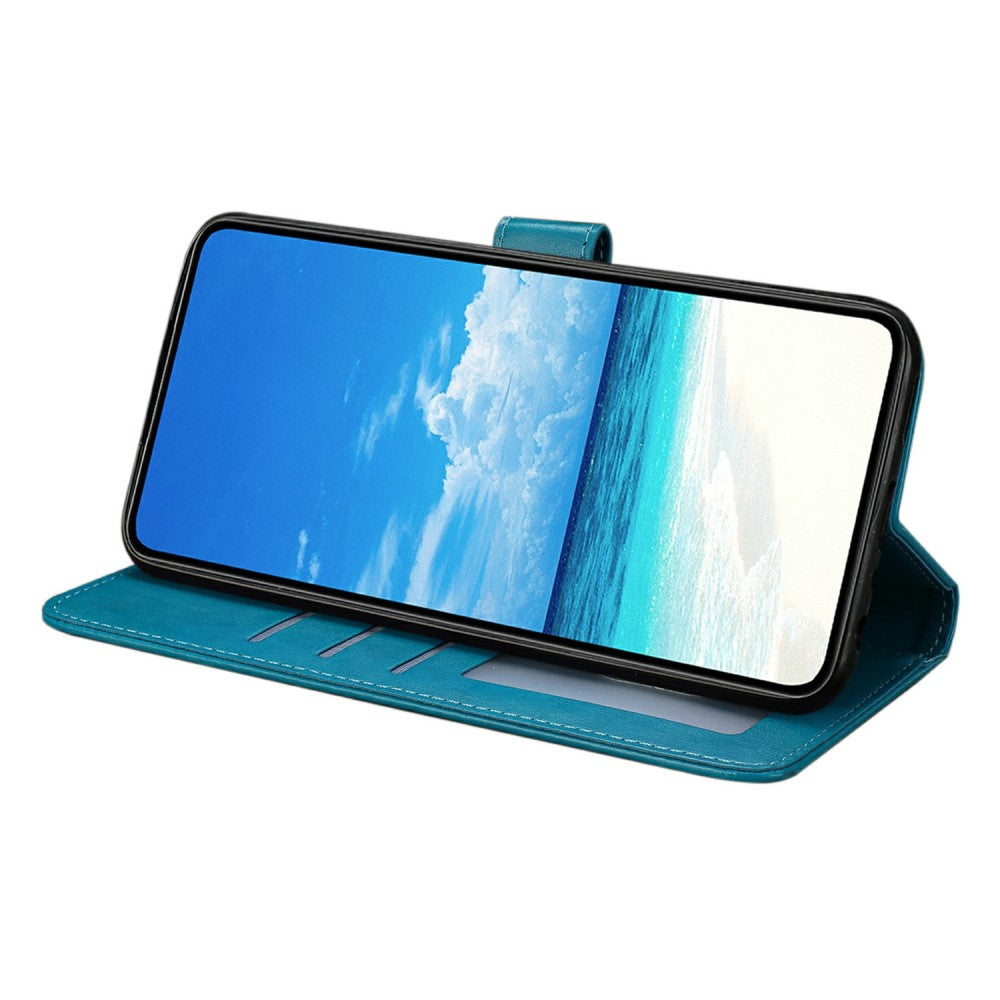
Samsung Galaxy S25 Edge Case Butterfly Imprinted Wallet Stand Vegan Leather Flip Phone Cover with Strap - Blue
Choose your option


Touch sensitive tempered glass for Samsung Galaxy S25 Edge
Choose your option


MOFI Samsung Galaxy S25 Edge slim shield cover - Black
Choose your option


Samsung Galaxy S25 Edge Anti-Spy Screen Protector 0.18mm Tempered Glass Film (Fingerprint Unlock Version)
Choose your option
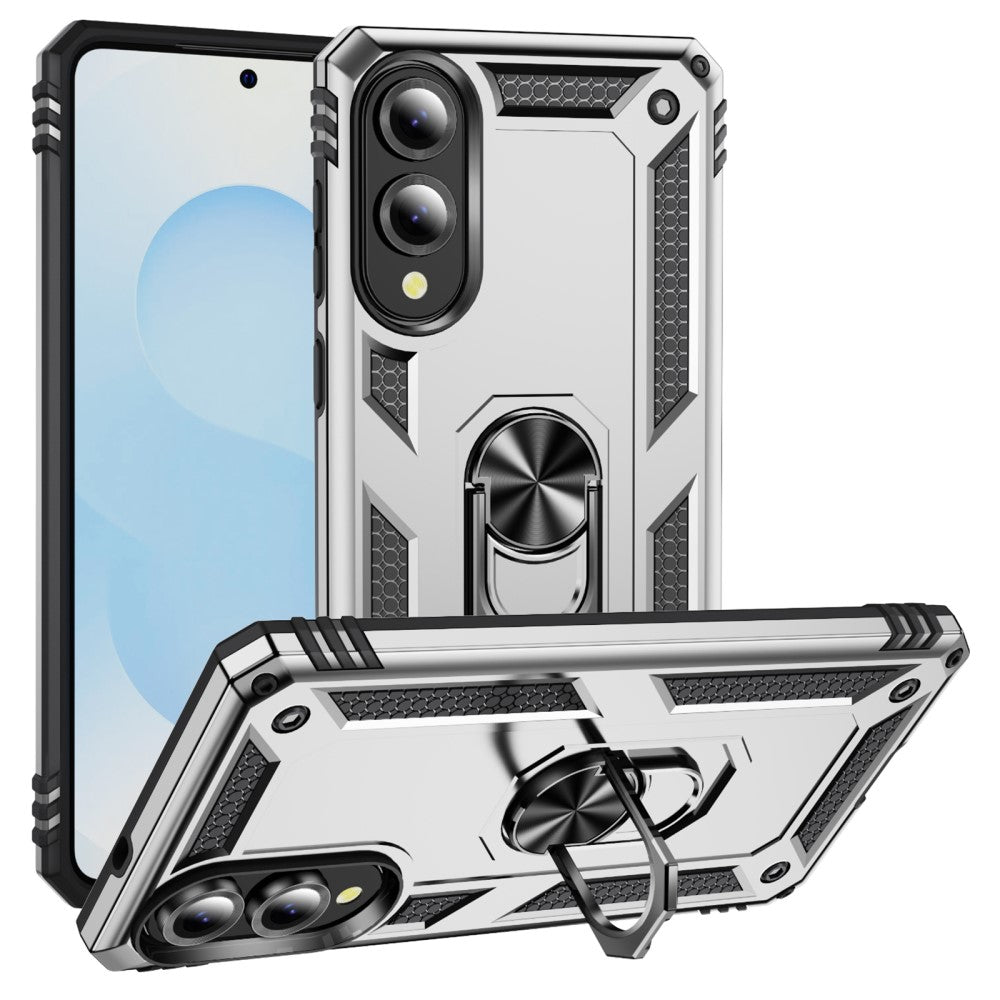

Bofink Combat Samsung Galaxy S25 Edge cover - Silver
Choose your option
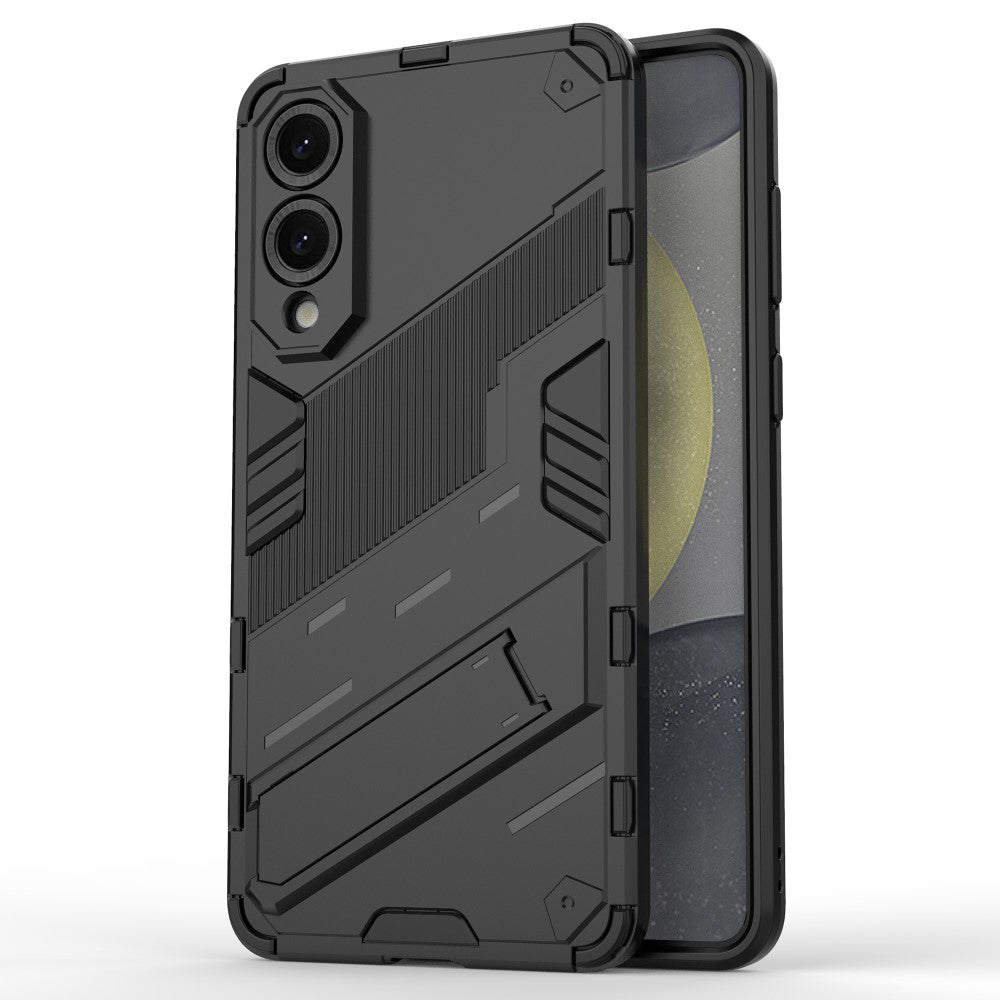

Samsung Galaxy S25 Edge Case PC + Flexible Shockproof Phone Cover with Kickstand - Black
Choose your option


Samsung Galaxy S25 Edge Anti Spy Screen Protector High Aluminium-Silicon Glass Film
Choose your option


Samsung Galaxy S25 Edge Magnetic Case Skin Touch Matte Translucent PC + Flexible Anti-Drop Phone Cover
Choose your option
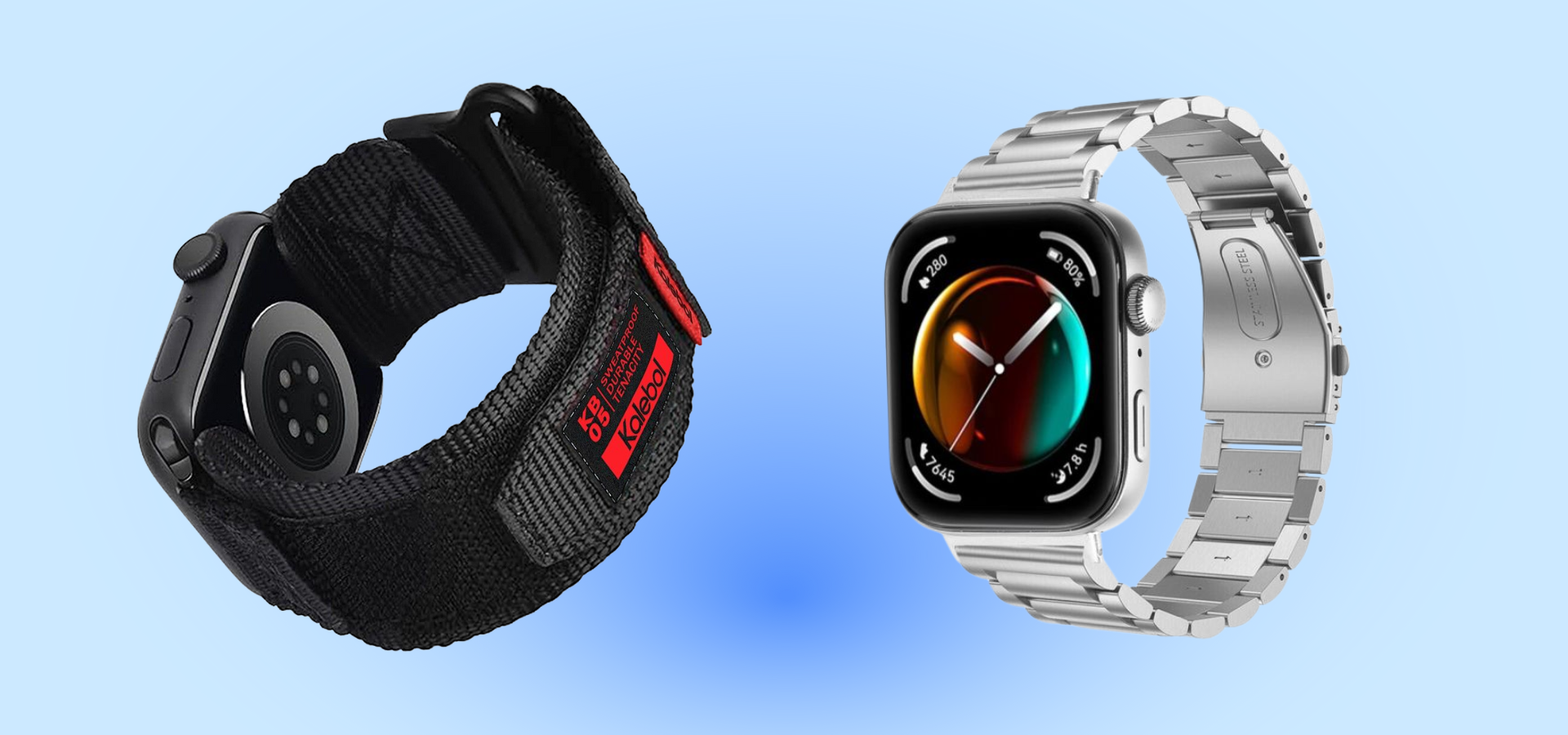
Shop watch straps by watch brand












Watch straps for Apple Watch series 10
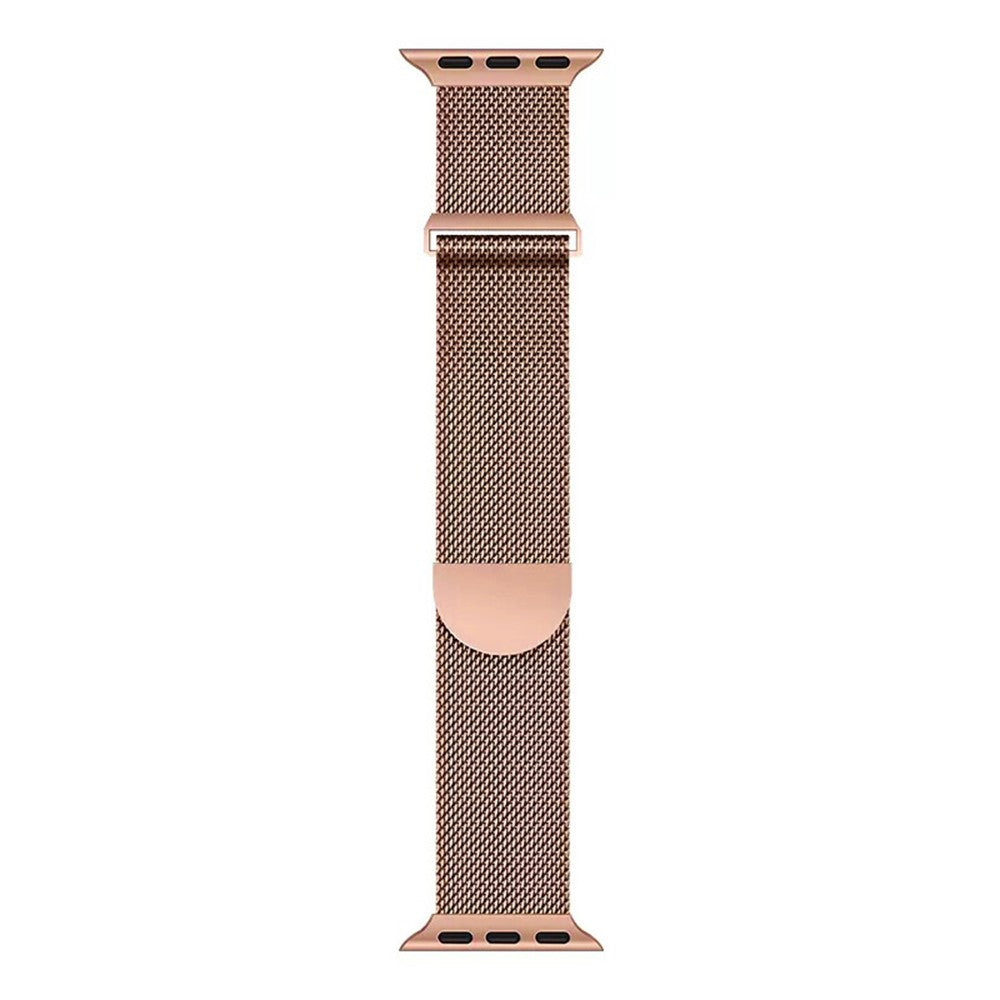
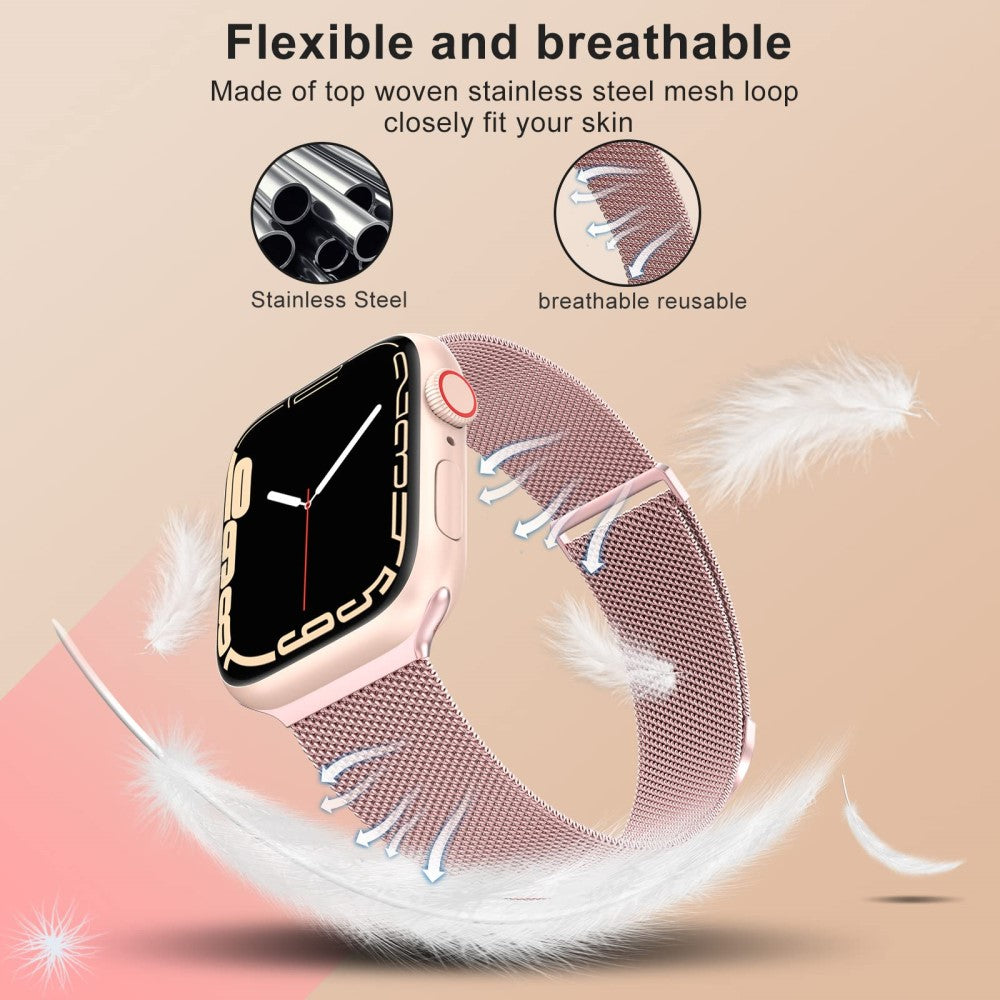
Magnetic Strap Apple Watch Series 10 Ultra 38 / 40 / 41 / 42MM Milanese Smart Watch Band - Rose Gold
Choose your option


Apple Watch Series 10 42mm Waterproof Dustproof PC Watch Case with Tempered Glass Film - Titanium Black
Choose your option
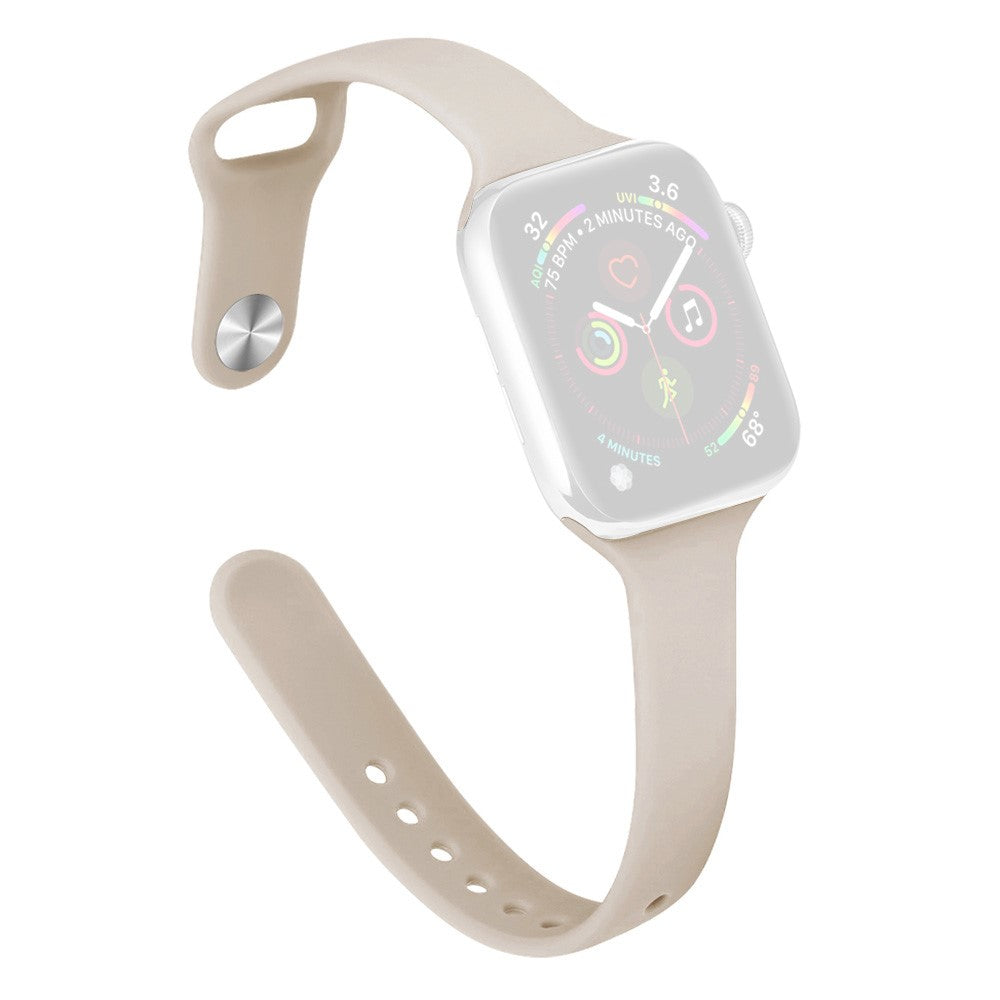
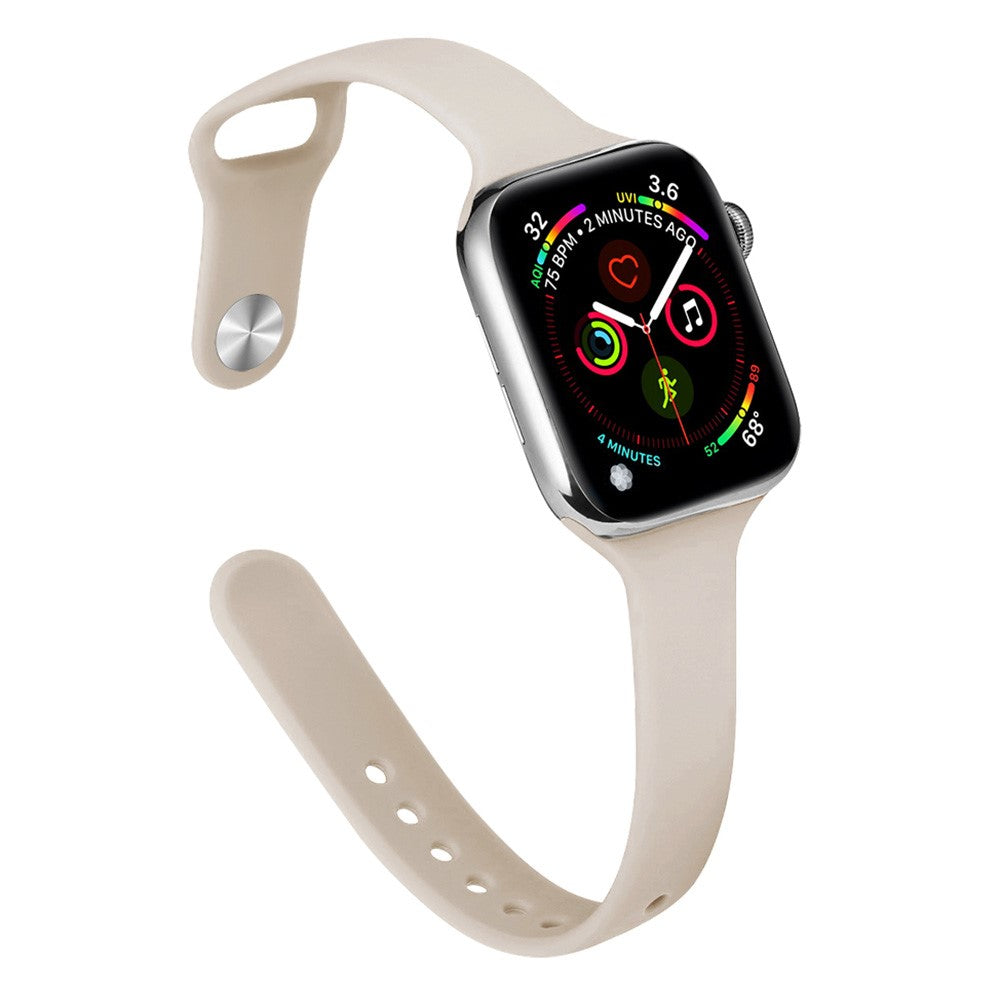
KALEBOL Silicone Watch Band Apple Watch Series 10 42mm Replacement Strap - Starlight
Choose your option


Watch Strap for Apple Watch Series 10 9 8 7 SE 6 5 4 3 2 1 42mm 41mm 40mm 38mm Wide Milanese Metal Band with Buckle - Gold
Choose your option


Magnetic Strap Apple Watch Series 10 Ultra 38 / 40 / 41 / 42MM Milanese Smart Watch Band - Starlight
Choose your option
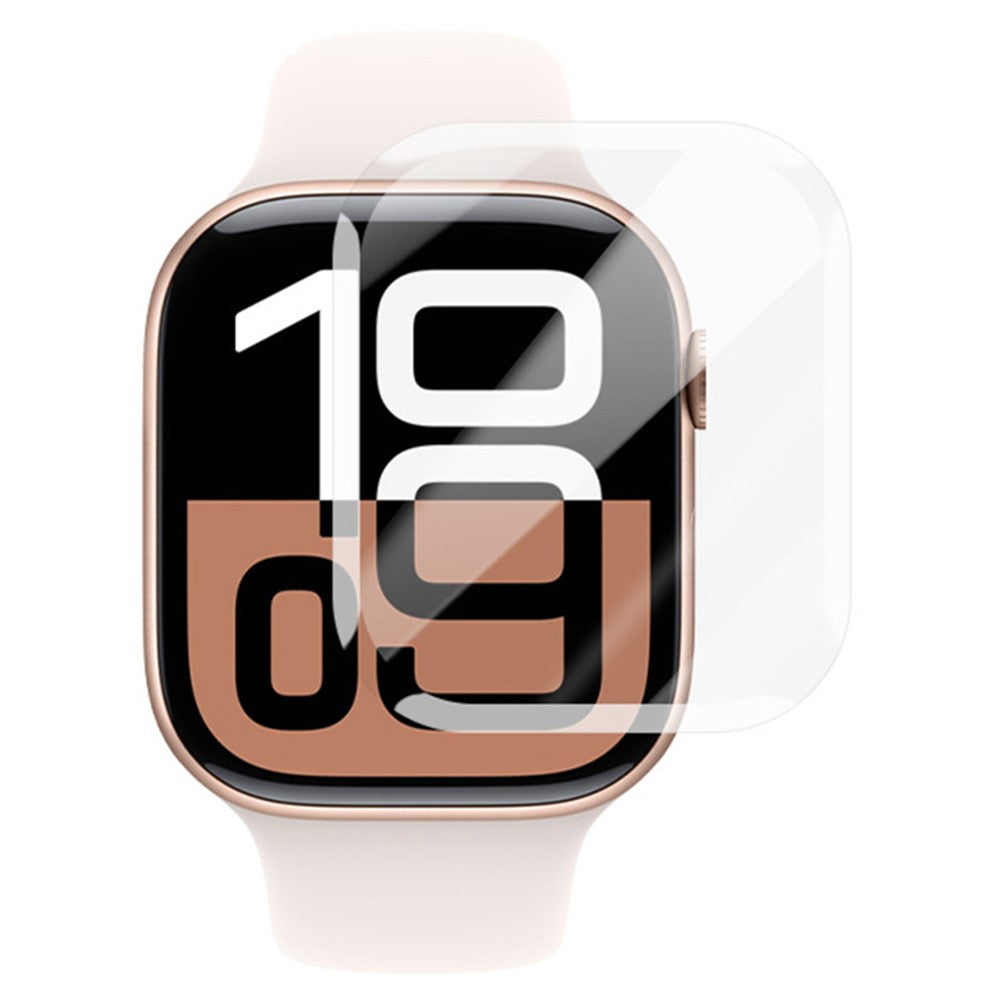

RURIHAI Apple Watch Series 10 42mm Screen Protector 3D UV Liquid High Aluminum-Silicon Glass Film
Choose your option
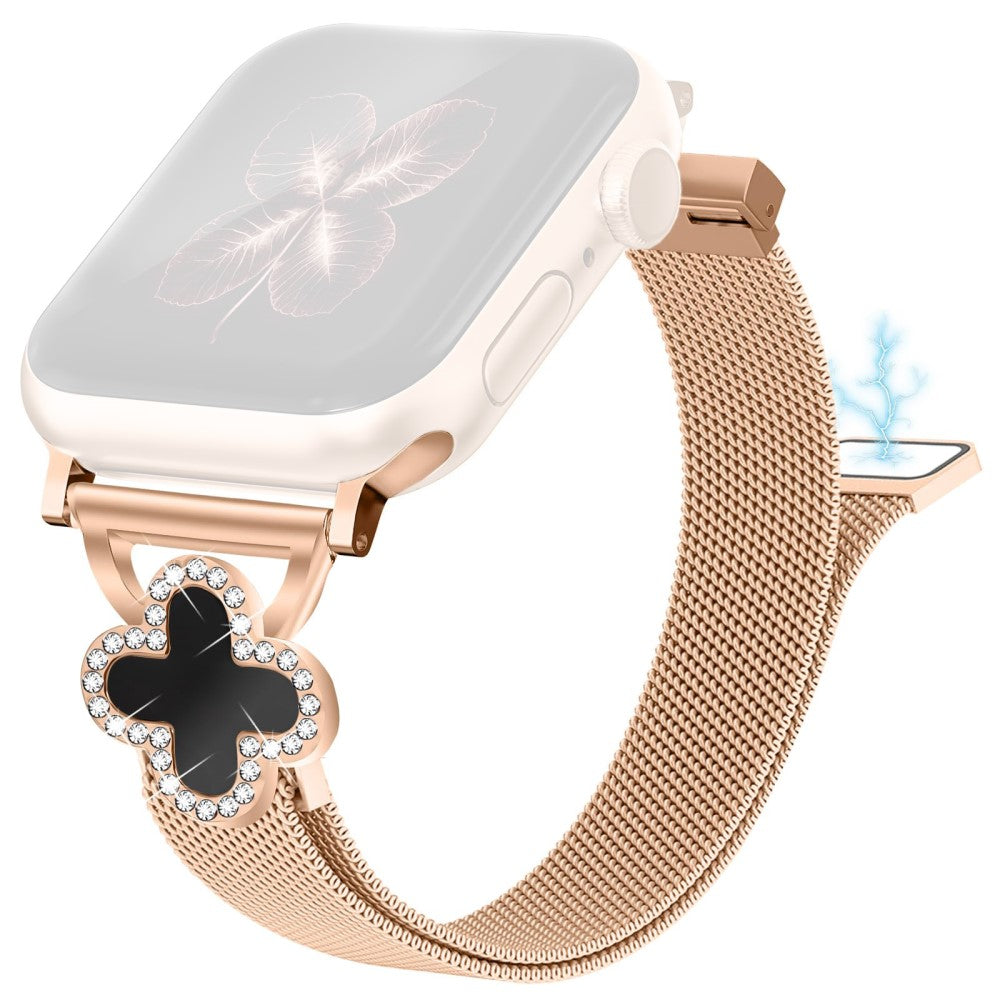
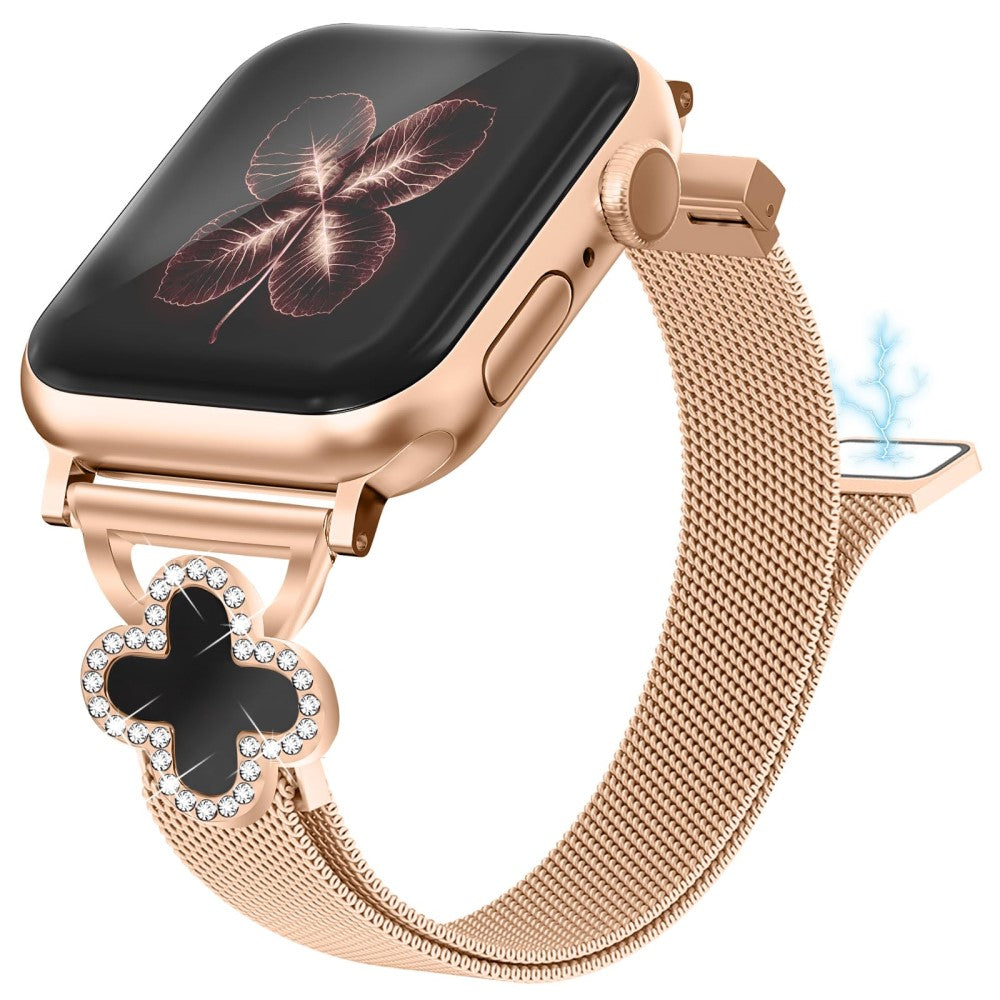
Milanese Band Apple Watch Series 10 42mm / Series 9 8 7 41mm / SE (2023) SE (2022) SE 6 5 4 40mm / 3 2 1 38mm Watch Strap with Clover Connector, Size: S - Rose Gold
Choose your option
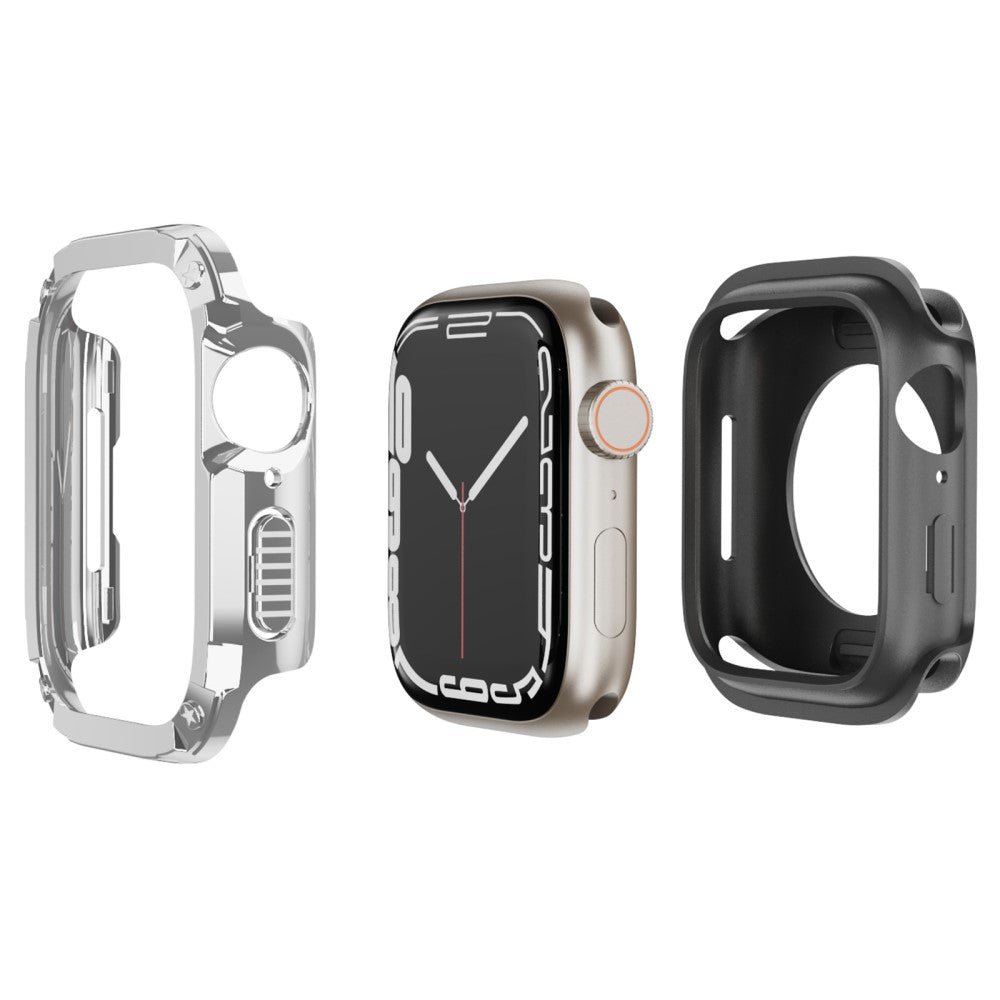
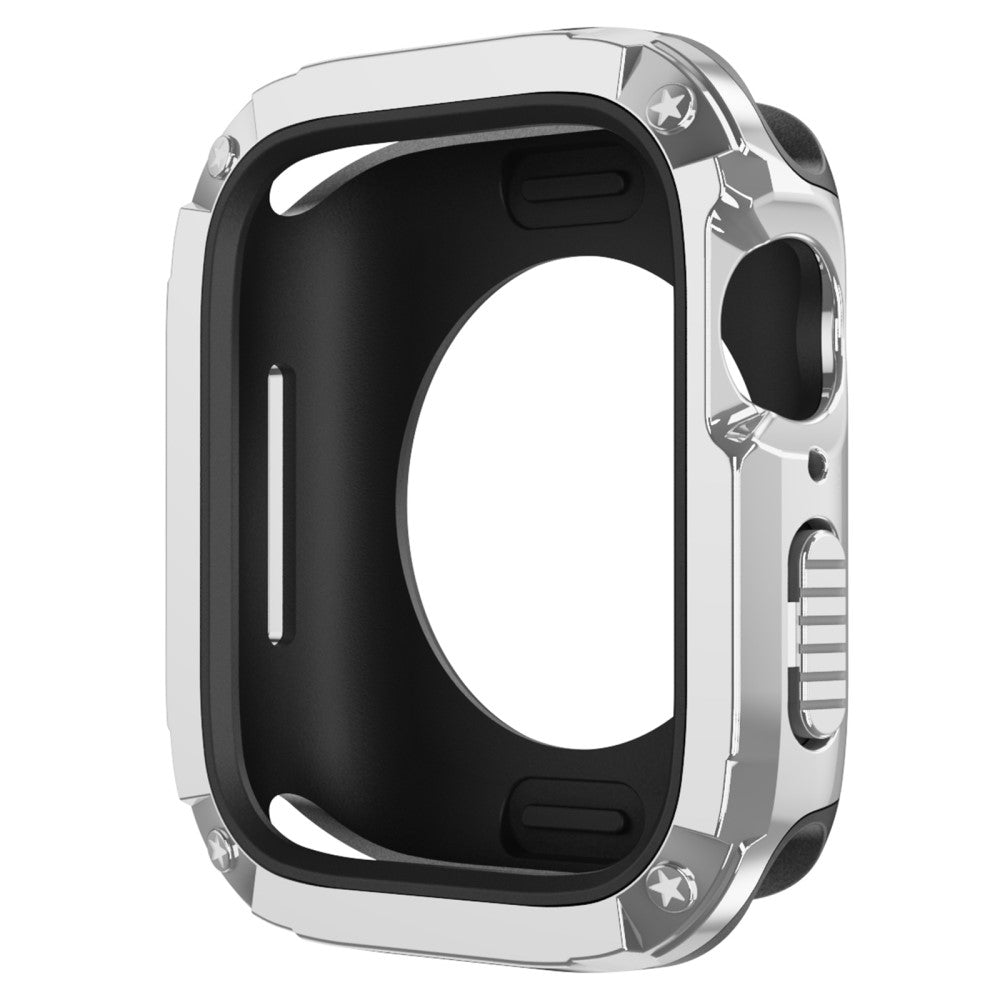
Watch Case Set Apple Watch Series 10 42mm Hard Bump Resistant and Flexible Watch Frame Cover Combo - Silver
Choose your option
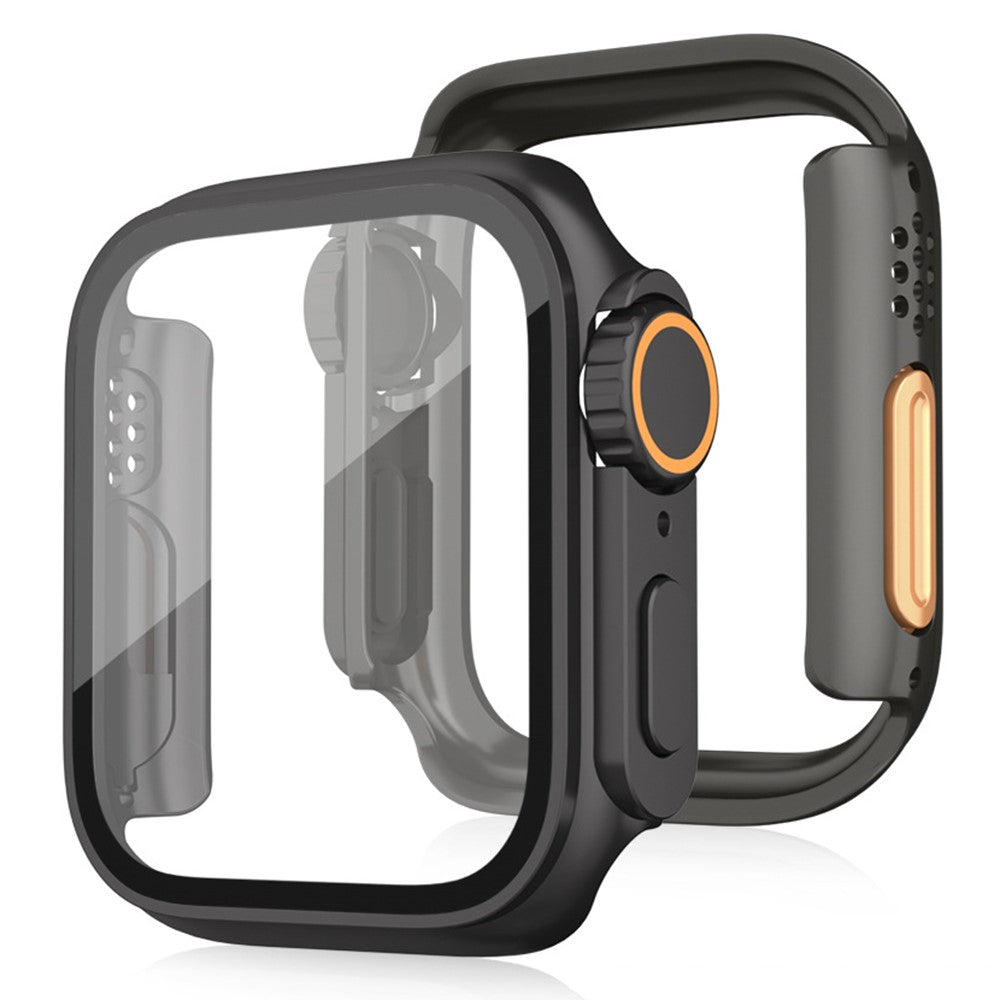
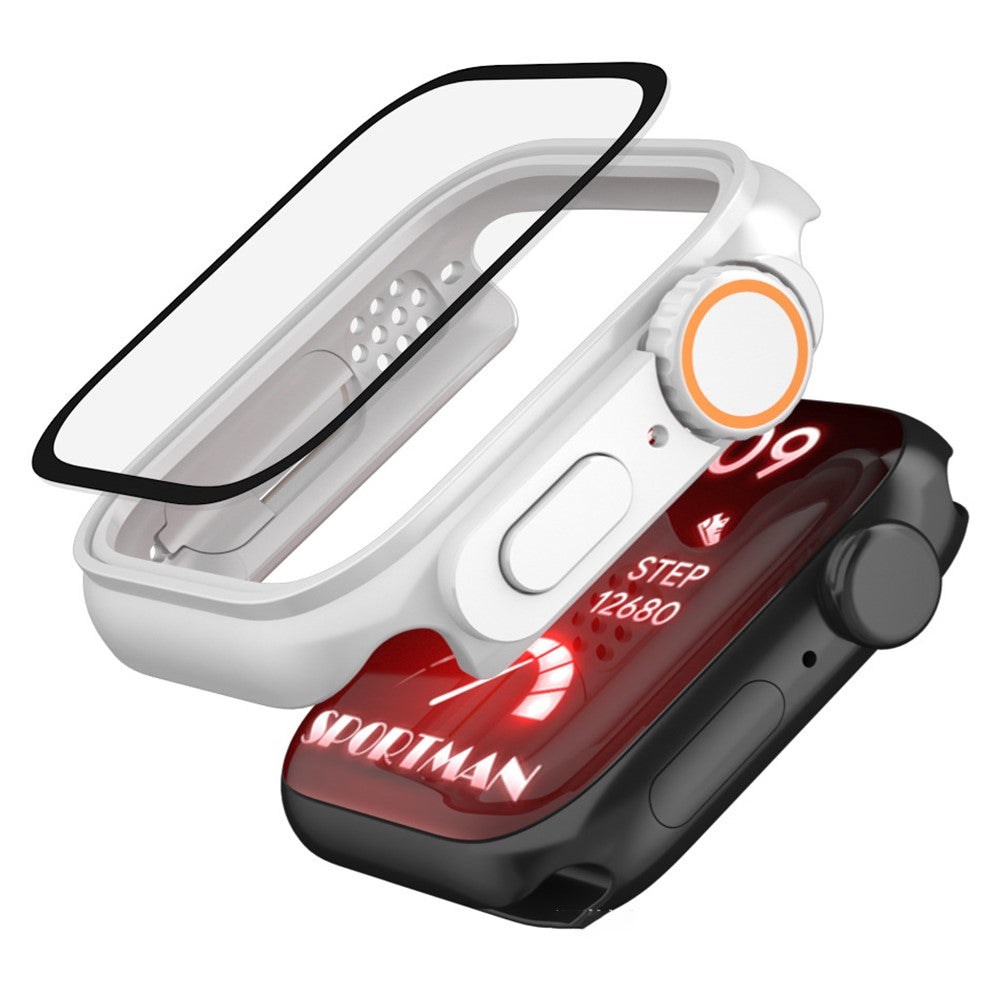
Bump Resistant Watch Case Apple Watch Series 10 / 3 / 2 / 1 42mm Protective Cover with Tempered Glass Film - Black
Choose your option
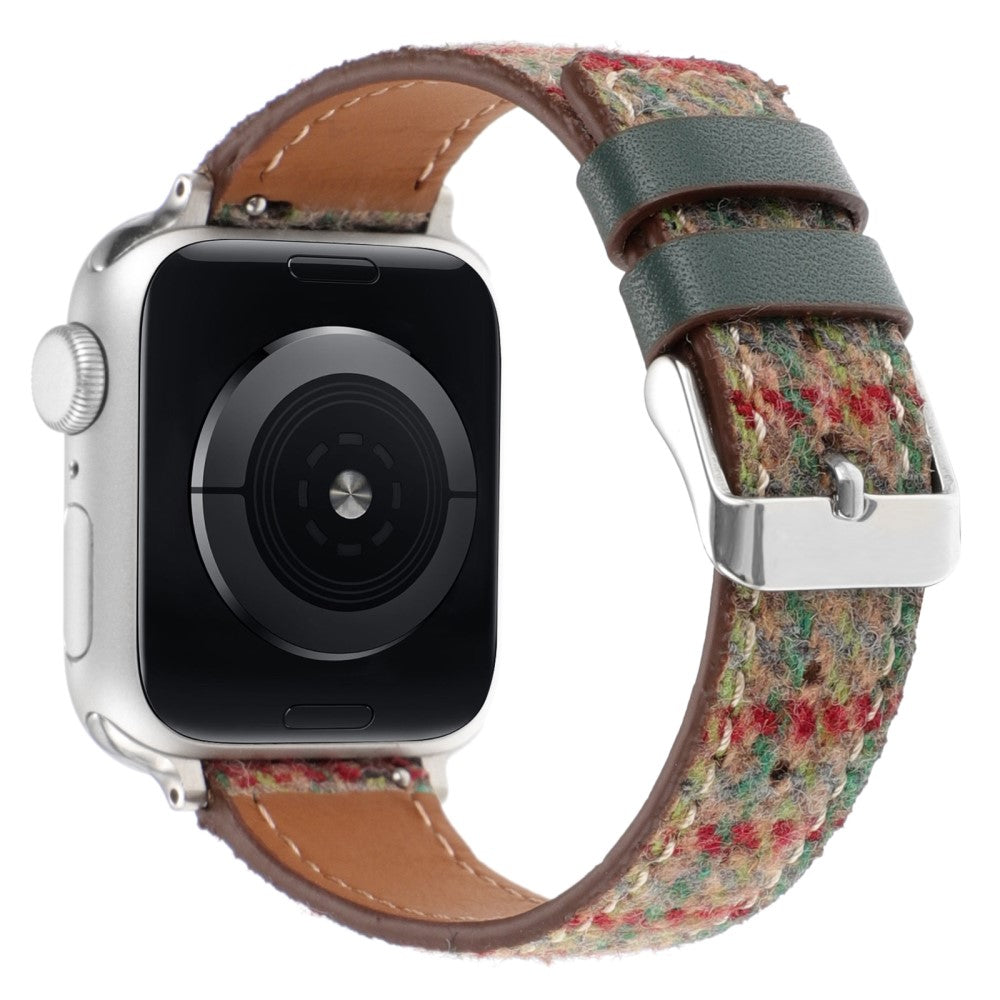
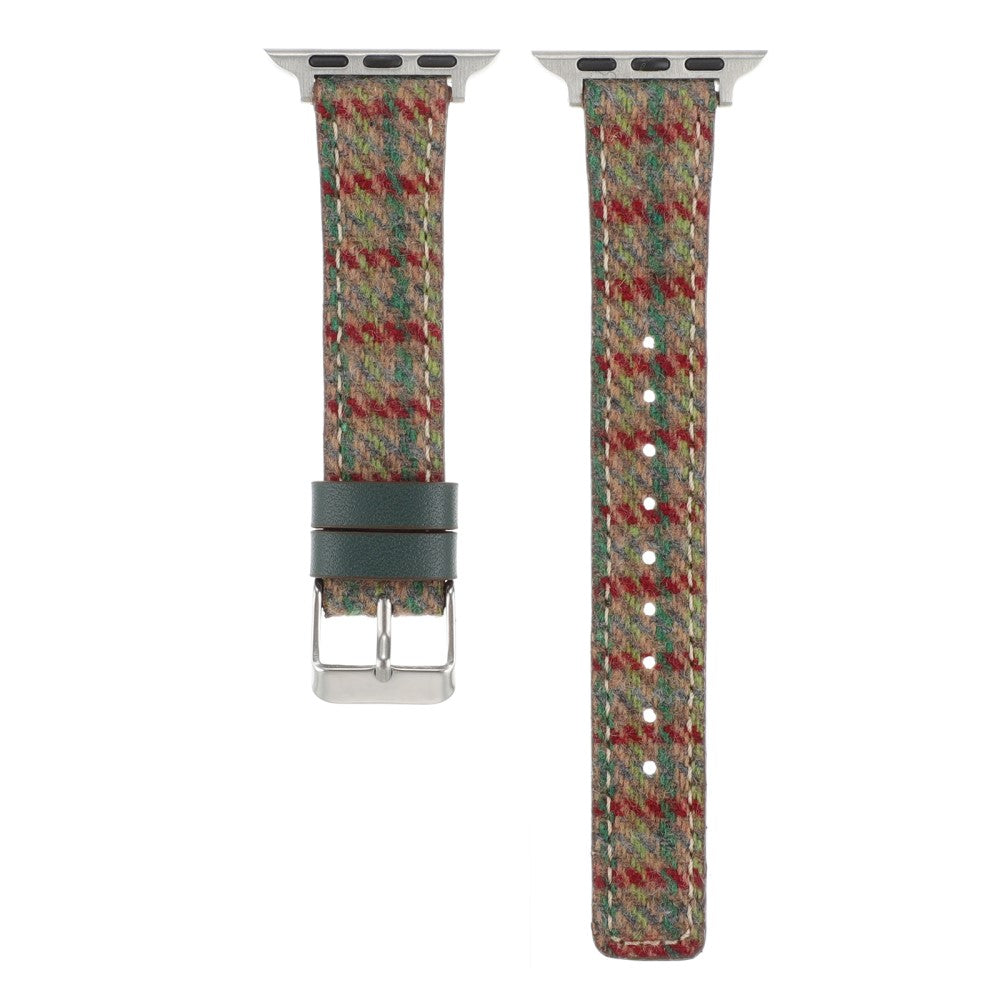
Watch Band Apple Watch Series 10 42mm Grid Leather Wool Watchband - Red Green
Choose your option
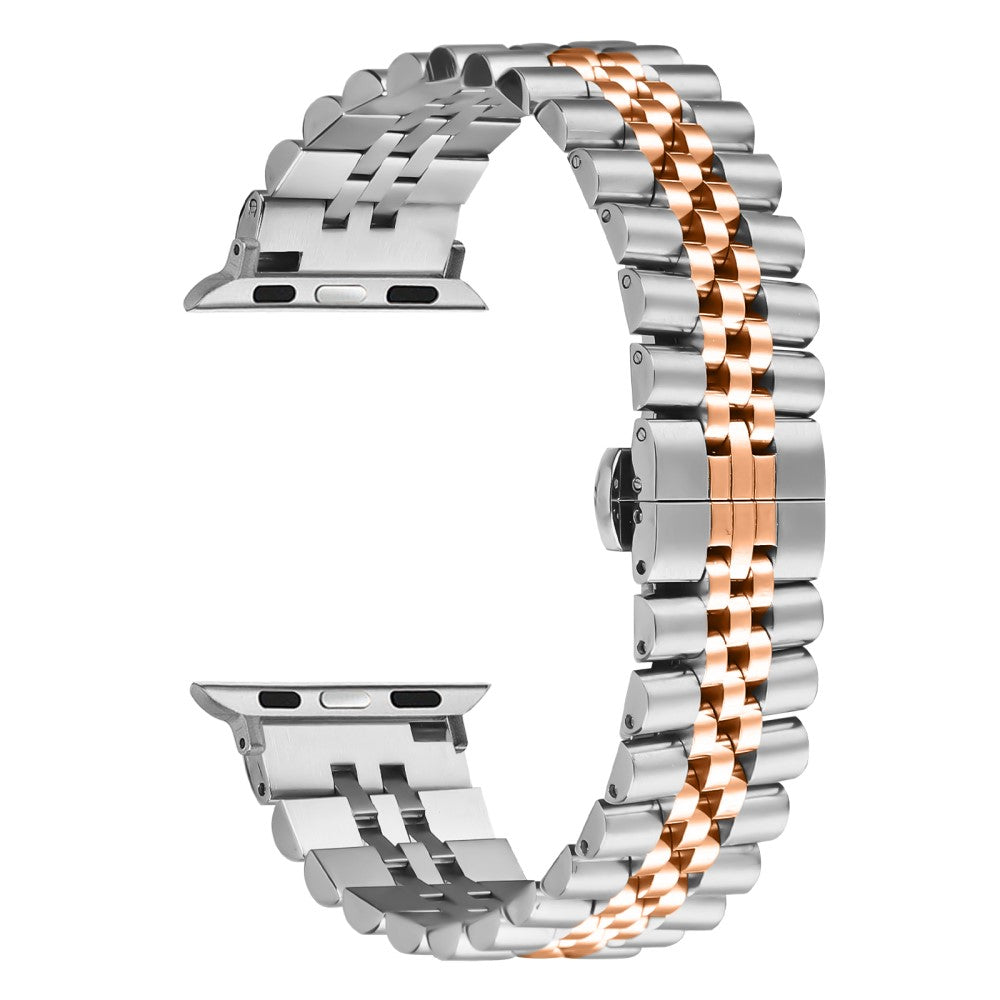
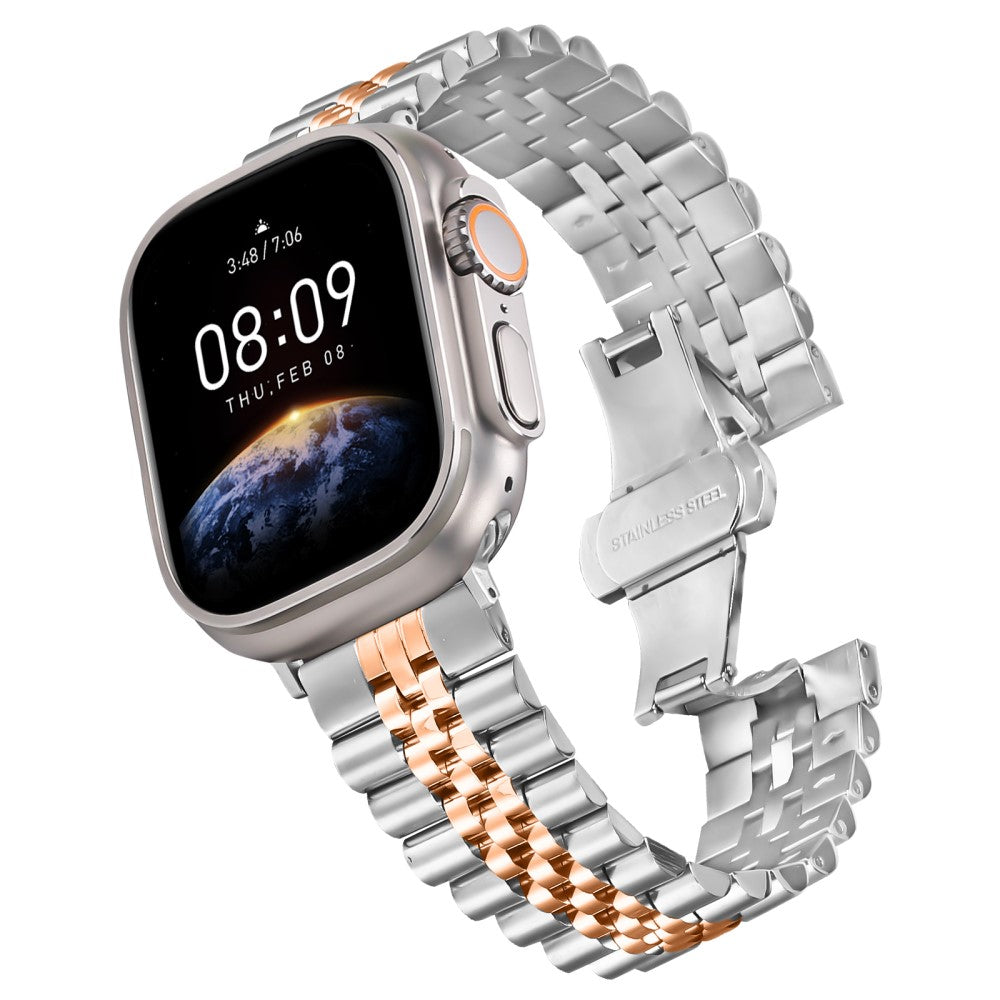
Metal Watch Band Apple Watch Series 1-9 41mm - 40mm - 38mm Replacement Strap with Butterfly Clasp - Rose Gold / Silver
Choose your option

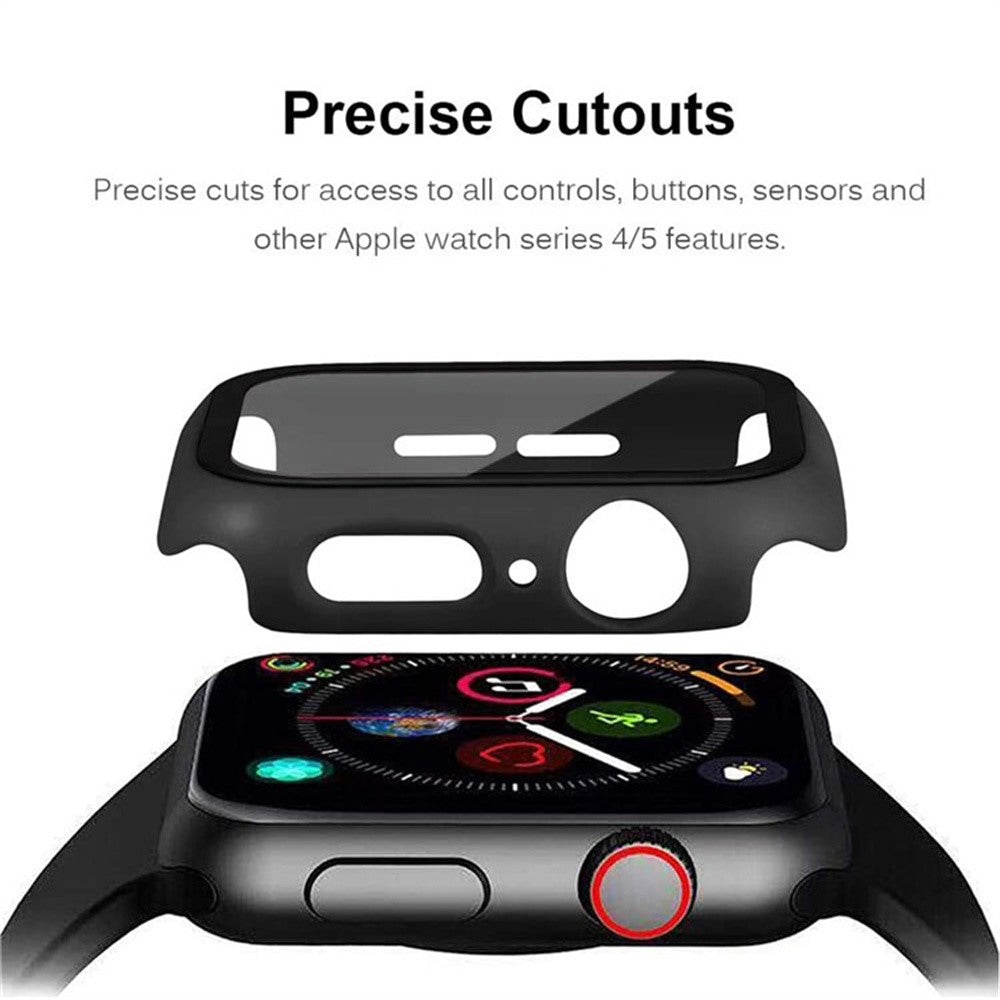
Apple Watch Series 10 42mm Protective Case All-Around Hard Bump Resistant Watch Cover with Tempered Glass Film - Red
Choose your option


Apple Watch Series 10 46mm Bump Resistant Case Hollow Design Rhinestone Decor Watch Frame Cover - Gold
Choose your option
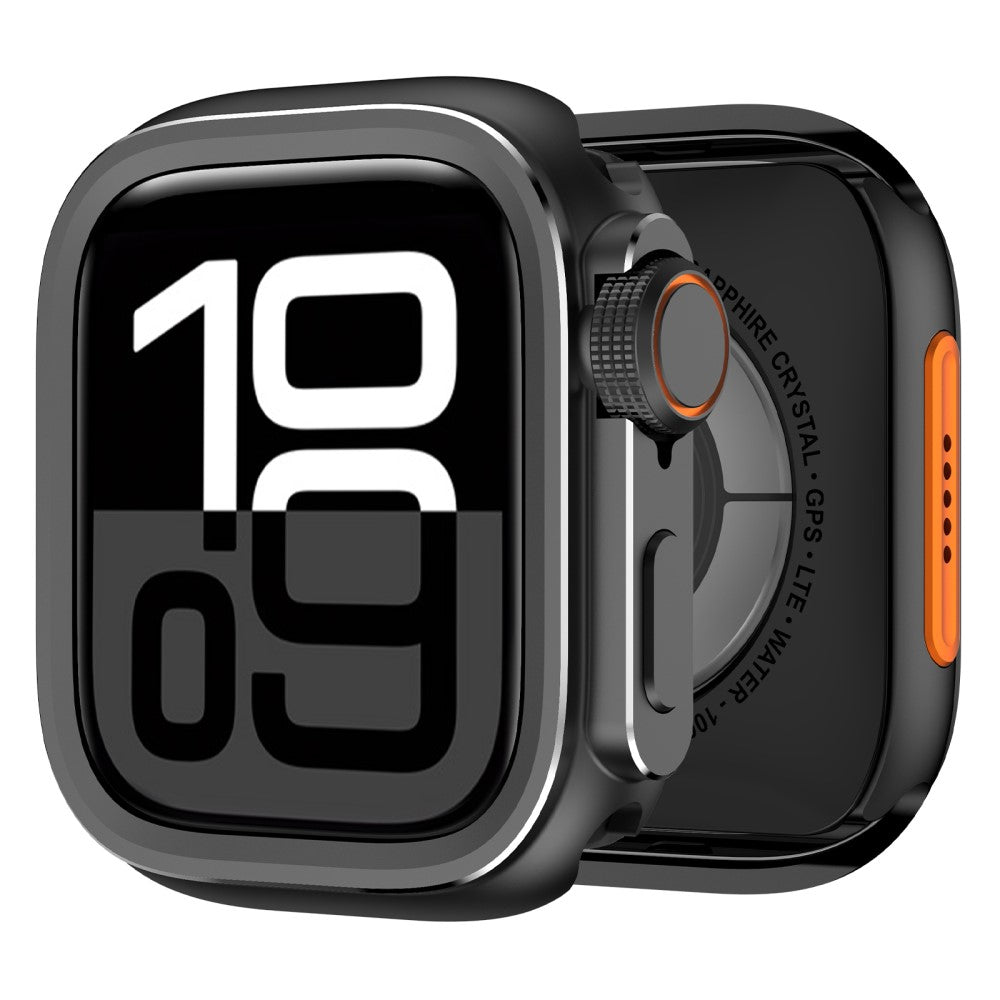
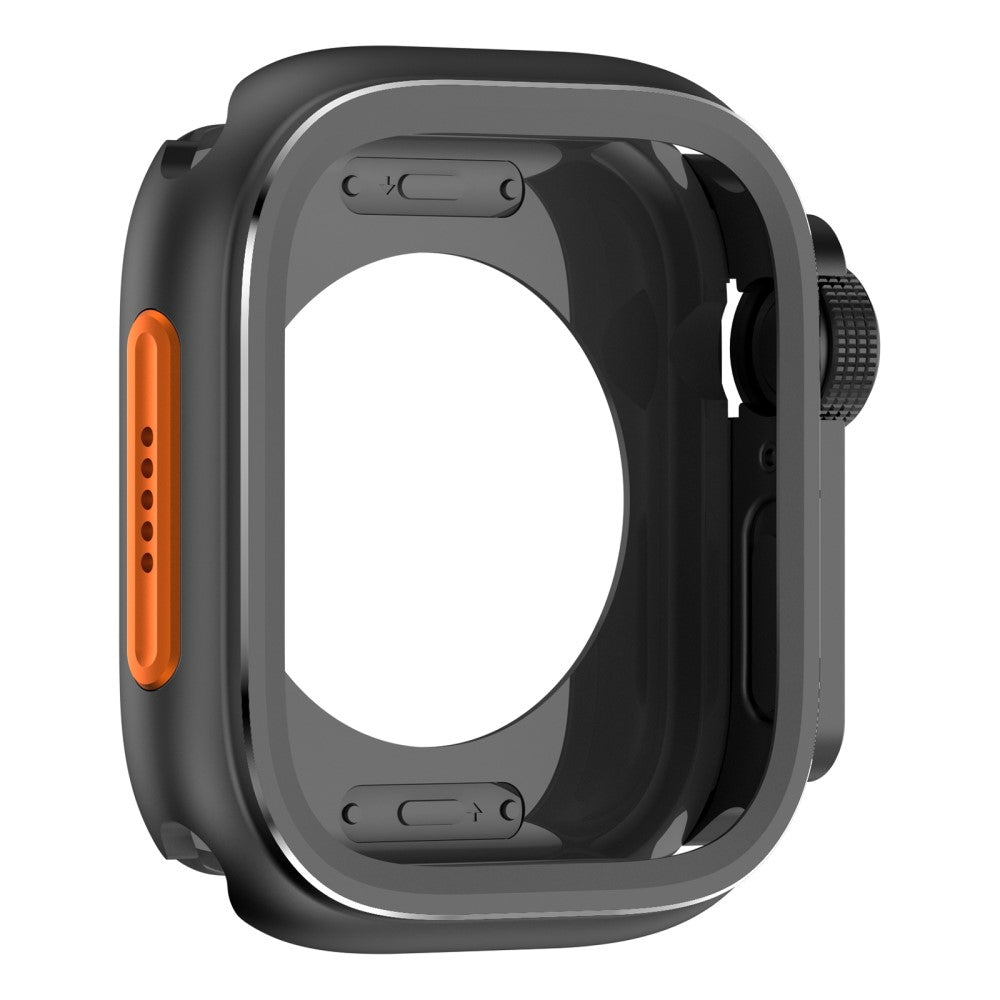
Apple Watch 10 46mm Protective Cover Instant Transformation Ultra Alloy Metal Conversion Case - Black
Choose your option
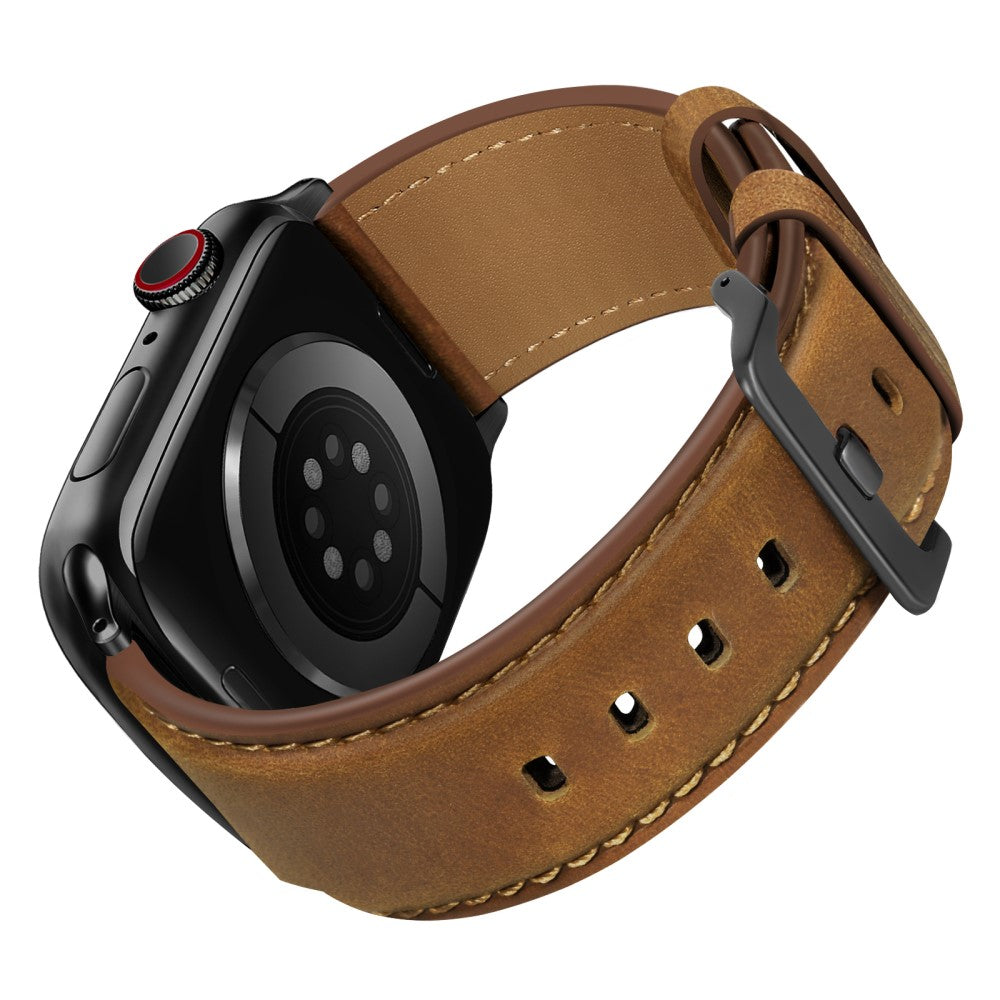
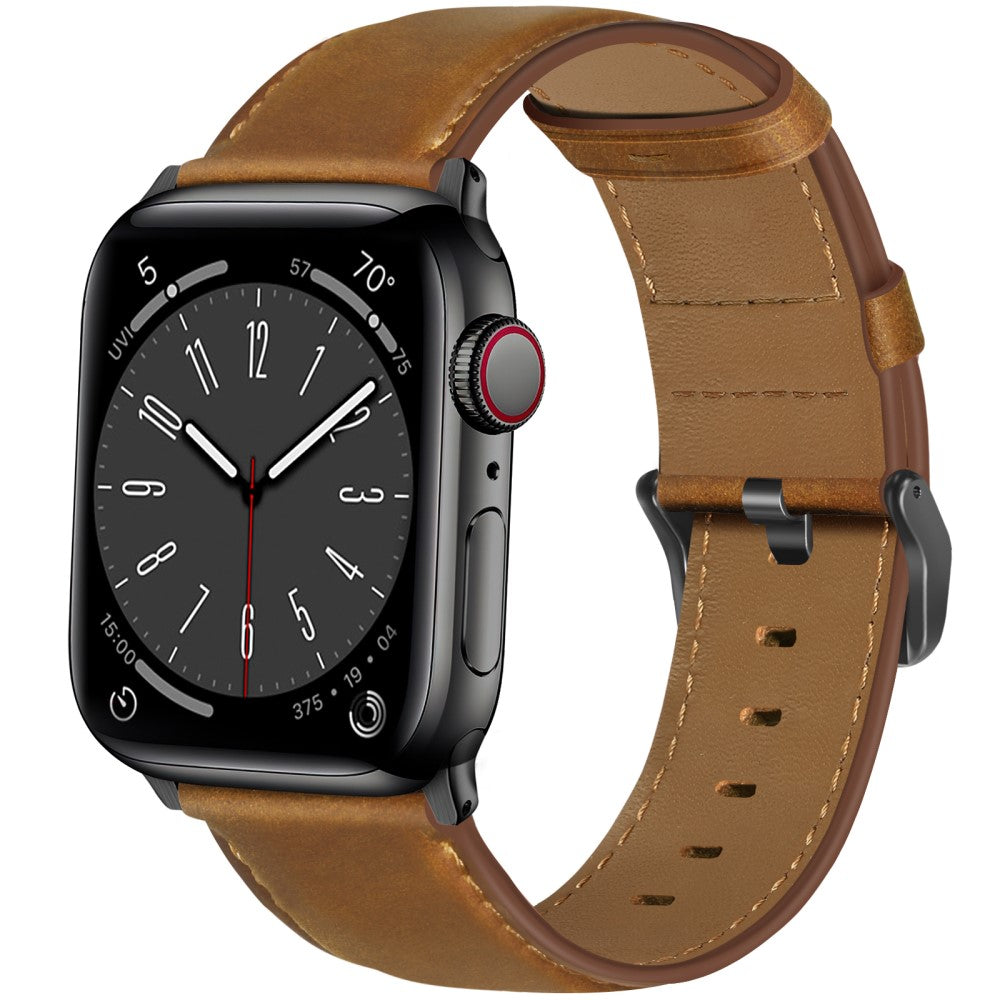
Watch Band Apple Watch Series 1-9 49mm - 45mm - 44mm - 42mm Genuine Cow Leather Strap - Red Brown / Black Buckle
Choose your option
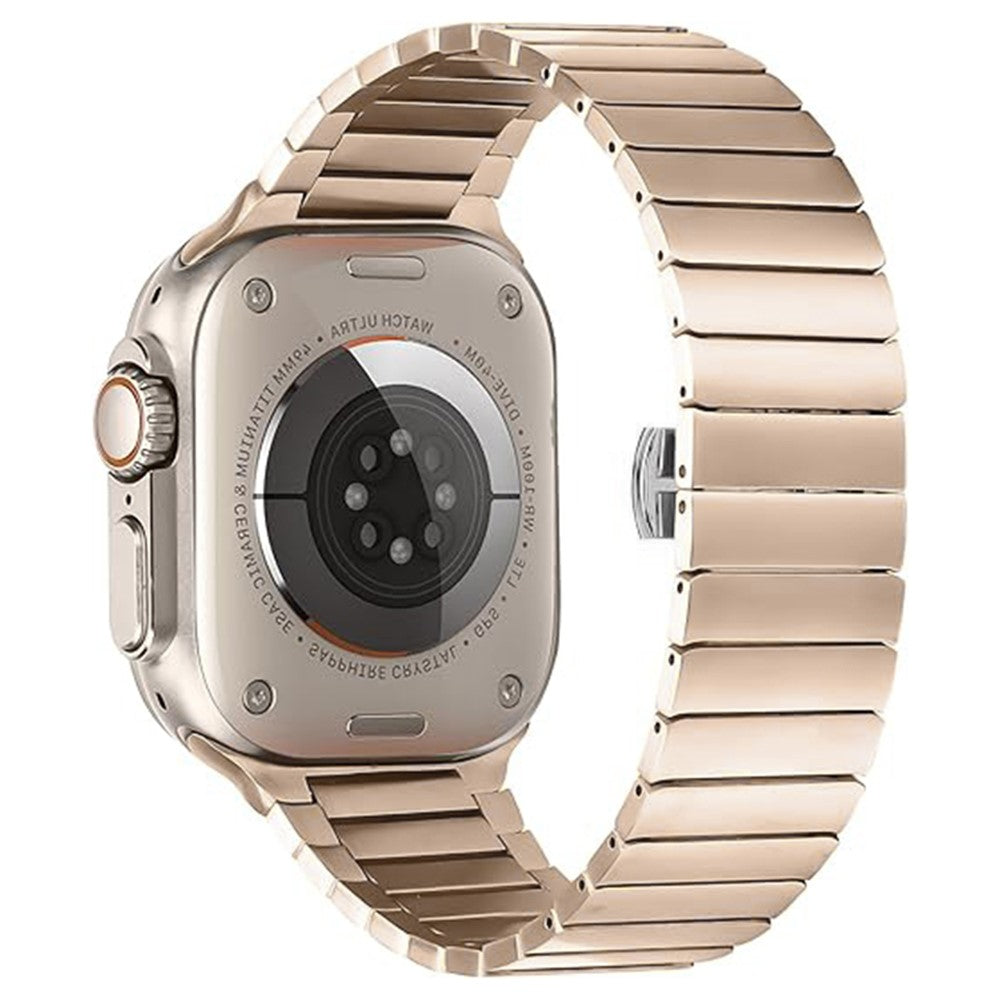
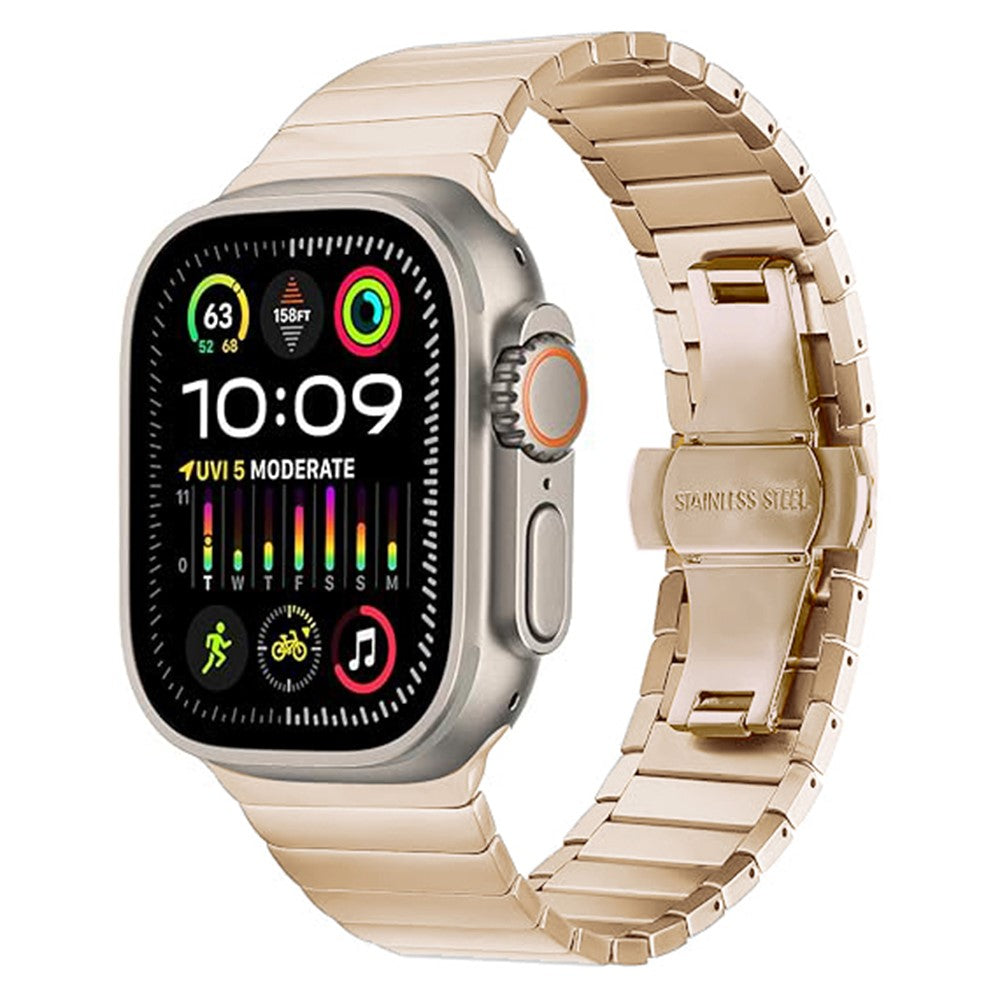
Watch Band Apple Watch Series 10 46mm 1-Bead Bamboo Link Titanium Alloy Strap - New Gold
Choose your option


IMAK Apple Watch Series 10 46mm Screen Protector Scratch Resistant Pliable Watch Film
Choose your option


Watch Band Apple Watch Series 1-9 49mm - 45mm - 44mm - 42mm Genuine Cow Leather Strap - Black / Silver Buckle
Choose your option

Armor Silicone Watch Band for Apple Watch Series 1-9 49mm - 45mm - 44mm - 42mm Adjustable Strap - Navy Blue
Choose your option


Metal Watch Band Apple Watch Series 10 46mm Adjustable Watch Strap - Titanium
Choose your option


Nylon Loop Watchband Apple Watch 10 46mm / Ultra 2 / Ultra 49mm / 9 8 7 45mm / SE (2023) (2022) / SE 6 5 4 44mm / 3 2 1 40mm - Black
Choose your option
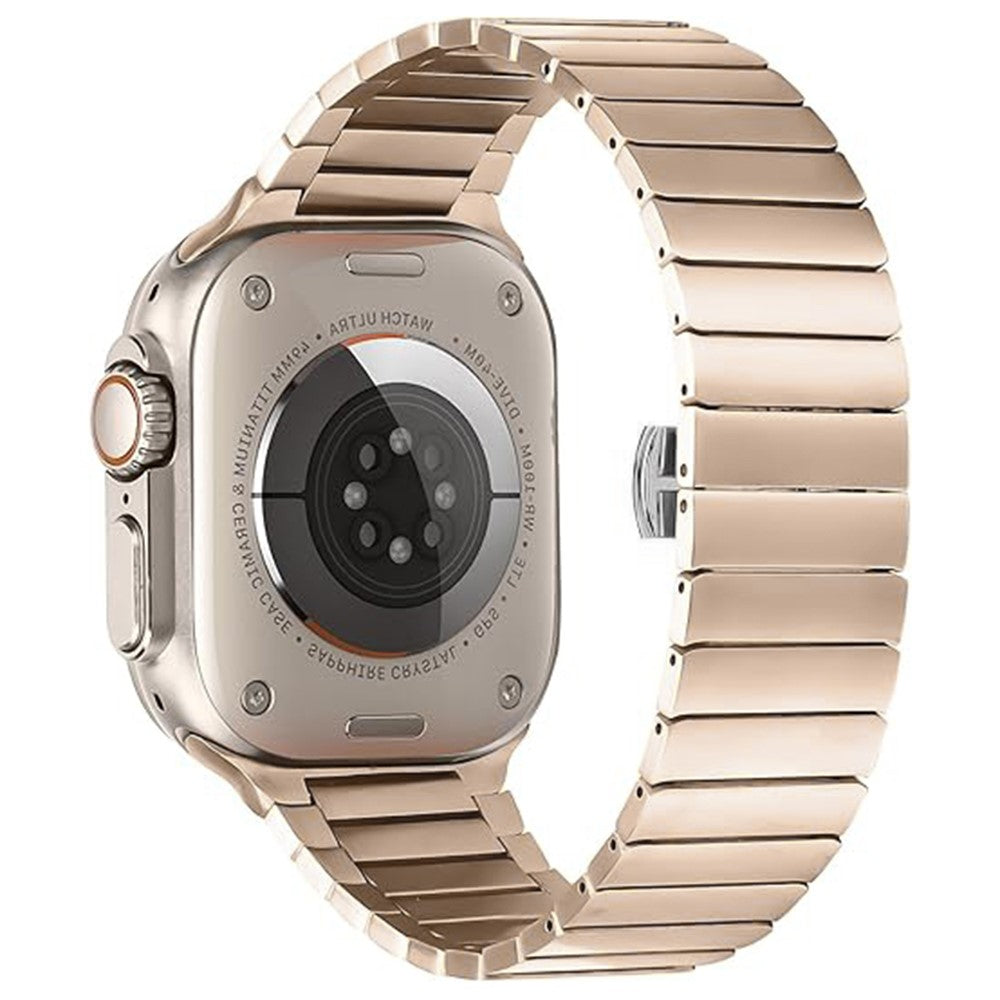

Watch Band Apple Watch Series 10 46mm 1-Bead Bamboo Link Stainless Steel Strap - New Gold
Choose your option

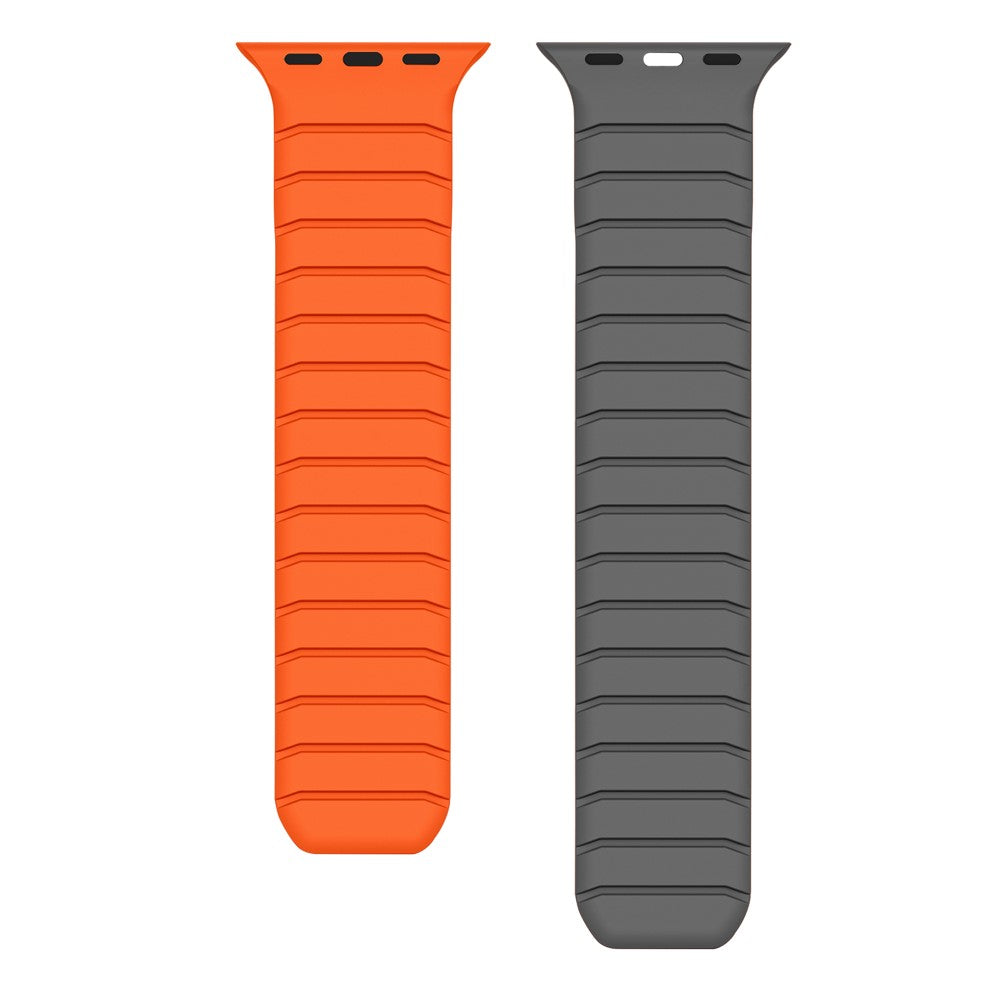
Watch Band Apple Watch Series 49mm - 45mm - 44mm - 42mm Fluororubber Wrist Strap - Orange / Grey
Choose your option


Apple Watch 10 46mm Protective Cover Instant Transformation Ultra Alloy Metal Conversion Case - Titanium
Choose your option

Protect your phone with the right case
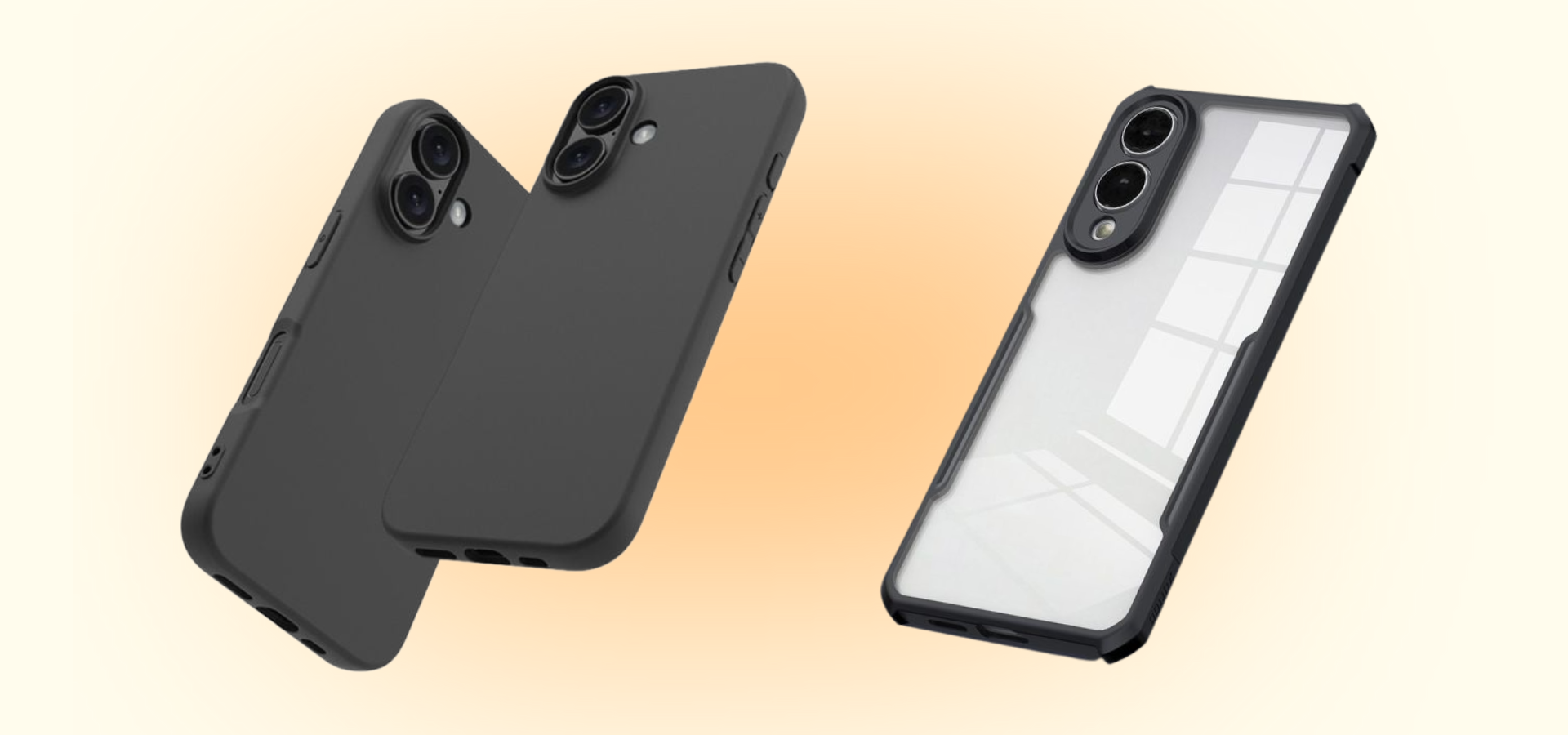
Find the perfect phone case to match your device and your lifestyle. Our collection includes slim, shock-absorbing, and stylish cases for nearly every smartphone model - from iPhones and Samsung Galaxy phones to Google Pixel and more.
Regular phone cases work by wrapping around the back and edges of your device, helping absorb shock from accidental drops while shielding against scratches and everyday wear. The offer essential protection without adding bulk.
Choose from popular options in flexible silicone, tougher plastic, or hybrid materials designed for grip and long-term durability. Every case is organized by phone model for fast, easy browsing - and new designs arrive regularly.

All-in-one wallet cases for convenience & style
Combine protection and practicality with our wide range of wallet cases for your smartphone. These all-in-one cases offer a smart way to carry your phone, cards, and essentials in one compact solution.
Wallet cases function like a folio, protecting both the screen and back of your device while offering built-in storage for cards, IDs, or cash. Many of our options also feature magnetic closures and full coverage for extra security on the go.
Browse our options for major brands, including iPhone, Samsung Galaxy, OnePlus, Xiaomi, and more. Choose from genuine leather, vegan-friendly materials, or textured finishes - all in a variety of colours, designs, and styles to suit your needs.

Reliable screen protection for every device
Cracked screens are expensive - screen protectors are not. Screen protectors are a simple, affordable way to prevent damage before it starts. Our collection includes tempered glass and film protectors that maintain screen clarity and responsiveness.
A screen protector works by adding a thin, transparent layer over your phone’s display, absorbing impacts and resisting scratches without interfering with everyday use. It’s a lightweight but powerful form of defense.
We offer screen protectors for all popular smartphones on the market, and the less popular ones as well. Many options come with installation kits for easy, bubble-free installation, and can be used alongside any case of wallet case for full coverage.
Blog posts

iPhone Duo: everything confirmed, plus early hands-on impressions
After more than a year of rumours calling it the "iPhone Fold" or "iPhone Ultra," Apple confirmed its first foldable at the "Surprise and Shine" keynote on 9 September — officially named the iPhone Duo. It launched alongside the iPhone 18 Pro and iPhone 18 Pro Max; for the full launch-day picture across all three, see our iPhone 18 launch roundup. This one's just about the Duo. The basics Displays: 5.4in OLED outer screen for everyday use, unfolding into a 7.6in OLED inner display — Apple's largest, most immersive iPhone screen yet Design: book-style fold with curved corners on one side and squared-off corners at the hinge, giving it an asymmetrical "D" shape when closed Build: grade 5 titanium frame, titanium-and-aluminium hinge, Ceramic Shield 2 on the front, Ceramic Shield on the back, IP68 dust and water resistance Screen coating: a nano-texture matte finish on the inner display, designed to scatter light and reduce glare and crease visibility Camera: a single 48MP Fusion Main camera — no dedicated telephoto lens, with the selfie camera hidden under the inner display Software: runs iOS 27 with Split View multitasking, a redesigned Standby mode, and a side-positioned dock reachable folded or unfolded; Netflix, Zoom and Slack are among the apps already optimised for the fold at launch Colours: Star White and Night Sky — just two options Price: from £1,999 (256GB), rising to £2,199 (512GB), £2,599 (1TB) and £3,199 (2TB) — £700 more than an iPhone 18 Pro Max at every tier Release: pre-order Friday 16 October, in shops Friday 23 October — over a month after the Pro models What early hands-on reviews are actually saying Apple let journalists spend a few minutes with the iPhone Duo straight after the keynote, and the reviews are genuinely useful reading if you're on the fence, because they don't all agree. The hinge and the "in-hand" feel get consistent praise. Reviewers across the board describe opening and closing it as effortless, without the "am I going to break this" anxiety that's dogged some Android foldables. The transition from the cover screen to the full inner display when you unfold it mid-app — say, halfway through a Netflix episode — is being singled out as one of the better bits of software polish Apple's shown in years. The crease is where opinions split. Some outlets are reporting it's essentially invisible thanks to the nano-texture coating and a new two-layer flexible glass; others say it's just as visible as on Samsung's Galaxy Z Fold 8 once you look at it side-on, even if you can't feel it with a finger run across the screen. Worth knowing before you assume "no crease" is a settled fact — it isn't, yet, and Samsung's own foldables are known to develop a more visible crease after a few weeks of daily folding, so the real test will be longer-term reviews, not launch-day hands-on time. It's noticeably more expensive and slightly thicker than the Galaxy Z Fold 8, its most obvious rival, though early impressions suggest the software experience is the more polished of the two. Is it actually worth £1,999? That depends entirely on whether you'd use the fold, not just admire it. The single-camera setup (no telephoto) and £700 premium over the Pro Max are real trade-offs, not marketing footnotes — if photography is a priority, the Pro Max is the stronger camera phone for less money. Where the Duo earns its price is multitasking and screen real estate: if you regularly wish your phone screen were bigger for reading, editing or side-by-side apps, and you're not precious about carrying something slightly thicker than a standard iPhone, it's the most credible case yet for a "tablet in your pocket." If you're mainly curious rather than certain, the month-long gap before it ships gives you time to read full reviews once devices are actually in daily use, rather than relying on launch-day first impressions. For the more conventional (and considerably cheaper) options, see our guides to the iPhone 18 Pro and iPhone 18 Pro Max. Get it protected from day one At this price, protecting it matters more than usual. We'll have a full range of iPhone Duo cases and screen protection ready well ahead of the 23 October launch.
Read more
iPhone 18 Pro Max: Everything confirmed
Apple confirmed the iPhone 18 Pro Max at its "Surprise and Shine" keynote on 9 September, alongside the smaller iPhone 18 Pro and the company's first foldable, the iPhone Duo. For the full launch-day picture across all three, see our iPhone 18 launch roundup. This one's just about the Pro Max. The basics Display: 6.9in Super Retina XDR, ProMotion, Always-On, smaller Dynamic Island (now shows up to three Live Activities at once) Chip: A20 Pro, Apple's first 2-nanometre chip, 6-core CPU, 7-core GPU, dual 16-core Neural Engine Camera: the same 48MP Pro Fusion triple system as the iPhone 18 Pro — Main, Ultra Wide, and a 48MP Fusion Telephoto (100mm, ƒ/2.8) — with variable aperture on the main lens (ƒ/1.48 to ƒ/4.0), 0.5x to 8x optical zoom, and an 18MP Center Stage front camera Battery: up to 45 hours of video playback — what Apple is calling the longest battery life of any iPhone it's made Charging: 50% in around 15 minutes on a wired charger Connectivity: N1 wireless chip (Wi-Fi 7, Bluetooth 6, Thread) and Apple's own C2 modem Colours: Black, Silver, Glacier (light blue) and Burgundy Price: from £1,299 (256GB) Release: pre-order Saturday 12 September, in shops Friday 18 September What's actually new versus the iPhone 17 Pro Max The camera and chip changes are shared with the smaller Pro — variable aperture on the main lens, the A20 Pro's 2nm efficiency gains, and a shrunken Dynamic Island that now handles three Live Activities at once instead of the usual two. What's Pro Max-specific is the battery: 45 hours of video playback is a genuine jump, and Apple's early testing partners have reported the combination of the new chip and battery finally getting mainstream heavy users into reliable two-day territory, not just light users. Camera-wise, early hands-on impressions have flagged a noticeably more capable main sensor in low light, with less of the green ghosting and lens flare that showed up in some night shots on last year's model. The telephoto's sustained zoom performance while shooting handheld video has also come in for praise — a detail more relevant to the Pro Max, given its size makes it the more natural choice for anyone shooting a lot of video. Should you upgrade from an iPhone 17 Pro Max? If you're happy with your current battery life and camera, this is a skippable year — the underlying design is unchanged, and nothing here fundamentally changes what the phone can do that it couldn't already. Where it's worth it: if you're a heavy video shooter who wants the variable aperture control, or if battery anxiety is a genuine daily annoyance for you, the Pro Max's 45-hour rating is a real, not marginal, improvement. Coming from an iPhone 16 Pro Max or older, it's a much easier call — better camera, significantly longer battery, and a proper generational leap in the chip. iPhone 18 Pro Max or iPhone 18 Pro? Camera and chip are identical between the two models. The Pro Max gets the bigger 6.9in screen and the longer 45-hour battery rating, for £100 more at every storage tier than the 6.3in, 36-hour Pro. If screen real estate and all-day battery matter more to you than pocketability, the Pro Max is the one. Full breakdown in our iPhone 18 Pro guide. If you're weighing it against something more radical, our iPhone Duo guide covers Apple's first foldable, including early hands-on impressions of the crease and hinge. Get it protected from day one Pre-orders open Saturday, and a drop in the first week is one of the most common ways a brand-new phone picks up its first scratch. Browse our full range of iPhone 18 Pro Max cases, screen protectors and accessories, ready ahead of the 18 September launch.
Read more
iPhone 18 Pro: Everything confirmed
Apple confirmed the iPhone 18 Pro at its "Surprise and Shine" keynote on 9 September, alongside the larger iPhone 18 Pro Max and the company's first foldable, the iPhone Duo. If you're after the full launch-day picture across all three, our iPhone 18 launch roundup covers it. This one's just about the Pro. The basics Display: 6.3in Super Retina XDR, ProMotion, Always-On, smaller Dynamic Island (now shows up to three Live Activities at once) Chip: A20 Pro, Apple's first 2-nanometre chip, 6-core CPU, 7-core GPU, dual 16-core Neural Engine Camera: 48MP Pro Fusion triple system — Main, Ultra Wide, and a 48MP Fusion Telephoto (100mm, ƒ/2.8) — with a genuine variable aperture on the main lens for the first time (ƒ/1.48 to ƒ/4.0), 0.5x to 8x optical zoom range, and an 18MP Center Stage front camera with stabilised Dual Capture video Battery: up to 36 hours of video playback, matching what the iPhone 17 Pro Max managed last year — a genuine step up for the smaller-bodied Pro Charging: 50% in around 15 minutes on a wired charger Connectivity: N1 wireless chip (Wi-Fi 7, Bluetooth 6, Thread) and Apple's own C2 modem, which Apple says uses 15% less energy than last year's C1X Colours: Black, Silver, Glacier (light blue) and Burgundy — a deep red that replaces the Cosmic Orange from the iPhone 17 Pro Price: from £1,199 Release: pre-order Saturday 12 September, in shops Friday 18 September What's actually new versus the iPhone 17 Pro Strip away the marketing and three things genuinely changed this year: the variable aperture camera, the A20 Pro chip, and the smaller Dynamic Island. Everything else — the 6.3in size, the aluminium unibody, the camera plateau design — carries over largely unchanged. The variable aperture is the one worth paying attention to. Every iPhone since the 14 Pro has used a fixed aperture on its main camera, relying entirely on software to fake depth-of-field control. The 18 Pro's main lens can now physically open and close between ƒ/1.48 and ƒ/4.0, which means genuine optical control over how much light hits the sensor and how shallow your depth of field looks — the kind of control that used to require a proper camera. Apple's also added new Pro controls in the Camera app to let you adjust it manually if you want to. The A20 Pro is Apple's first chip built on a 2-nanometre process, and the company is leaning hard on the AI angle this year — it's calling the dual Neural Engine setup central to how Siri and on-device Apple Intelligence features run. Whether that translates to a noticeably faster phone in daily use is the kind of thing that takes independent benchmarks to confirm, but the efficiency gains should show up in battery life either way. Should you upgrade from an iPhone 17 Pro? Probably not, unless the camera is what's pulling you in. A year-on-year jump rarely justifies replacing a phone that's still under warranty, and the 17 Pro already covers the display size, general design and most of the performance most people need. The variable aperture is a genuine first for iPhone, though, and if you shoot a lot of portraits or low-light photos, it's the kind of feature that's hard to go back from once you've used it. Coming from an iPhone 15 Pro or older, the case is more straightforward: better camera, meaningfully longer battery life, and a proper efficiency jump from the new chip. iPhone 18 Pro or iPhone 18 Pro Max? The camera and chip are identical between the two — the real decision is size and battery. The Pro Max gets a 6.9in display and up to 45 hours of video playback against the Pro's 6.3in and 36 hours, for £100 more at every storage tier. If you want the smaller, more pocketable Pro camera experience without the extra bulk, the Pro is the one to get. For the full breakdown, see our iPhone 18 Pro Max guide. Curious about Apple's other big launch this year? Our iPhone Duo guide covers the foldable, including early hands-on impressions of the crease and hinge. Get it protected from day one Pre-orders open Saturday, and a drop in the first week is one of the most common ways a brand-new phone picks up its first scratch. Browse our full range of iPhone 18 Pro cases, screen protectors and accessories, ready ahead of the 18 September launch.
Read more
iPhone 18 Pro, iPhone 18 Pro Max and iPhone Duo: price, release date and everything confirmed
Last updated: 10 September 2026, following Apple's "Surprise and Shine" keynote The split launch we told you to expect has happened exactly as the rumours described it. On 9 September, Apple confirmed the iPhone 18 Pro, iPhone 18 Pro Max, and its first-ever foldable iPhone — and left the standard iPhone 18 out of the lineup entirely, holding it back for spring 2027. It was also the first keynote under new CEO John Ternus, who took over from Tim Cook on 1 September. The one genuine surprise: after a year of rumours calling it the "iPhone Fold" or "iPhone Ultra," Apple has named its foldable the iPhone Duo. Here's everything confirmed, plus links to our full breakdown of each model. Keeping an older iPhone going in the meantime? Browse our iPhone cases and accessories while you weigh up whether to upgrade. The three new iPhones, at a glance Model Price Pre-order On sale iPhone 18 Pro £1,199 Sat, September 12th Fri, September 18th iPhone 18 Pro Max £1,299 Sat, September 12th Fri, September 18th iPhone Duo £1,999 Fri, October 16th Fri, October 23rd Both Pro models are £100 more than their iPhone 17 equivalents. Apple hasn't explained the increase beyond acknowledging that some price rises were "unavoidable." iPhone 18 Pro and iPhone 18 Pro Max Confirmed for the two Pro models: Chip: A20 Pro, Apple's first 2-nanometre chip, with a 6-core CPU and a dual Neural Engine Apple is pitching heavily around on-device AI Camera: a 48MP triple-camera system with, at last, a genuine variable aperture on the main lens (ƒ/1.48 to ƒ/4.0), plus up to 8x optical zoom Display and design: unchanged sizes at 6.3in and 6.9in, with a smaller Dynamic Island that can now show three Live Activities at once Battery: the Pro Max is rated for up to 45 hours of video playback, which Apple is calling the longest battery life of any iPhone Colours: Black, Silver, Glacier (light blue) and Burgundy — a deep red replacing last year's Cosmic Orange That's the headline version. For the full spec sheet, camera samples and our take on whether it's worth upgrading from an iPhone 17 Pro, read our dedicated guides to the iPhone 18 Pro and the iPhone 18 Pro Max. Either way, it's worth having protection ready before it arrives — see our iPhone 18 Pro cases and iPhone 18 Pro Max cases. iPhone Duo: Apple's first foldable This was the actual headline of the keynote. The iPhone Duo is a book-style foldable with a 5.4in outer display and a 7.6in inner display that Apple says is its most immersive screen yet. The frame is grade 5 titanium, the hinge is a titanium-and-aluminium blend, and the whole thing carries IP68 water and dust resistance — not something every foldable on the market can claim. John Ternus called it "the most transformational change to iPhone since the original," which is the kind of line every Apple keynote includes somewhere, but the spec sheet backs it up more than usual: it's the thinnest iPhone Apple has ever made, and it comes in just two colours, Star White and Night Sky. It's also the most expensive iPhone Apple has ever sold, starting at £1,999 for 256GB and rising to £3,199 for 2TB — a full £700 more than the equivalent iPhone 18 Pro Max at every storage tier. It won't ship until 23 October, over a month after the Pro models. We've gone deep on the hinge, the crease, the camera trade-offs and whether it's actually worth the premium in our full iPhone Duo guide — and we'll have iPhone Duo cases ready before it lands. What about the standard iPhone 18? Still delayed. Apple confirmed the regular iPhone 18 isn't part of this launch and is expected alongside a budget iPhone 18e in spring 2027. If a standard iPhone is your usual upgrade, this is a longer wait than you're used to — but at least it's no longer a rumour, it's confirmed. Should you buy now, or wait? If you want a Pro model, there's nothing left to wait for — pre-orders open Saturday. If you're tempted by the Duo, the six-week gap before it ships gives you time to see real reviews before committing to that £1,999 starting price. If budget is the bigger concern, keep an eye on the iPhone 17 Pro over the next few weeks. Outgoing models typically see their first real discounts in the fortnight right after a new launch, and this year should be no different. Whichever one you end up with, a case from day one is cheap insurance against the first-week scratch that seems to find every brand-new phone. Quick questions, answered What's Apple's foldable iPhone actually called? The iPhone Duo. Not the iPhone Fold or iPhone Ultra, despite over a year of rumours using those names. How much more expensive are the new iPhones? The iPhone 18 Pro and Pro Max are both £100 more than last year's equivalents. The iPhone Duo starts £700 above the Pro Max. When can I buy one? iPhone 18 Pro and Pro Max: pre-order 12 September, in shops 18 September. iPhone Duo: pre-order 16 October, in shops 23 October. Is the standard iPhone 18 coming later this year? No. It's confirmed for spring 2027 alongside the iPhone 18e. Final thoughts Apple's most unusual iPhone launch in years turned out almost exactly as rumoured — right down to skipping the standard iPhone 18 — with one genuine twist in the foldable's name. For the full detail on each model, head to our dedicated guides linked above; for everything else, we'll have you covered with cases and accessories for all three from launch day. Take a look at our full range of iPhone cases, screen protectors and accessories to be ready as soon as yours arrives.
Read more
Guides

What is the best screen protector for your phone?
Why a screen protector is a must The screen is the most vulnerable part of a mobile. It’s at the front, it hits the table first when the phone falls, and it sits in your pocket alongside keys, coins and sand. Even a phone with a good case will get scratches on the screen. Repairing a modern OLED screen often costs several thousand kronor, so a screen protector for under two hundred is therefore one of the cheapest forms of insurance you can buy. There are three main types. Tempered glass is thicker, has a hardness rating of 9H and withstands both scratches and impacts. Plastic film (usually TPU) is thin and flexible and primarily protects against scratches. Privacy glass is tempered glass with a built-in filter that darkens the screen when viewed from the side, so that others cannot see what you’re looking at. The rest of this guide explains which type suits which phone and which user. By way of comparison, it’s worth noting that both the iPhone 14 and the iPhone 16 Pro, launched two years apart, both feature a Ceramic Shield glass front, and any user keen to ensure these devices last a long time would be wise to invest in a screen protector. What is the best screen protector for a Samsung mobile? Samsung sells everything from budget A-series models to the Galaxy S series and the foldable Z-series models, and they are designed in different ways. The shape of the screen and the position of the fingerprint reader determine which screen protector will work. A screen protector that fits one model perfectly may cause problems on another, even if the two look identical. Why Samsung Galaxy models have different requirements to the iPhone Three things set the Galaxy apart from the iPhone when choosing a screen protector: Curved screens. Several Galaxy models, including older S and Ultra models, have screens that curve down over the edge. A standard flat screen protector does not cover the entire screen on such a phone and may leave a visible edge or lift up at the sides. For curved screens, you must use a screen protector that is shaped to follow the curve, or one that is fitted using UV adhesive. Full-coverage screen protector. The protector covers the screen right out to the edge and has a black bezel that matches the front of the phone. It provides better protection at the corners and a neater finish than protectors that only cover the flat part. In-display fingerprint reader. Many Galaxy models have a reader beneath the screen, often an ultrasonic reader. It is sensitive to air pockets and thick or poorly fitted screen protectors between your finger and the screen. Choose a screen protector that is specifically designed for your model and where compatibility with the fingerprint sensor is stated. Also, check whether the screen protector requires you to re-register your fingerprints after fitting. This is often a good idea. Always buy a screen protector that matches your specific model number. The Samsung Galaxy S24 and Samsung Galaxy S24+ have different screen sizes, and a screen protector that fits one will not fit the other. This also applies to other models; for example, a screen protector for Samsung Galaxy S26 will not fit a Samsung Galaxy S26 Ultra. What is the best screen protector for an expensive smartphone? The more expensive the phone, the more costly the damage. A flagship model has a screen that is the most expensive to replace and a higher resale value, which a scratched or cracked screen reduces. It is therefore worth choosing a screen protector with a little more care than the standard option. Extra protection for flagship models Standard 9H glass is tempered glass with an oleophobic (grease-repellent) coating. It provides good protection against scratches from keys and sand and can withstand most minor impacts. For most users, this is sufficient, and it is cheap to replace. Premium glass comes in two main variants: Ceramic glass is a flexible nanoceramic film that does not shatter. It withstands bending and impacts well, but is softer than glass and can therefore get scratched in ways that tempered glass would not. Hybrid glass combines the hardness of glass with a flexible layer, so that it both resists scratches and offers greater flexibility at the edges. It is often thinner than standard glass, and your finger glides easily over the surface. Premium glass is usually more expensive, but often works better on screens with rounded edges and when used in conjunction with in-screen fingerprint readers. For an expensive phone, the price difference is small relative to the value of what you’re protecting. For example, you can buy an iPhone 15 Pro Max screen protector or an iPhone 14 Pro Max screen protector for a fraction of the price of the phone itself. What is the best screen protector for children and families? Children drop their phones more often, throw them into their bags without a case and put them down with dirty fingers. The screen protector must be able to withstand this, be easy to keep clean and so simple to fit that a child or teenager can do it themselves without leaving any bubbles. Sturdy glass that can withstand everyday life with children Impact resistance. Choose a screen protector labelled as extra impact-resistant, or a thicker glass of 0.33 mm or more. Tempered glass is designed to absorb the impact and break instead of the screen. If it breaks, you simply replace it and keep the screen intact. Antibacterial coating. Children touch everything, and the phone often ends up against their face. A screen protector with an antibacterial coating limits bacterial growth on the surface itself. It’s no substitute for washing your hands, but it makes it easier to keep the screen protector clean, and an oil-repellent coating means fingerprints can be wiped away with a cloth. Easy, bubble-free fitting. Choose a set with a mounting frame or some other type of aid to fit the screen protector. With a frame, the screen protector sits in the right place first time, and children can follow the step-by-step guide below without help. Buy extras. Many screen protectors are sold in packs of two or three. This is an advantage in a family where the screen protector will need replacing sooner or later. Comparison table: Types of screen protectors Type Best for Hardness Price range Standard tempered glass (9H) Everyday use 9H Low Full-coverage/curved screen Samsung Galaxy (curved screens) 9H Medium Privacy glass Families, work phones 9H Medium Premium/hybrid glass Expensive flagship models 9H+ High How to fit a screen protector without bubbles (step by step) Clean the screen thoroughly with the cloth provided. Start with the wet wipe, if one is included, and then wipe with the dry cloth. Remove all fingerprints and grease marks, as these are the most common cause of bubbles. Wash your hands first if they are greasy. Remove dust with tape or a dust remover. Use the dust remover provided or a piece of sticky tape to remove any dust particles and fibres from the screen, including around the edges. A single dust particle under the glass will cause a bubble that won’t disappear on its own. It’s best to do this in a draught-free room, for example in a bathroom after a hot shower. Position the glass starting from the camera or sensor cut-out. Hold the edges of the glass without touching the adhesive side and place it on the phone so that the cut-outs for the front camera, speaker and sensors line up exactly. Use the mounting frame if the kit includes one. Check the positioning before allowing the glass to settle fully onto the screen. The edges should be parallel to the edge of the phone. Press from the centre outwards. Press lightly in the centre of the glass to adhere the adhesive, and slowly smooth towards the edges using a dry cloth or a card. Any remaining bubbles can often be pushed out towards the edge. If there is a bubble next to a speck of dust, gently lift the glass on one side, remove the dust with tape, and replace the glass. Small bubbles without dust usually disappear after a couple of days as the adhesive dries. Frequently asked questions Is tempered glass better than plastic film? In most cases, yes. Tempered glass offers better protection against both scratches and impacts, and it feels just like the original screen. Plastic film is thinner and can be adapted to curved screens, but offers almost no impact protection and can get scratched on the film itself. If you have a flat screen, glass is the best choice. If you have a heavily curved screen where standard glass doesn’t fit, premium glass with UV adhesive or film is an alternative. Can the screen protector damage Face ID or the fingerprint reader? No, it cannot damage them. A screen protector made specifically for your model, with precise cut-outs for sensors and the camera, will not interfere with Face ID either. In-display fingerprint readers can be more sensitive. A screen protector that is too thick, has air bubbles, or is not properly fitted may make the reader slower or less accurate. Choose a screen protector that is listed as compatible with your phone’s reader and re-register your fingerprint after fitting, if necessary. How often should you replace your screen protector? There is no fixed time limit. Replace the screen protector when it has cracks or chips, when there are deep scratches that interfere with use, or when the edges start to lift. The grease-repellent coating wears off over time, meaning fingerprints stick more easily and the screen protector feels less smooth. For many people, this happens after one to two years’ use. If the screen protector has taken a heavy knock and cracked, it has done its job and must be replaced immediately, even if the screen underneath is intact. Does the screen protector fit with a case? Yes, most screen protectors are designed to fit with a case. Many screen protectors are slightly smaller than the screen, so that the edges of the case do not push them away. If you have a case with a raised edge or a very snug-fitting case, the screen protector may still lift up at the edge. In that case, choose a screen protector that is labelled as ‘case-friendly’ and check that the edge of the case does not extend beyond the edge of the screen protector. Full-coverage screen protectors may be more susceptible to tight-fitting cases than those that are slightly smaller.
Read more
Your guide to OnePlus Nord 4 cases
The OnePlus Nord 4 is a powerful, sleek smartphone, but like all phones, it benefits from the right case. Whether your priority is everyday protection, stylish design, or multifunctional features, the right case keeps your Nord 4 safe and stylish for the long haul. → Check out our collection of OnePlus Nord 4 cases and accessories. Why you should use a case Even with solid build quality, the Nord 4 can still be vulnerable to: Drops and impact damage Scratches on the screen or back Dust and wear around buttons and ports A well-chosen case helps prevent accidental damage, improves grip, and can even enhance how the phone feels in your hand. What to think about before buying Like with most things in life, making the right decision is crucial - but it’s often easier said than done. The stakes might be lower when buying a new phone case than when buying, say, a new house, but putting some thought into the decision before buying can save you some annoyance (and money) down the road. Here are the key factors to consider when choosing a case: Protection level Basic protection: Slim cases add minimal bulk while guarding against everyday scuffs and light drops. Enhanced protection: Rugged or shock-absorbing cases are great if you want strong defense against heavier impacts. Material types The material of a case affects both look and performance: Soft TPU / Silicone: Offers flexibility and grip, good for shock absorption. Hard polycarbonate: Rigid shell that resists scratches and distributes impact. Hybrid (soft + hard): Combines the best of both for balanced protection. Folio / Wallet style: Often includes card slots and a cover flap for screen protection. Fit & design Make sure any case you choose is specifically designed for the OnePlus Nord 4 so that: buttons remain easy to press, The camera and sensors are unobstructed, ports are accessible without removing the case. Popular case styles Below are common categories of cases — each suited to different needs and lifestyles: 1. Slim & minimal cases If you value lightweight protection that maintains the phone’s original profile, slim cases are ideal. They guard against scratches and minor bumps without adding bulk. Best for: Daily use, minimalists, people who don’t often drop their phone. 2. Rugged & heavy-duty cases For users who want maximum shock protection, rugged cases typically include thicker materials and reinforced corners. Great if you’re often outdoors or accident-prone. Best for: Outdoor activities, construction work, active lifestyles. 3. Clear & transparent cases These showcase your Nord 4’s design while still giving decent protection. They’re perfect if you want to keep the aesthetic but prevent scratches. Best for: Showing off the phone’s original look, everyday protection. 4. Wallet & folio cases Folio styles usually include a front cover and may offer card or cash storage. They often provide all-around protection and can keep the screen safe when closed. Best for: People who like combining phone and wallet, extra screen protection. 5. Stylish & textured cases Some cases focus on visual appeal and feel, using materials or patterns that stand out. These prioritize looks and grip while still offering base-level protection. Best for: Style-conscious users, those who prioritize texture and feel. Extra features you might want When browsing cases, look out for these handy extras: ✔ Raised edges - Helps protect the screen and camera from flat surfaces. ✔ Grip textures - Reduces the chance of slipping out of your hand. ✔ Wireless charging compatibility - Ensure the case doesn’t interfere with wireless charging. ✔ Kickstand features - Great for watching videos hands-free. ✔ Lanyard or ring mounts - Useful for secure carry or easier handling. Final tips Pair with a screen protector A case protects the body — a tempered glass screen protector keeps the display safe from scratches and cracks, especially in drops. → Take a look at our OnePlus Nord 4 screen protectors. Match to your lifestyle Minimal everyday use: Slim or clear case Heavy protection needs: Rugged case Added functionality: Wallet or folio case Style focus: Textured or patterned case To summarize Choosing the right case for your OnePlus Nord 4 comes down to how you use your phone and what you want from protection. Whether you want sleek minimalism or rugged reliability, there’s a case style to suit your needs — so you can enjoy your phone with peace of mind.
Read more
Your guide to Samsung Galaxy S24 cases
The Samsung Galaxy S24 is a premium flagship smartphone that deserves protection without sacrificing style. Whether you’re buying your first S24 case or upgrading to a better option, this ultimate guide breaks down everything you need to know - from case types and materials to protection levels and style trends. → Check out our collection of Samsung Galaxy S24 cases and accessories. Why you need a case for your Samsung Galaxy S24 The Galaxy S24 features cutting-edge design and advanced materials like Gorilla Glass for durability, but even the toughest glass can’t protect your phone from everyday drops, scratches, and bumps. A well-chosen case enhances grip, shields vulnerable corners, and can even elevate the look of your device. Plus, with fast wireless charging, NFC payments, and slim designs, modern S24 cases are engineered to support all features without interference. How to Choose the Right Samsung Galaxy S24 Case Choosing the perfect case isn’t one-size-fits-all - your lifestyle, phone usage, and personal style all play a role. Here’s a detailed breakdown to guide your choice: Think about your protection needs Everyday Protection: Slim cases with basic drop resistance are great if you rarely drop your phone. Maximum Protection: Rugged or hybrid cases with reinforced corners and shock-absorbing layers are ideal if you’re frequently on the go or work in active environments. Look for cases with raised bezels around the screen and camera lenses - this adds a crucial line of defense when placing your phone face down. → See our collection of Samsung Galaxy S24+ cases and accessories. Top Samsung Galaxy S24 case materials The material you choose affects durability, weight, grip, and style. Here’s a breakdown of the most common options: Thermoplastic Polyurethane (TPU) Flexible and shock absorbent Great grip, everyday protection Polycarbonate (PC) Hard, rigid protection Excellent scratch resistance Hybrid (TPU + PC) Best of both worlds Flexible edges + rigid back for superior drop protection Silicone Soft and grippy Comfortable feel, but can attract dust Leather & Vegan Leather Premium look and feel Adds slight bulk but elevates style Popular types of Samsung Galaxy S24 cases Here’s how you can decide based on your priorities: 1. Slim & minimal cases Perfect for users who want protection without bulk. These cases maintain the sleek profile of the S24 but still offer scratch resistance. 2. Rugged & heavy-duty cases Engineered for ultimate protection with multi-layer shock resistance and military-grade drop ratings - ideal for adventurers. 3. Clear & transparent cases Show off your Galaxy S24’s design while keeping it protected. Some models even resist yellowing over time. 4. Wallet & folio cases Combine phone protection with card and cash storage - great for minimalists who prefer one-item carry. 5. Stylish & designer cases Express your personality with fun prints, unique textures, or luxurious finishes like wood and resin. 6. Functional cases with extras Some cases come with kickstands, straps, or magnetic mounts, making everyday use even more convenient. → We also have a large collection of Samsung Galaxy S24 Ultra cases and accessories. Feature essentials to look for When shopping for your S24 case, keep these must-have features in mind: Wireless charging compatibility Most quality cases allow wireless charging without removal — a must for modern smartphone accessories. Camera & screen protection Raised edges or reinforced camera rings minimize the chance of lens and display damage after a drop. Good grip & texture Enhanced grip reduces slips and accidental drops, especially for smooth-finished devices. Final tips before you buy ✔ Check model compatibility: S24 cases do not fit S24+ or S24 Ultra due to size and camera differences. Always confirm what you have before you buy. ✔ Choose quality over price: Premium materials and tested designs provide better long-term protection. ✔ Match your lifestyle: If you’re outdoors often, rugged cases are worth the investment. If you prefer daily simplicity, slim or clear options are ideal. Conclusion Your Samsung Galaxy S24 deserves a case that protects, complements, and elevates its performance. From slim minimalist designs to rugged armored styles, the perfect case keeps your device safe while matching your lifestyle and aesthetic. Use this guide to navigate materials, features, and trends — and shop confidently knowing you’re making a smart choice for your flagship smartphone.
Read more
Holiday gift guide 2025: The best tech accessories for everyone on your list
The holidays are here - and if you’re hunting for gifts that are both thoughtful and universally useful, tech accessories are an unbeatable choice. Whether your loved ones are upgrading their devices, heading back to the gym, or prepping for winter travels, there’s a perfect accessory waiting to make their day-to-day life easier. Accessories, whether it be a new strap for a smartwatch, a new case, or a screen protector for a phone or tablet, not only provide an opportunity to accessorize the device but also help preserve its longevity and usability. This guide is organized by recipient type, making it simple to match the right accessory to the right person - without worrying about specific device models. From smartwatch straps to laptop sleeves, these gifts will delight anyone who uses a phone, tablet, smartwatch, or laptop (which is… almost everyone). → Ready to order? Check out our collection of accessories for all devices, from smartwatches, smartphones, tablets, headphones, and many more. Let’s dive in. Essential preparations before buying Finding out what someone wants for Christmas (or their birthday) can always be tricky, but the margin for error is usually a little bit lower than when it comes to accessories for tech devices. This is due to one simple issue: compatibility is key. We therefore highly recommend, as subtly as you can, figuring out exactly what device the recipient has before buying. Unfortunately, simply knowing the brand is not enough. Figure out the model and the series to ensure everything is going to work and fit correctly. 1. For the fitness enthusiast Perfect for runners, gym-goers, hikers, and anyone who loves closing their activity rings. Fitness lovers rely on their smart devices to track workouts, monitor progress, and stay motivated - so accessories that enhance comfort and durability make exceptional gifts. Our gift ideas • Breathable or sweat-resistant smartwatch straps: Give them a strap designed for movement. Lightweight, comfortable, and moisture-friendly options make workouts more enjoyable. • Rugged or shockproof phone cases: From track workouts to trail runs, a sturdy case protects their phone from unexpected drops. • High-quality screen protectors: Sweat, equipment, and outdoor terrain can be tough on screens. A tempered screen protector adds essential protection. • Portable chargers or compact power banks: Perfect for long days of training, travel, or back-to-back workouts. Why they’ll love it These accessories support their active lifestyle and keep their devices safe, no matter how intense the workout. → Check out our collection of smartwatch straps for every popular brand and model on the market. 2. For the traveler Ideal for commuters, weekend explorers, digital nomads, and frequent flyers. Travelers need convenience and protection. The right tech accessories keep their devices safe and powered up, no matter where they roam. Even if it’s just for someone going on a weekend getaway or for an experienced backpacker, having the right charger in an airport or hotel can make all the difference. Gift ideas • Protective laptop sleeves or travel-ready bags: Slim, padded sleeves or bags help safeguard laptops and tablets during flights, commutes, or international adventures. • Durable phone or tablet cases: When you’re moving through airports or sightseeing, a solid case is essential. • Universal or multi-device chargers: A traveler’s dream - one charger that handles all their devices. • Extra-long charging cables: Because hotel and airport outlets are never where you need them. Why they’ll love it Travel-friendly accessories simplify packing and protect their tech throughout the journey. → Take a look at our collection of tablet cases and accessories, available for iPad, Samsung Galaxy Tab, Lenovo, and many, many more. 3. For the new phone owner For the friend or family member who just upgraded to the latest smartphone - or will get an upgrade in one of the packages. A new phone is exciting - but it’s not complete without the right accessories. These gifts help them protect their investment and enjoy their device to the fullest. Gift ideas • A stylish or protective phone case: Whether they prefer slim and sleek or rugged and secure, a new case is always welcome. • A premium screen protector: Accidents happen, especially with a brand-new device. A good screen protector offers peace of mind from day one. • Fast-charging wall adapters: Many modern phones no longer come with chargers - making this an incredibly practical gift. • Wireless charging pads: A great upgrade for bedside tables, desks, and nightstands. Why they’ll love it These accessories help them make the most of their new device and keep it in pristine condition. If you are surprising a loved one with a new phone, then we recommend investing in some protection as well. → Dive into our collection of smartphone cases and screen protectors, with available options for popular brands like Apple, Samsung, OnePlus, Google Pixel, Xiaomi, and Huawei, as well as smaller ones like Nothing, HMD, Sony, and many more. 4. For the student Ideal for high schoolers, university students, or anyone juggling lectures, projects, and digital note-taking. Students rely heavily on tech - laptops for essays, tablets for notes, smartwatches for staying on schedule. Accessories that keep their devices safe and powered are always appreciated. Gift ideas • Laptop sleeves or backpacks with tech compartments: Protective bags keep laptops safe as students move between classes, cafes, and the library. • Tablet cases and keyboard covers: Great for those who prefer digital notebooks or use tablets for sketching and studying. • Compact chargers and portable power banks: Campus days can be long; reliable power is a must. • Stylish smartwatch straps: A small, fun upgrade that also keeps them on track with schedules and reminders. Why they’ll love it These accessories support productivity, protection, and mobility - everything a modern student needs. → Check out our assortment of laptop sleeves and bags, both in universal models and brand-specific designs. A gift they’ll actually use Tech accessories make the perfect holiday presents because they’re practical, universally useful, and customizable for every lifestyle. Whether you’re shopping for a fitness buff, a world traveler, a new smartphone owner, or a busy student, the right accessory shows thoughtfulness without the stress of choosing device-specific items. Explore our range of phone cases, smartwatch straps, laptop sleeves, screen protectors, and chargers - and find a gift that will be loved long after the decorations come down. Happy gifting, and happy holidays!
Read more