
Motorola Razr Fold Cases, Covers and Screen Protectors
Owning a flip phone offers a truly unique user experience, and such an advanced device requires accessories specifically designed for flexibility and movement. Here we’ve brought together everything you need to keep your device in mint condition: from a slim Motorola Razr Fold case that protects the phone both when open and closed, to a protective Motorola Razr Fold case and scratch-resistant screen protectors for the vulnerable outer display. Explore the range and find the protection that suits your style.


Motorola Razr Fold 5G Magnetic Case Flexible Frame Acrylic Back Phone Cover Skin Touch - Black
Choose your option


Motorola Razr Fold 5G Magnetic Case Flexible Frame Acrylic Back Phone Cover Skin Touch - Purple
Choose your option


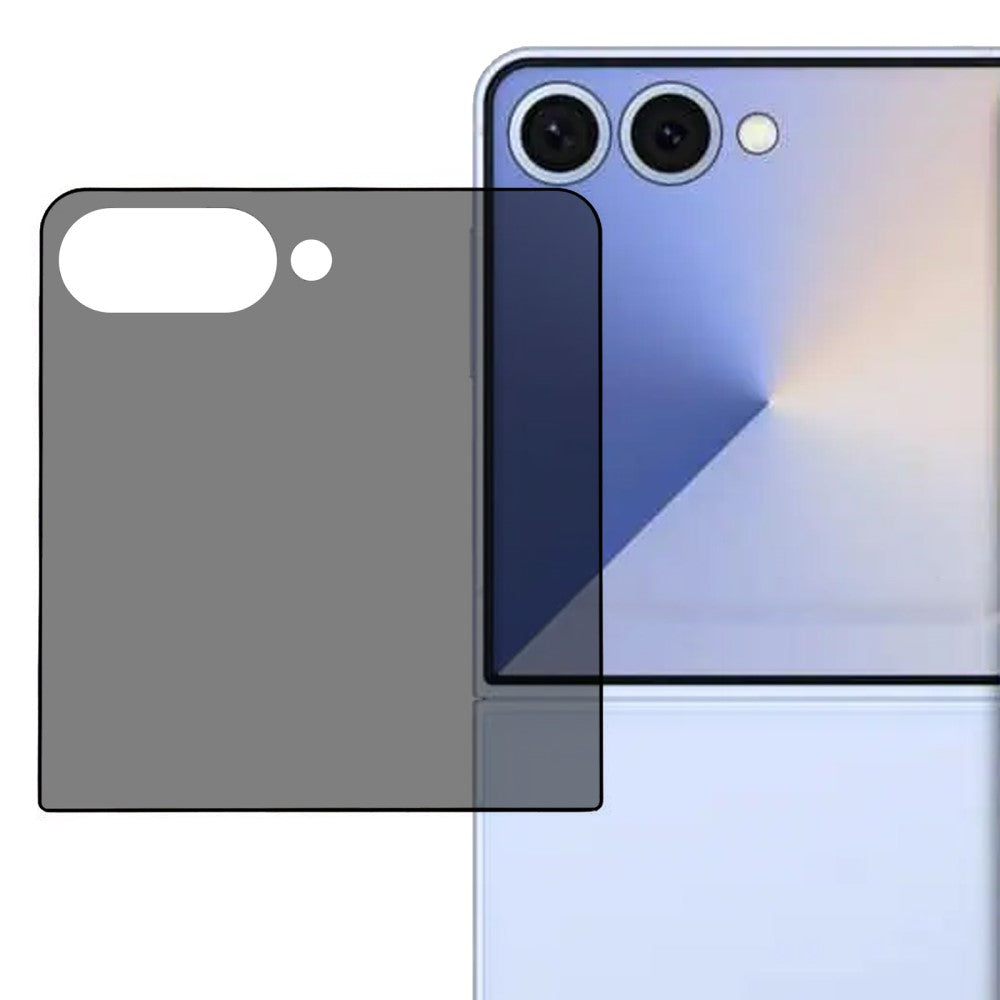
Motorola Razr Fold 5G Screen Protector Anti-Spy Flexible Matte Full Screen Protective Hydrogel Film - Black
Choose your option


Motorola Razr Fold 5G Magnetic Case Flexible Frame Acrylic Back Phone Cover Skin Touch - Pink
Choose your option
The right protection for the foldable form factor
The Motorola Razr Fold is a technical masterpiece in which the large inner screen and the practical outer display are linked by an advanced hinge. This unique design places special demands on mobile accessories – they mustn’t interfere with the folding mechanism or make the phone unnecessarily bulky in your pocket. We’ve organised our range of specially designed, two-part cases so you can easily find the right product.
Choose accessories based on how you use your phone
- If you often use your phone folded up with one hand: In that case, we recommend a non-slip silicone case or a case with an integrated finger ring on the back. When the phone is closed, it becomes compact but slightly thicker, and a softer material or a ring minimises the risk of you dropping the device when quickly checking notifications.
- If you carry your phone in a packed bag: In that case, a full-coverage wallet case made from high-quality synthetic leather (PU leather) is the safest choice. It encases the entire device and provides a soft, shock-absorbing layer against keys and other objects, whilst also offering space for your most important bank cards.
- If you want to preserve that ultra-slim retro feel: Then you should opt for a thin, transparent hard plastic case. These cases attach discreetly to the top and bottom without affecting the phone’s natural lines, allowing the original design to speak for itself whilst providing effective scratch protection.
Don’t forget the outer screen
The inner, foldable screen is protected when the device is closed, but the outer screen is constantly exposed to the outside world. A bespoke Motorola Razr Fold screen protector made from tempered glass specifically for the outer display is a small investment that will save you from costly cracks and scratches.
Frequently asked questions
Does a case interfere with the phone’s folding mechanism?
No, all the cases and covers in our range are designed specifically for the Motorola Razr Fold. They’re constructed in two separate parts (one for the top edge and one for the bottom edge), which means the phone can be opened and closed just as smoothly as without a case.
What’s the best way to protect the phone’s hinge?
Some of our most robust hybrid cases come with built-in hinge protection that covers the mechanical ‘back’ when the phone is folded. If you’re in environments with a lot of dust or where there’s a risk of hard falls, this is an excellent option to prevent grit from getting into the mechanism.
Do accessories from older Motorola Razr models fit this one?
No. Motorola’s foldable phones are constantly being updated with new external screen sizes and altered dimensions. You must use accessories that are precisely cut to fit this specific model to ensure the camera, buttons and screens work flawlessly.
Can I charge my phone wirelessly with a case fitted?
Yes, most of our slim-fit silicone and hard plastic cases support wireless charging. However, if you’re using a thicker wallet case or a case with a metal ring on the back, you may need to remove the case before placing the phone on the charging pad.